3D mockupsFree
Make a tote bag mockup from your own artwork
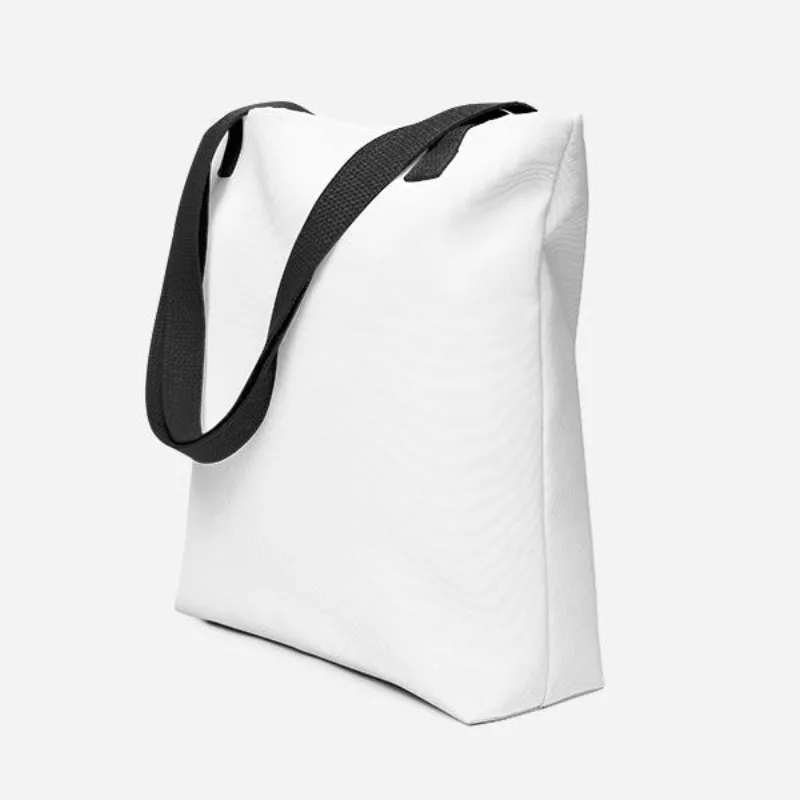
The tote bag mockup in StokX sets your artwork on a 3D tote with a big, flat face and long handles. Bring a logo, an illustration or a photo, place it on the bag, and get a lit product shot or a short turning video for your listing.
Free app · Pro for every garment and no watermark
How to make a tote bag mockup
- 01
Choose the Tote Bag
Find the Tote Bag in the 3D catalogue. It's marked Pro, so this model needs StokX Pro. It opens as a 3D bag you can turn to the front, the side or the back.
- 02
Place your artwork
Tap Logo and pick your artwork; a flat background comes off automatically. Drag it across the bag's face, scale it up to fill the panel or keep it small, and rotate it until it sits straight.
- 03
Style and save
Choose a bag color, a background and the light. Save a photo or a video, share the 3D link with a client, or order the tote printed with your design. One bag is fine.
More than a free tote bag mockup template
A big, flat print area
A tote is mostly one flat panel, which is why it suits large artwork. The 3D bag shows its 15 × 15 in face square-on, so a full illustration, a quote or a repeating pattern reads the way it will when someone carries it.
See it from the side
Turn the bag to three-quarters or side-on to check how the handles frame your design and how close it sits to the top edge. A layered template gives you one fixed view; the 3D model gives you all of them.
Light that shows the fabric
Move the light and choose a background, and the bag shades like a real product instead of a flat sticker. A plain backdrop suits a marketplace photo; a darker one suits a feed post or a launch graphic.
The bag you can order
The tote in the mockup is one you can order: a 100% polyester body, cotton denim handles 26 in (67 cm) long, room for 2.6 US gal (10 l), and it carries up to 44 lb (20 kg). Order one or many.
Share it as a 3D link
Send a client a stokx.online/3d link and they can turn the bag in their browser. Put it on a shop page with an iframe, and add ?rotate=0 if you'd rather it stays still until someone drags it.
Made for
- Shop merch and branded totes
- Event and conference giveaways
- Bookstore and café bags
- Artists selling prints on bags
- Etsy and Shopify tote listings
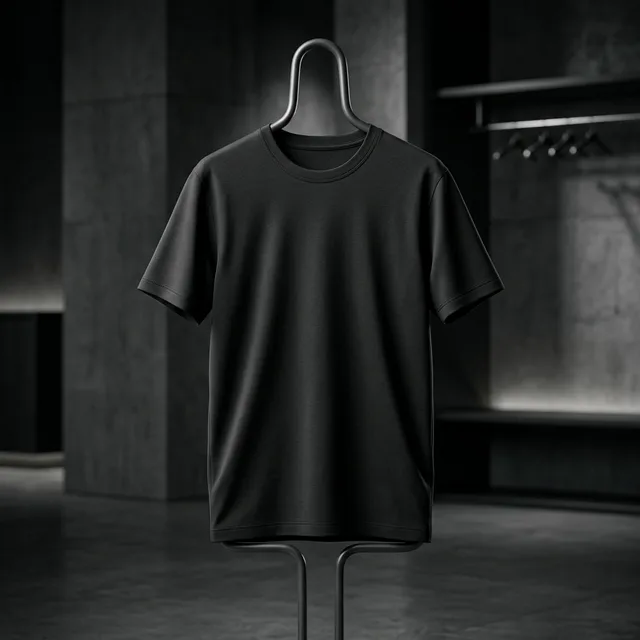
Then put it on real clothes
Every design you make can be printed on demand and shipped to your door — no minimum order.
Frequently asked questions
What is a tote bag mockup?
A tote bag mockup is a picture of your artwork on a bag that hasn't been made yet, so you can sell it, pitch it or check the layout. StokX builds it on a 3D tote instead of a layered template, which means any angle, any light and a video all come from the same design.
Is there a free tote bag mockup?
The StokX app is free to download, but the Tote Bag is a Pro model, so a tote bag mockup needs StokX Pro. On the US App Store that's $5.99 a week, $6.99 a month or $39.99 a year. Pro also removes the watermark, exports in 4K and unlocks every other Pro model.
How big is the tote bag?
It measures 15 × 15 in (39 × 39 cm) and holds 2.6 US gal (10 l). The body is 100% polyester, and it carries up to 44 lb (20 kg) on cotton denim handles 26 in (67 cm) long. What you see in the mockup is the bag you can order, so plan your artwork for a square panel.
What artwork works best on a tote?
Bold artwork with a squarish shape works best, because the bag's face is a square. Large illustrations, short quotes and logos with a clear outline read well from across a room. Very thin lines get lost at a distance, so turn the 3D bag and view it small before you commit.
Can I make a tote bag mockup video?
Yes. Pick an animation and export a video of the bag turning or moving, ready for Reels, TikTok or a product page. Three animations are free and seven more come with Pro, and since the tote is a Pro model, all ten are open to you while you work on it.
Where can I make a tote bag mockup?
In the StokX app for iPhone, iPad and Android, with iOS 16 or later on Apple devices. The website doesn't run the editor. It sells the printed totes at stokx.online/shop and opens the 3D links you share, which work in any browser without the app.
Can I order the tote I designed?
Yes, and there's no minimum, so one bag is fine. Each tote is printed after you order and ships to 22 countries, with tracking at stokx.online/orders. The price includes printing, and shipping is shown at checkout before you pay, so you know the total up front.
Your brand, ready to sell
Tote Bag Mockup and every other StokX tool, free to download on iPhone and Android.