Create with AIPay with coins
AI photoshoot: put your design on a model, online
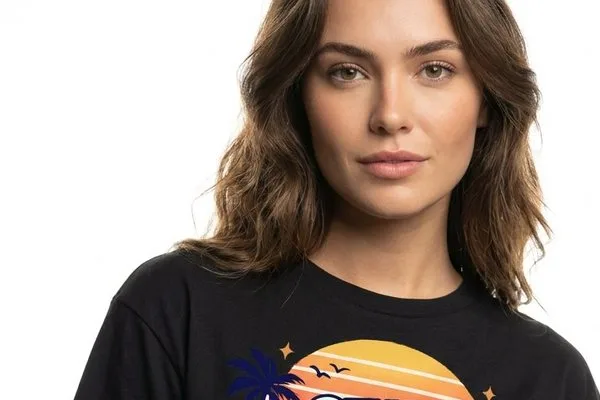
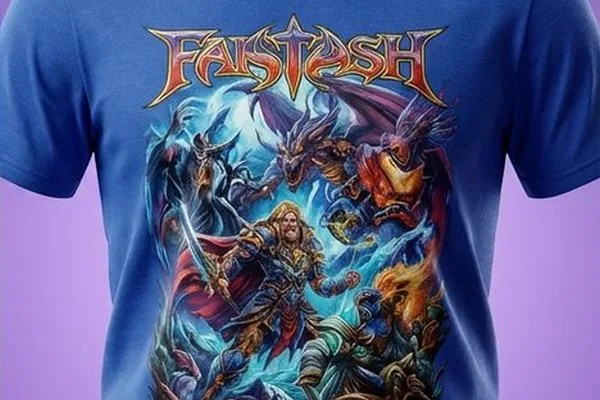
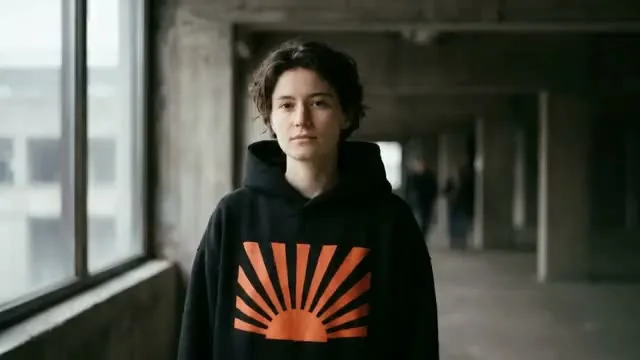
An AI photoshoot in StokX turns your design, or a photo of the garment, into four photos of a lifelike model wearing it. Do it right here in your browser with web Pro, or in the StokX app. Pick the scene, the model, the garment and the size, and each photo comes back in a different pose, ready for a product page or a post.
Here with web Pro · in the app: 60 coins for 4 photos
Try AI Photoshoot here
Upload your design or garment, pick a scene, and get 4 photos of models wearing it.
Your design or garment
Scene
Model
Garment
Size
4 pictures per click, each counting toward your daily AI pictures. We don't store your photos — they go to the AI model only to make these pictures.
How to do an AI photoshoot
- 01
Add your design
Open AI Photoshoot in the StokX app and add the artwork you want to show, or a 3D render of your garment. The model will wear that design, so use the version you plan to sell.
- 02
Choose scene, model, size
Pick one of 28 scenes and the garment type, from 11. Choose Maya, Lucas, Aiko, Noah, Priya or Omar, or leave the model on Auto. Then set the size: 1:1, 4:5 or 9:16.
- 03
Get four photos
Start the shoot. It costs 60 coins and returns four photos of the model wearing your design, each in a different pose. Any photo that fails is refunded to your balance automatically.
AI product photography for the clothes you design
Four poses from one design
Every shoot returns four photos, and the model is in a different pose in each one. That's a main image plus three more for the gallery, an ad or the week's posts, all from a single upload.
28 scenes to set the mood
Pick from 28 scene presets so the photos match the look of your store, from a plain studio backdrop for clean listings to settings with more atmosphere for social posts and campaign images.
Six models, or Auto
Choose Maya, Lucas, Aiko, Noah, Priya or Omar. Pick the same model for every shoot in a collection and your listings look like one brand. Or set the model to Auto and let the app choose.
The right garment, not a guess
Tell the shoot what your design is printed on, from 11 garment types. The model then wears that kind of piece, so the photos match the product you'll actually sell, not a generic tee.
Sized for where it goes
Square 1:1 for marketplaces and shop grids, portrait 4:5 for the Instagram feed, vertical 9:16 for Stories, Reels and TikTok. Set the size before the shoot and the photos come back framed for it.
You pay for photos you get
A shoot is 60 coins, which works out to 15 coins per photo. If one of the four photos doesn't come through, its coins go back to your balance automatically, without a support ticket.
Made for
- Etsy and Shopify listings
- Print-on-demand product pages
- Instagram and TikTok posts
- Merch drop previews
- Lookbooks for small brands
- Pitching designs to clients
Then put it on real clothes
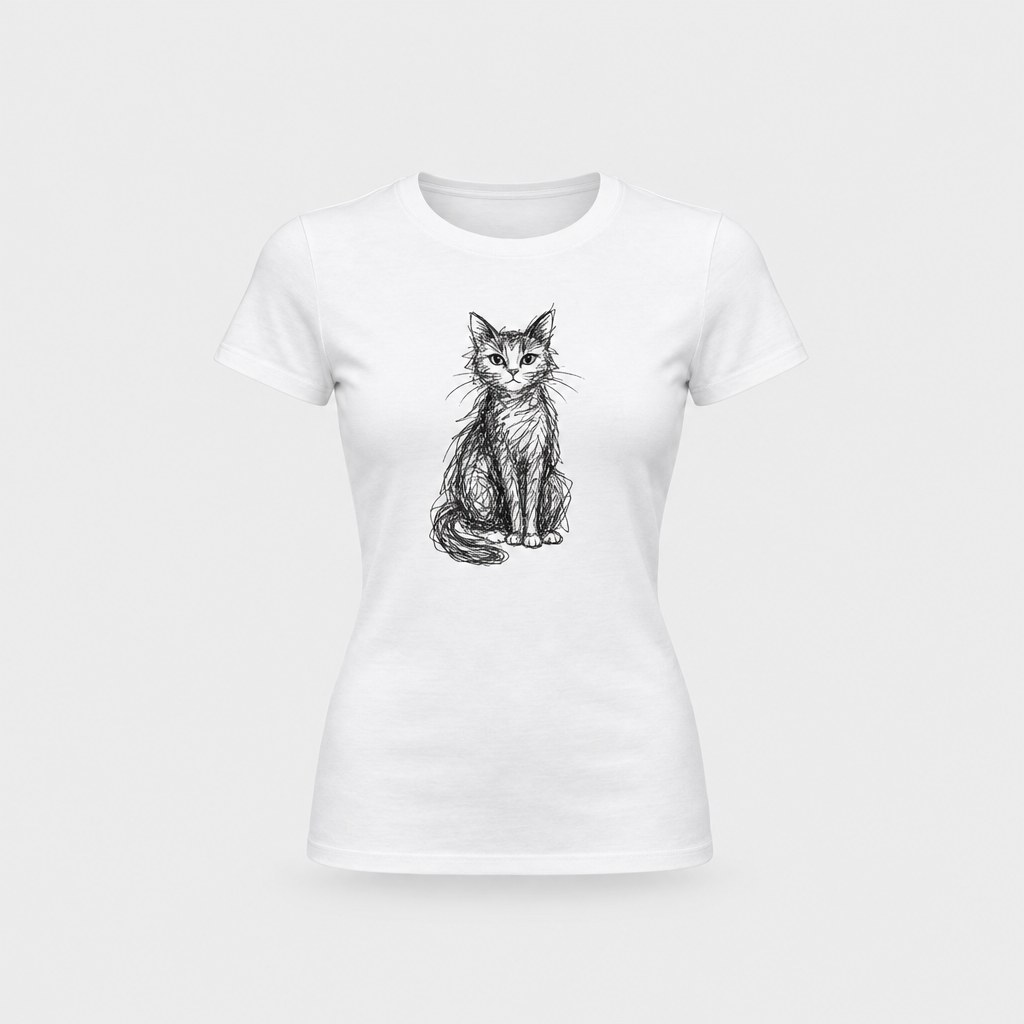
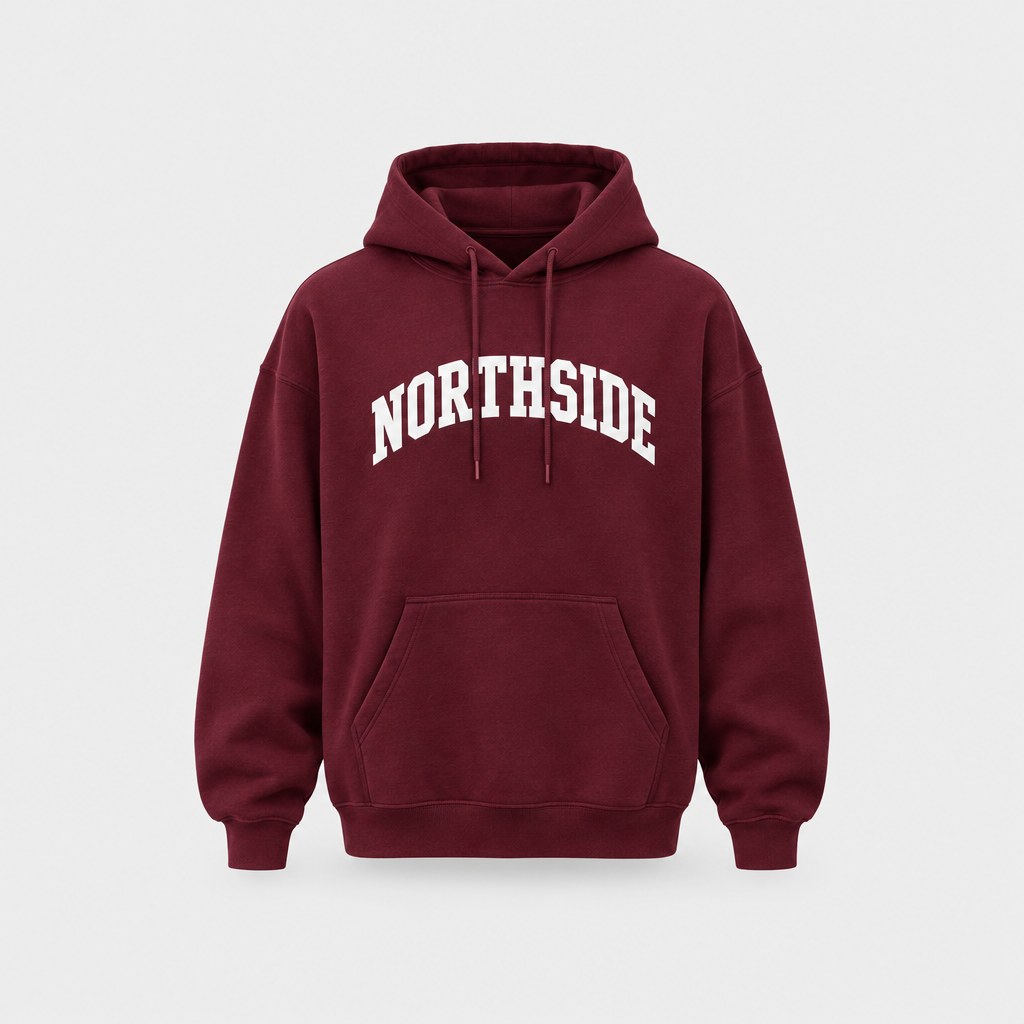
Every design you make can be printed on demand and shipped to your door — no minimum order.
Frequently asked questions
What is an AI photoshoot?
An AI photoshoot makes photos of a model wearing your clothing without a camera, a studio or a model booking. In StokX you give it your design or a 3D render, choose a scene, a garment, a model and a size, and get back four photos of a lifelike model wearing it, each in a different pose.
How much does an AI photoshoot cost?
A shoot costs 60 coins, or 15 coins per photo, and any photo that fails is refunded. New users get 15 free coins, which isn't enough for a full shoot. In the US App Store, coin packs run from 50 coins for $1.99 to 5,000 for $44.99, and the 420-coin pack ($4.99) covers seven shoots. Prices vary by country, and StokX Pro includes a monthly allowance of coins.
Can I choose the AI model?
Yes. Pick Maya, Lucas, Aiko, Noah, Priya or Omar, or set the model to Auto and let StokX decide. Unlike a general AI model generator, you don't describe a person from scratch. You choose an AI fashion model and the shoot dresses them in your design, so reusing the same model keeps a collection consistent.
What can I use as the starting image?
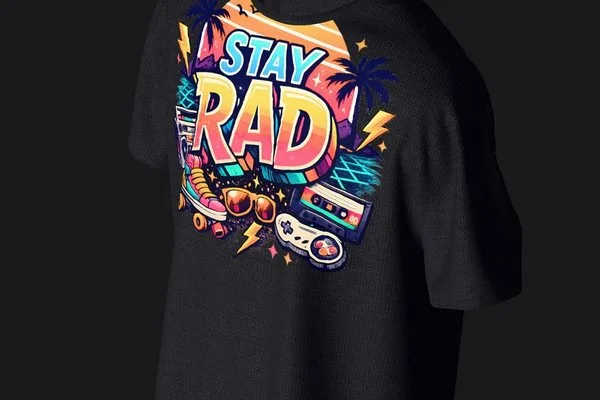
Your design or a 3D render of it. A flat artwork file works, and so does a render of a garment you built in the StokX 3D editor, like the black Stay Rad tee on this page. You also tell the shoot which of the 11 garment types the design is on, so the AI clothing model wears the right piece.
What sizes do the photos come in?
Three: square 1:1, portrait 4:5 and vertical 9:16. Square works for marketplace listings, 4:5 fills the Instagram feed, and 9:16 is for Stories, Reels and TikTok. You set the size before the shoot, and all four photos come back in it.
Where can I do an AI photoshoot?
Right on this page with web Pro: upload your design, pick a scene and get 4 photos in your browser. Web Pro is billed by Whop and you can cancel any time. AI Photoshoot is also in the StokX app on iPhone, iPad (iOS 16 or later) and Android, where a set of 4 photos costs 60 coins.
Can I get the shirt in the photos printed?
Yes. Any design in StokX can be printed and shipped with no minimum, so a single shirt is fine. It ships to 22 countries, prices include printing, and the shipping price appears at checkout before you pay. Order one as a sample and see how it compares with the photos from your shoot.
Your brand, ready to sell
AI Photoshoot and every other StokX tool, free to download on iPhone and Android.