3D mockupsFree
Varsity and bomber jacket mockups in 3D
Your logo goes on a 3D varsity or bomber jacket, and the jacket mockup shows it from every side, with real light on the sleeves, trims and fabric. Turn it, change the colors, then export photos, a video or a 3D link for your team, club or brand.
Free app · Pro for every garment and no watermark
How to make a jacket mockup
- 01
Pick varsity or bomber
Open the 3D catalogue and choose the Varsity Jacket for a letterman look, or the bomber, listed in the app as Puffer Jacket, for an all-over print. Both turn to any angle.
- 02
Add crest and lettering
Add your crest, mascot or wordmark as a logo. The Varsity and Stitched text looks in the Logo Editor suit jackets. Place the design on the chest or across the back and size it.
- 03
Light, export, order
Set the colors, the background and the light, export a photo or a video or share the 3D link, and tap Print when you want the real jacket made.
A varsity jacket mockup with the details right
Letterman cut, rendered in 3D
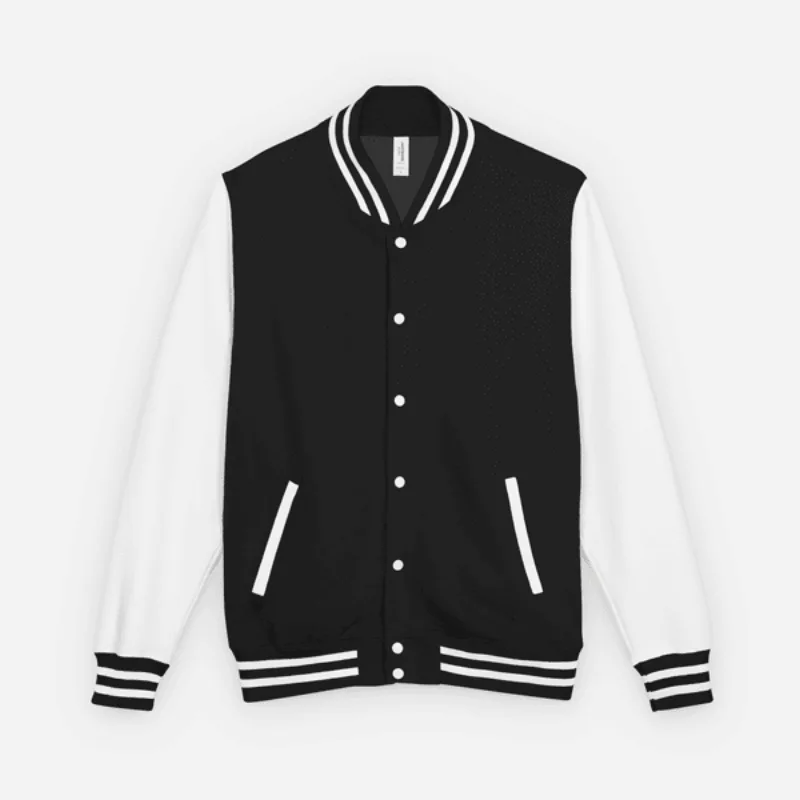
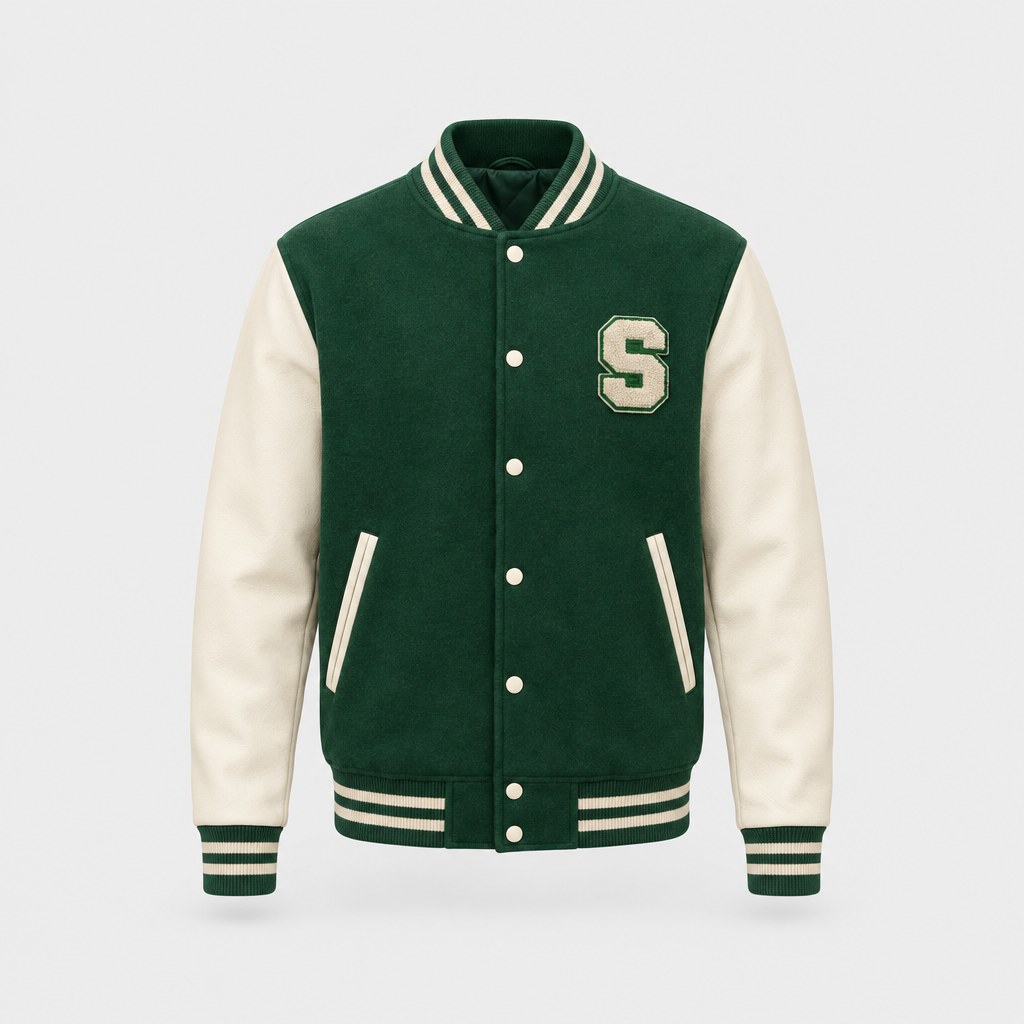
The varsity model has the letterman cut: a snap front and a ribbed collar, cuffs and waistband. Under real light and cloth physics it reads as a varsity jacket from any angle, not a flat outline with a logo on it.
Back prints for teams and clubs
The back of a varsity jacket is where the name goes. Place a big crest or a club name across the back, then turn the model to check it against the shoulders before you export the back view.
Printed, not chenille
Ordered jackets are printed, not stitched with chenille patches, which keeps any artwork, color or photo sharp. So mock it up the way it will arrive: a crisp, flat print rather than raised felt letters.
Bomber jacket mockup, edge to edge
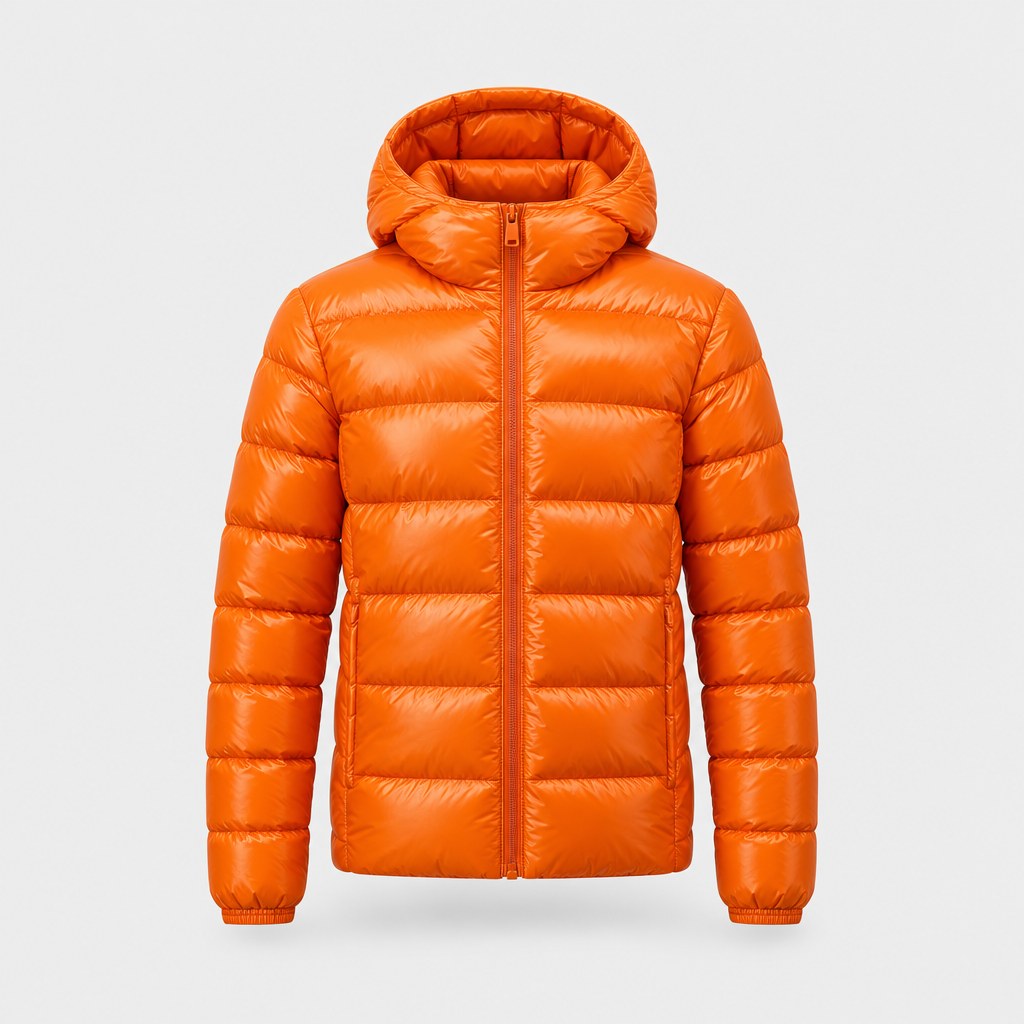
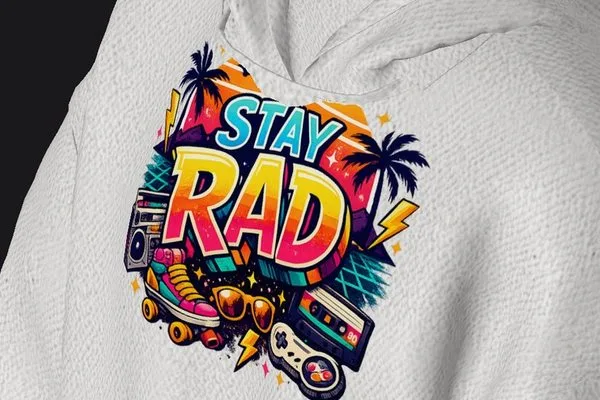
The bomber is made with all-over print, so on the real jacket your design can run edge to edge across the front and back. In the 3D editor, custom fabrics from your photos (Pro) give the mockup that all-over look.
Two jackets, two weights
The Varsity Jacket is medium-heavy: 9.73 oz cotton-poly with a soft cotton face and a brushed fleece lining. The Bomber Jacket is lighter 6.49 oz polyester, also fleece-lined, with a silver YKK zip and two pockets. It isn't padded like a puffer.
Jackets that move on video
Switch on cloth physics and record the jacket turning, so the sleeves and the hem move with it. A clip works for a team reveal or a drop teaser. Three animations are free; Pro has all ten.
Made for
- School and college teams
- Club and society jackets
- Graduation and class-year jackets
- Brand outerwear drops
- Team reveal videos
Then put it on real clothes
Every design you make can be printed on demand and shipped to your door — no minimum order.
Frequently asked questions
What is a jacket mockup?
A jacket mockup is a picture of your design on a jacket, made before anything is printed, so you can sell it, pitch it or get it signed off. StokX builds it on a 3D varsity or bomber jacket that you can turn, recolor and light, then export as a photo, a video or a 3D link.
Is a varsity jacket the same as a letterman jacket?
Yes, they're two names for the same style: a snap-front jacket with contrast sleeves and ribbed trims. In StokX it's the Varsity Jacket, and the mockup and the printed jacket share that shape, so a letterman jacket mockup and a varsity jacket mockup are the same thing here.
Can I make a bomber jacket mockup?
Yes. The bomber is listed in the app's 3D catalogue as Puffer Jacket and sold in the shop as the Bomber Jacket, because what's made is a fleece-lined bomber, not a padded puffer. It's all-over print, in 100% polyester, with a silver YKK zip, two pockets and a unisex fit.
Are the designs chenille patches?
No. Jackets ordered from StokX are printed, which keeps any artwork, color or photo sharp; there are no sewn chenille patches or felt letters. If you want a classic varsity feel, the Varsity and Stitched text looks in the Logo Editor give lettering that style, as a print rather than embroidery.
Is the jacket mockup free?
Downloading StokX is free. In the 3D catalogue some garments are free and others show a Pro mark; Pro opens all of them, removes the small watermark from photo exports and adds 4K. On the US App Store it's $5.99 a week, $6.99 a month or $39.99 a year, and prices vary by country.
Where can I make a jacket mockup?
Only in the StokX app, on iPhone, iPad and Android; the website doesn't run the editor. Share the finished jacket as a 3D link and your team, coach or customer can open it in any browser and turn it themselves, with no app to install.
Can I order a varsity jacket with no minimum?
Yes. Tap Print in the 3D editor to order the jacket you designed. Each one is printed when it's ordered, so a single jacket is fine, and a team can order one per person. Prices include printing, it ships to 22 countries, and shipping shows at checkout before you pay.
Your brand, ready to sell
Jacket Mockup and every other StokX tool, free to download on iPhone and Android.