

From logo to merch drop
AI photoshoots, 3D mockups and videos for your clothing brand — then printed on demand, no minimum.
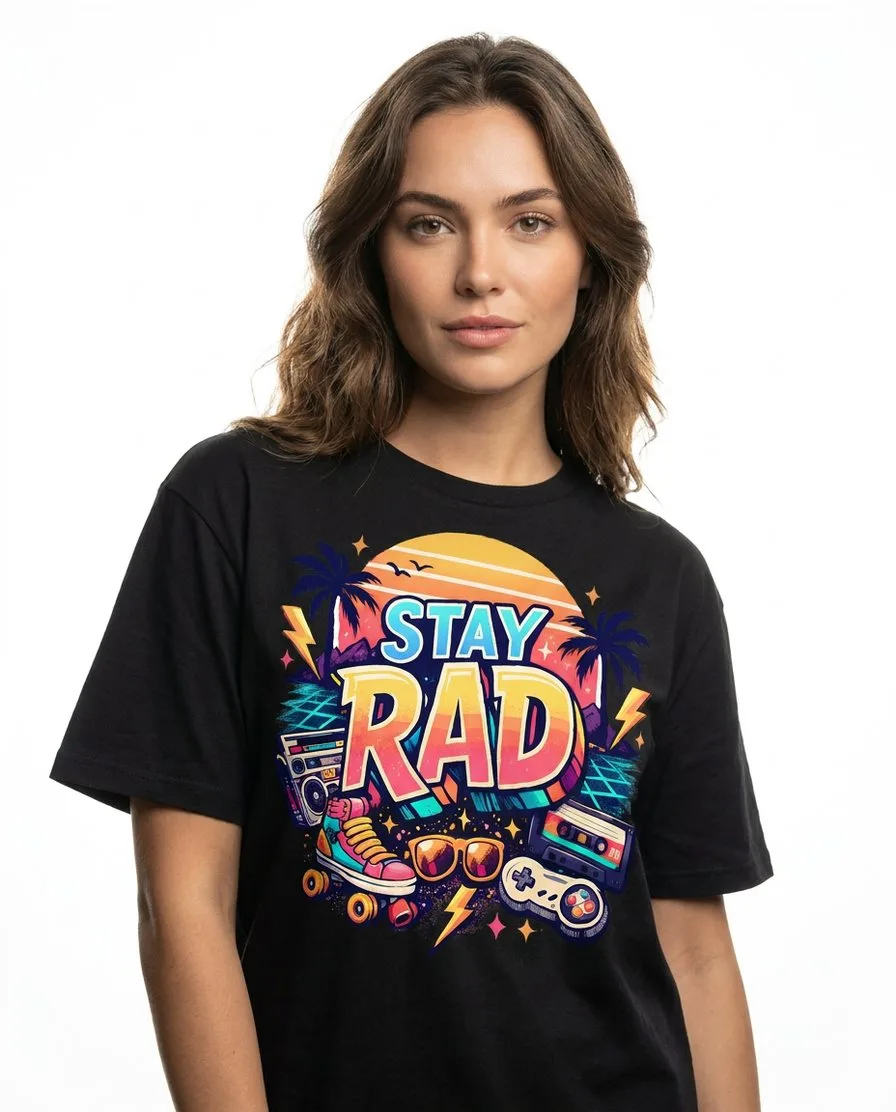
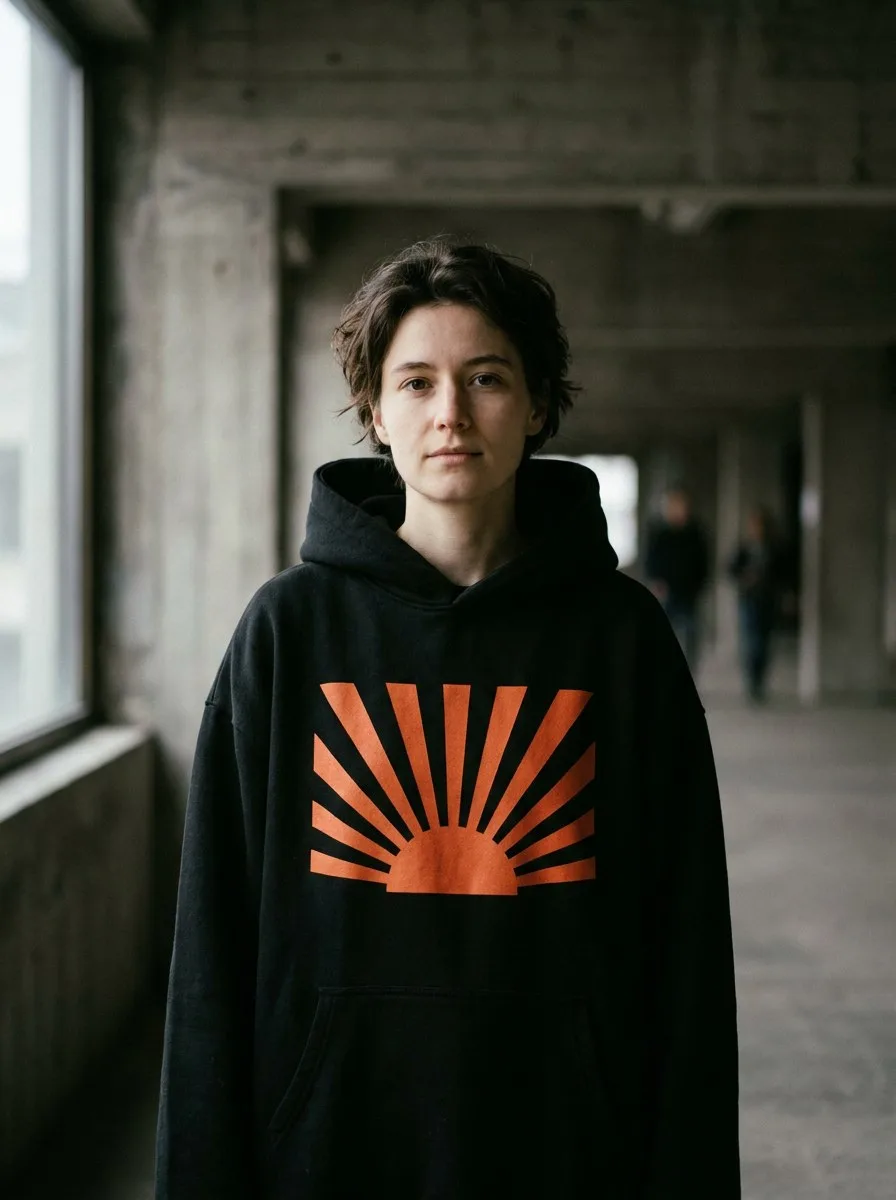
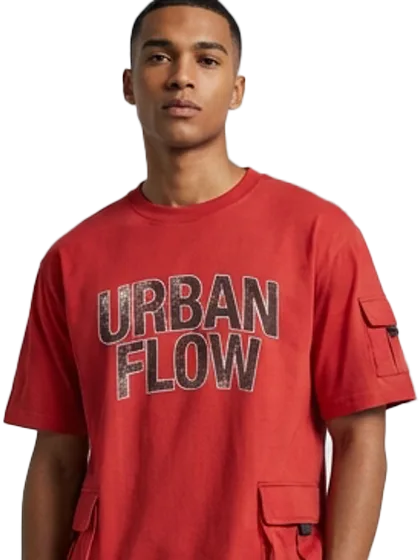
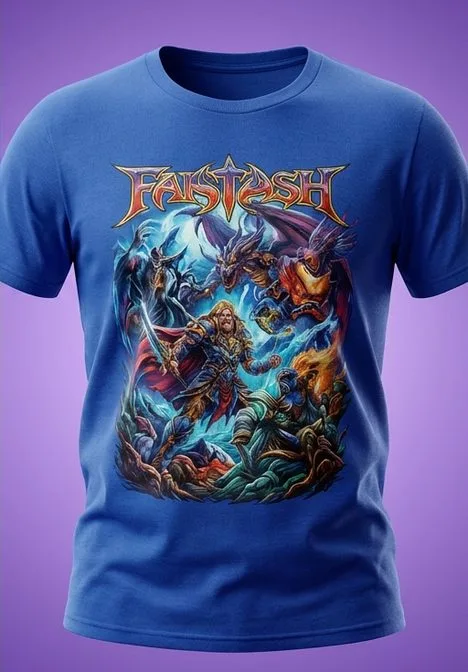
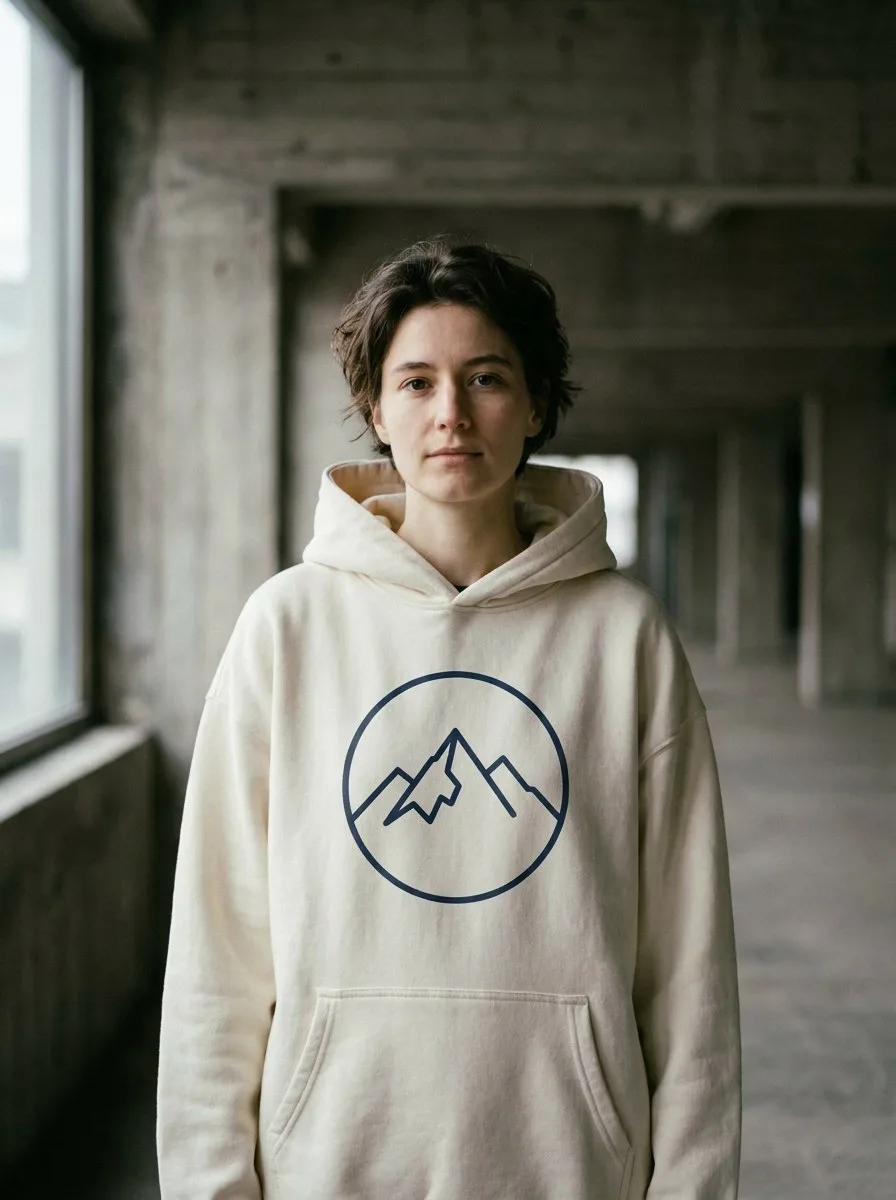
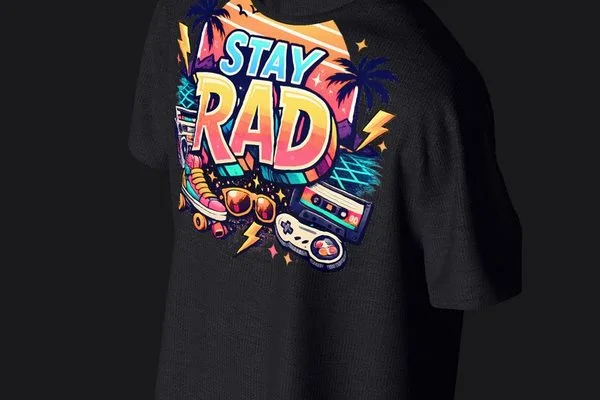
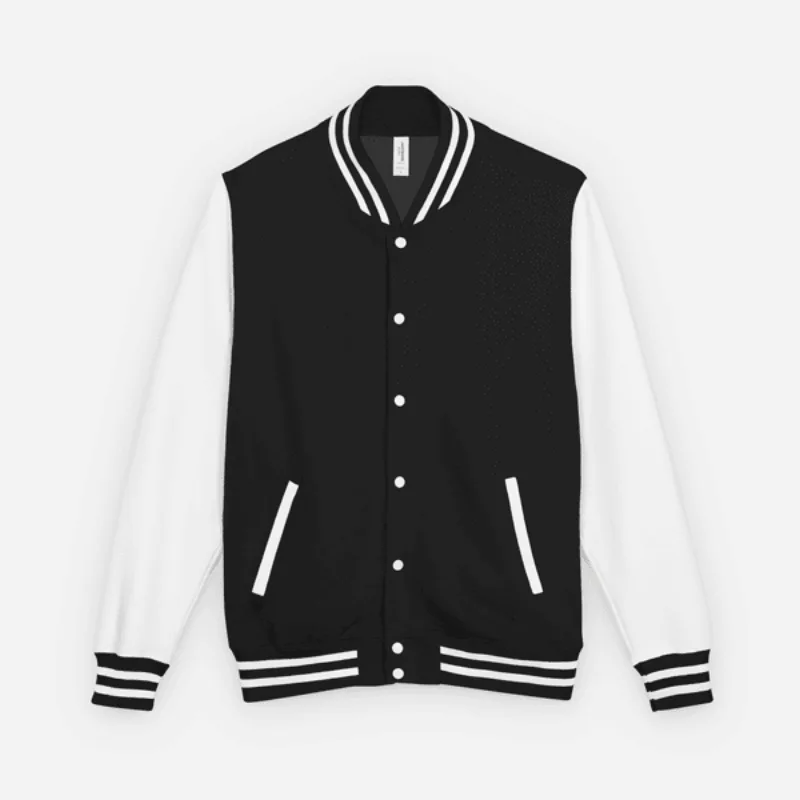
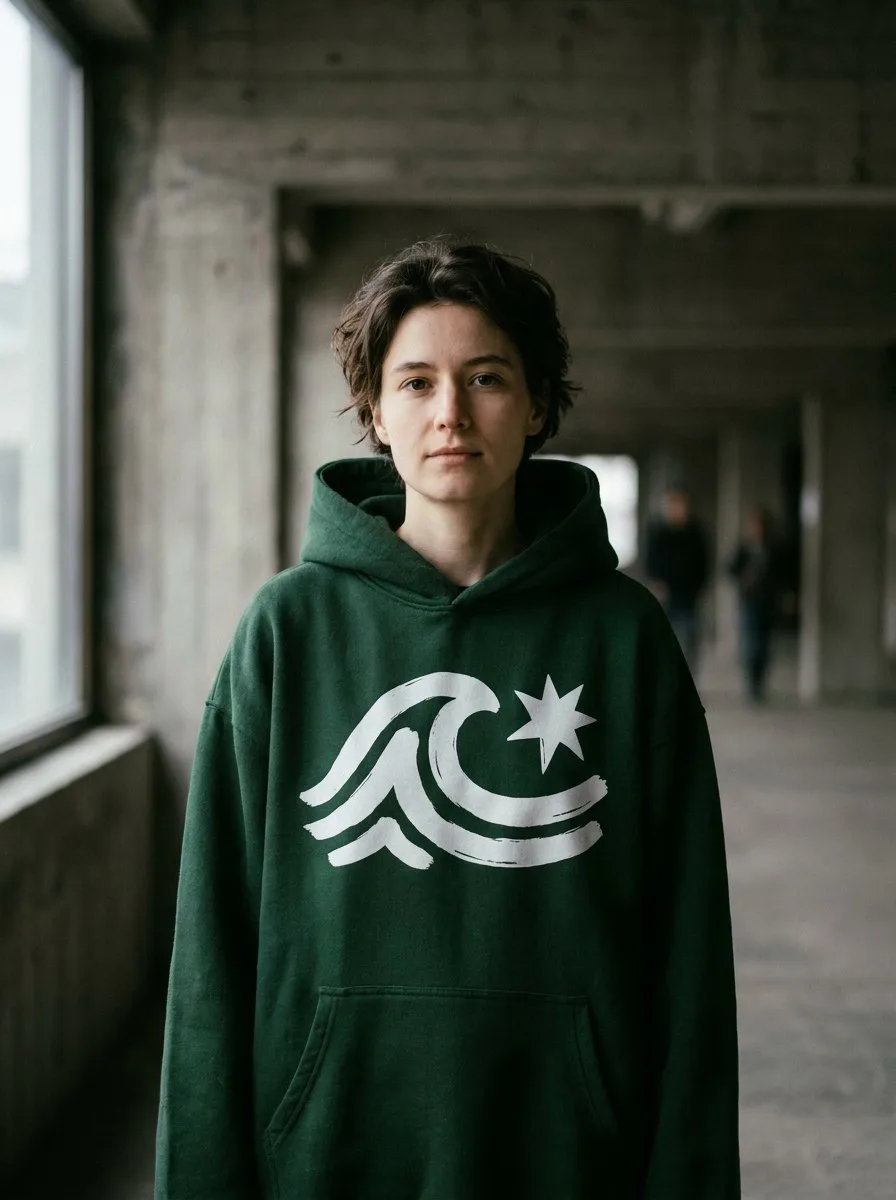
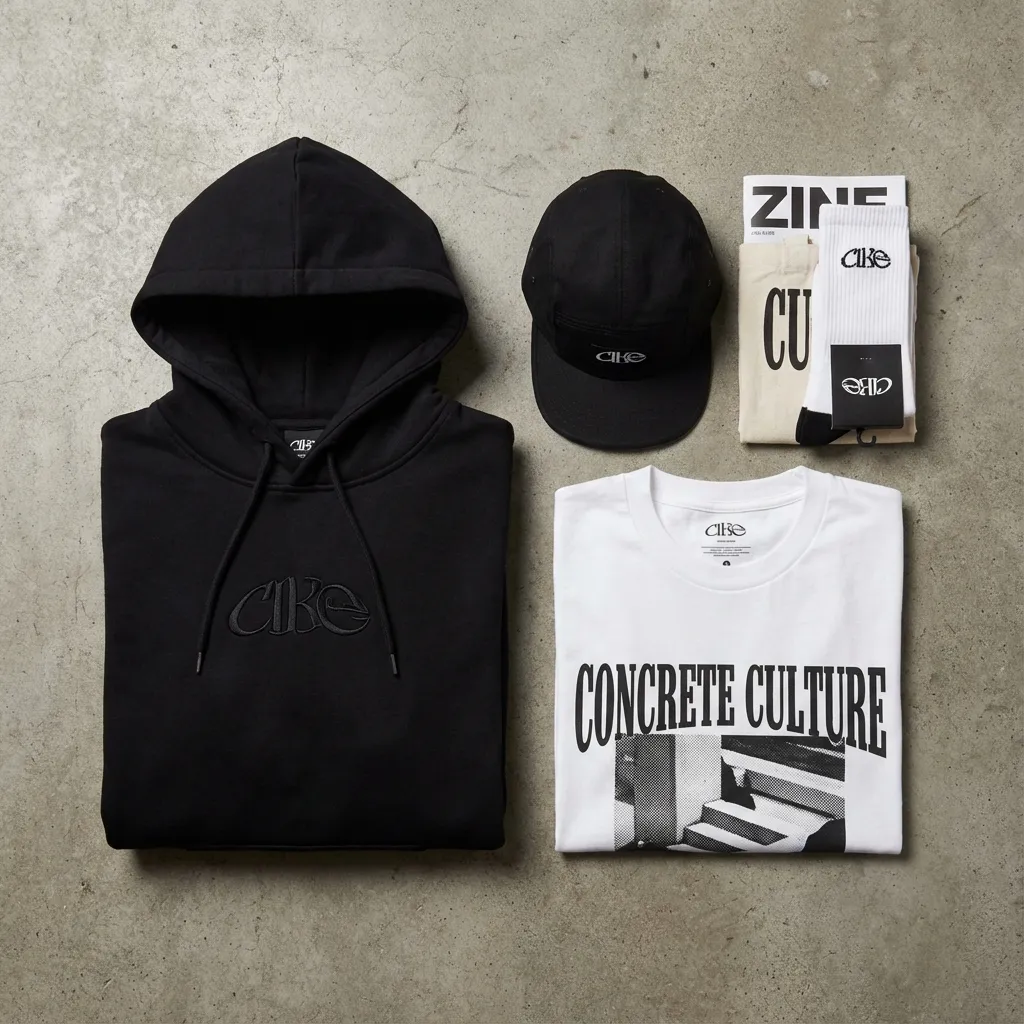
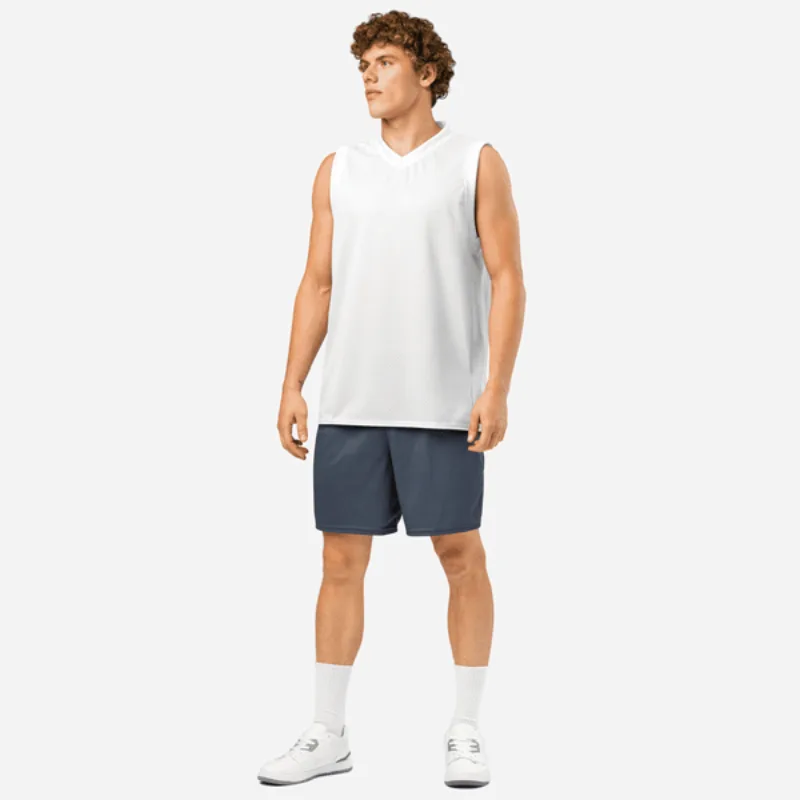
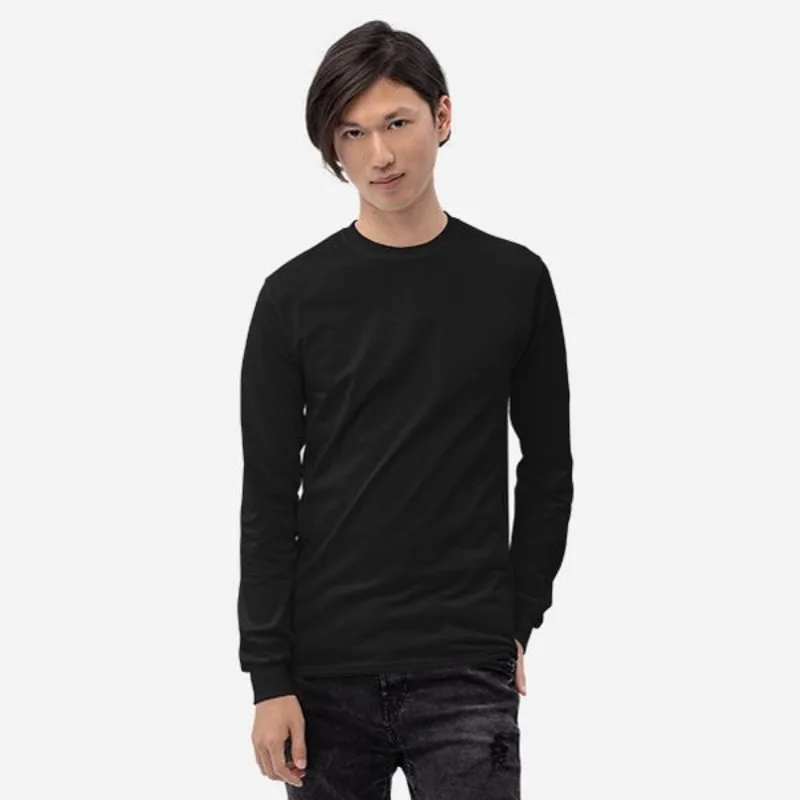

- No minimum — order just one
- Ships to 22 countries
- 25+ real 3D garments
- Free for iPhone & Android
Everything your clothing brand needs
Make the mockup, the photos and the video — then put it on real clothes.
 popular
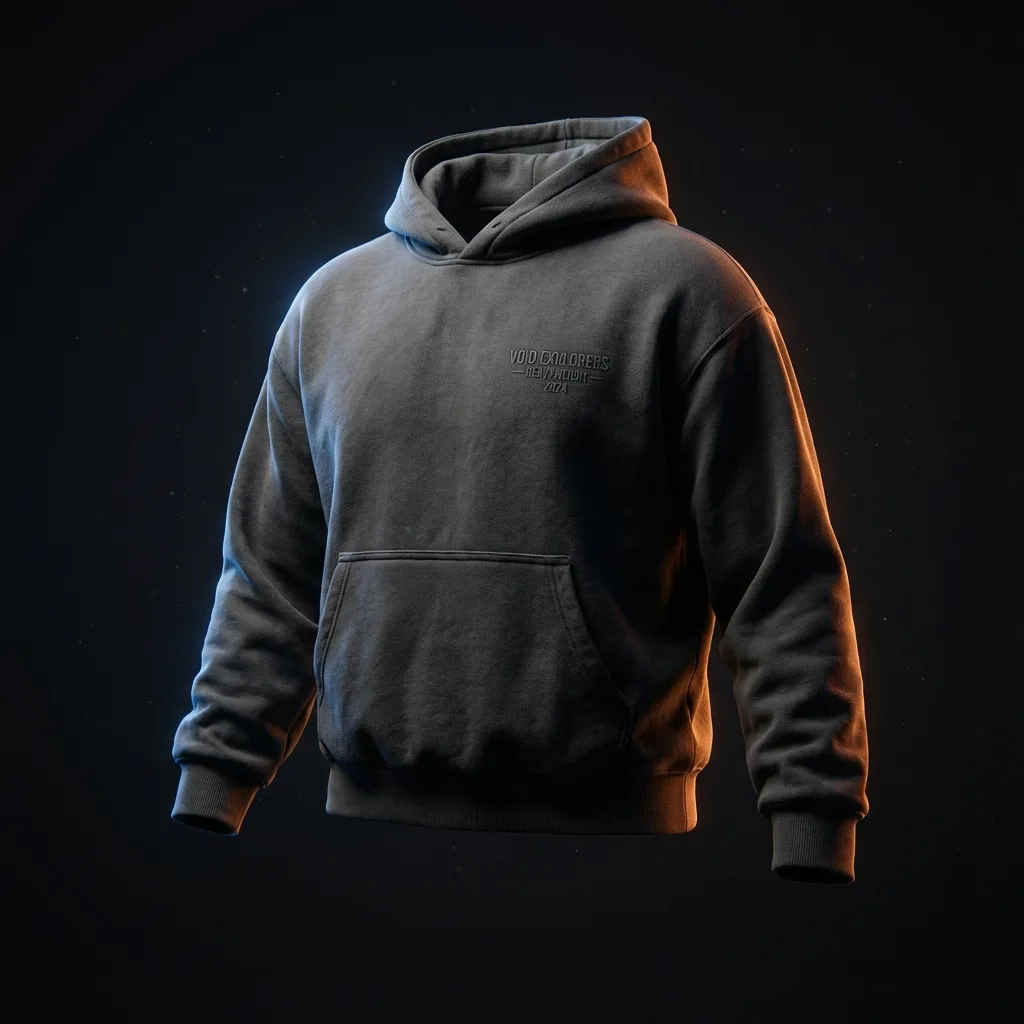
3D Mockups
Your design on 25+ 3D garments, from any angle
Learn more →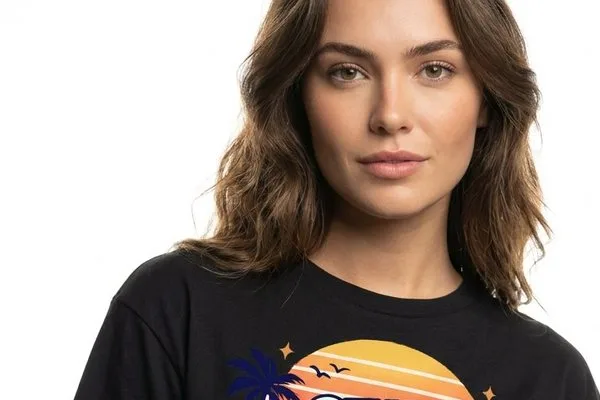 popular
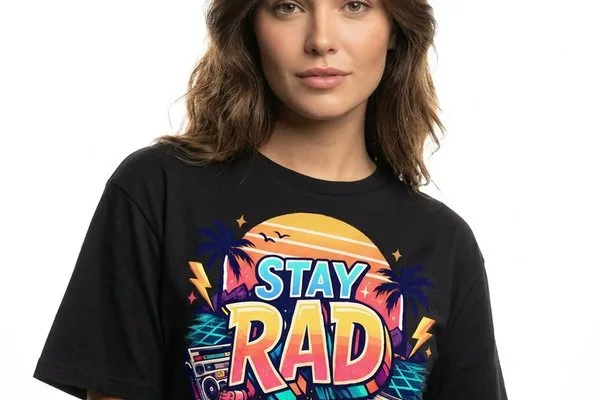
AI Photoshoot
Your design on a lifelike model, in 4 poses
Learn more →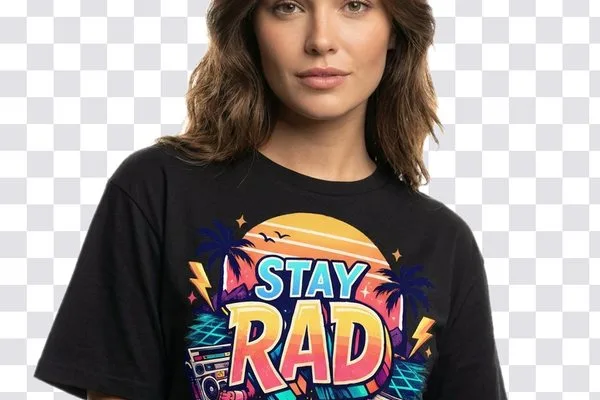 popular
Remove Background
Cut out anything and keep a transparent background
Learn more →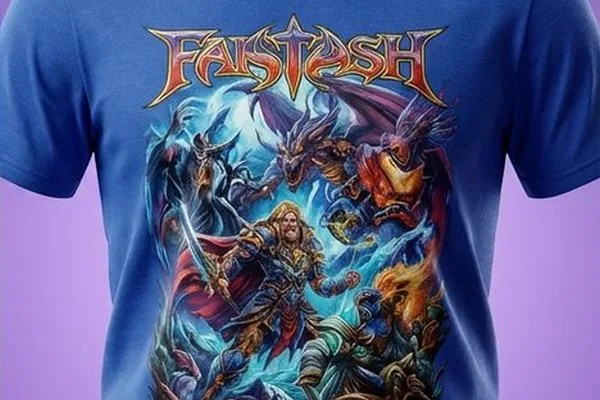
AI Backgrounds
Put your product in a new AI-made scene
Learn more →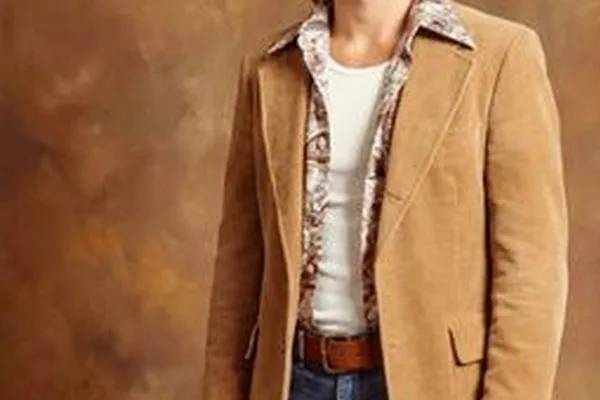
Outfit Changer
Put any garment on a person's photo, same pose
Learn more →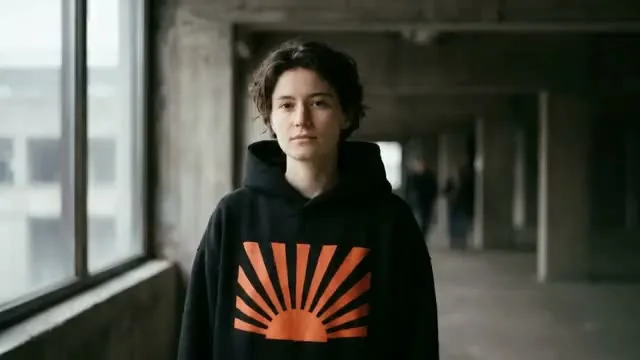 new
newAI Video
Turn one picture into a 5- or 10-second video
Learn more →
AI Logo
A logo for your brand from a prompt, made for merch
Learn more →
Studio Photo
A clean white studio shot with a soft shadow
Learn more →

Order your design on real clothes
Every product with its price, printing included. Pick one, add your design, and we print it and ship it to you.
Best seller
Oversized T-Shirt
From $22.06
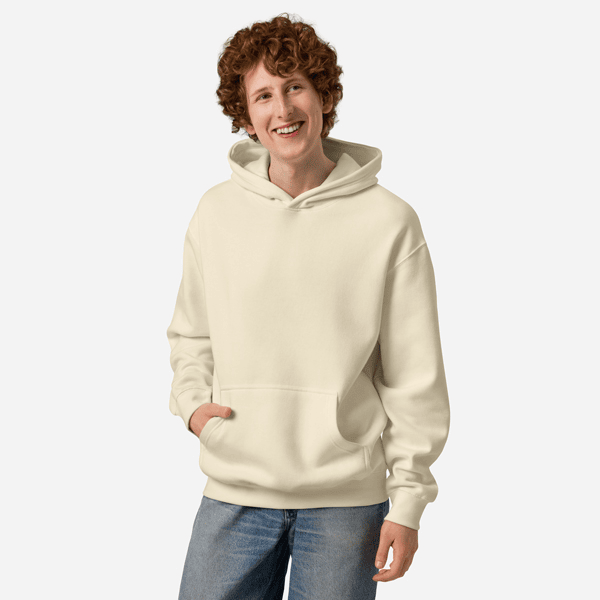
Oversized Hoodie
From $40.30
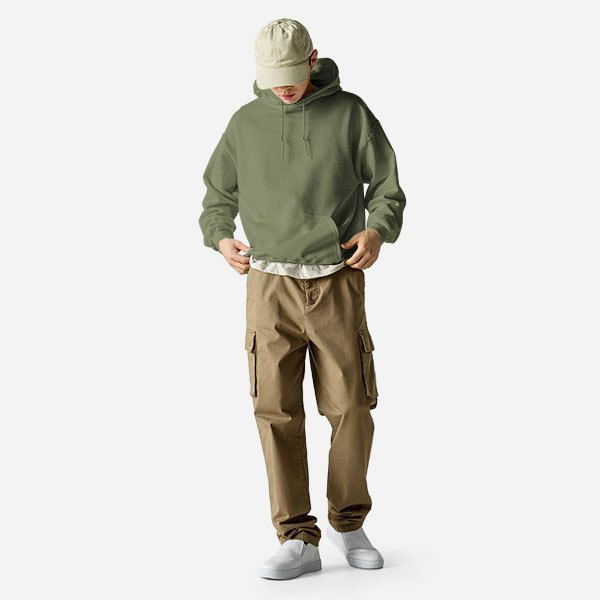
Hoodie
From $29.42
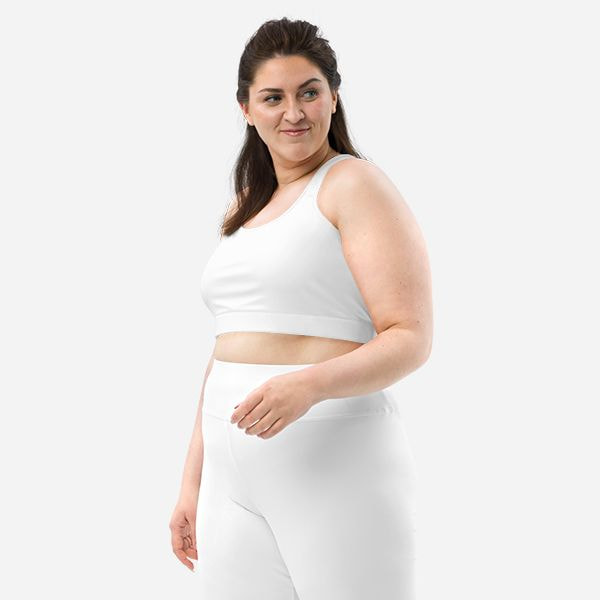
Sports Bra
From $32.40
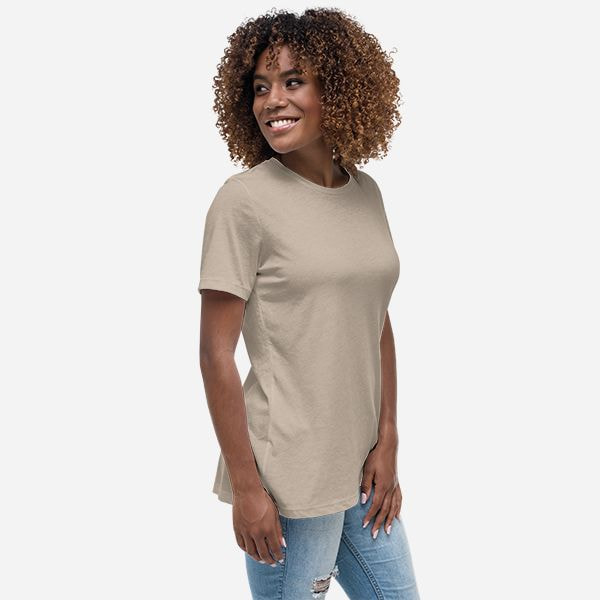
Women's T-Shirt
From $18.15

Trucker Hat
From $17.63
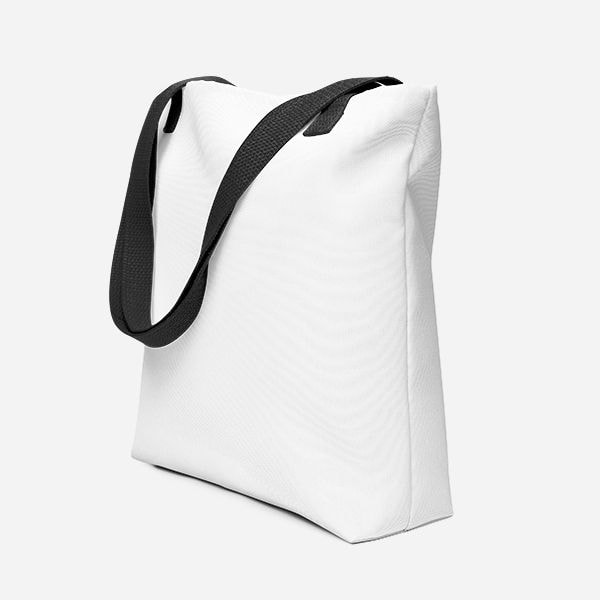
Tote Bag
From $22.88
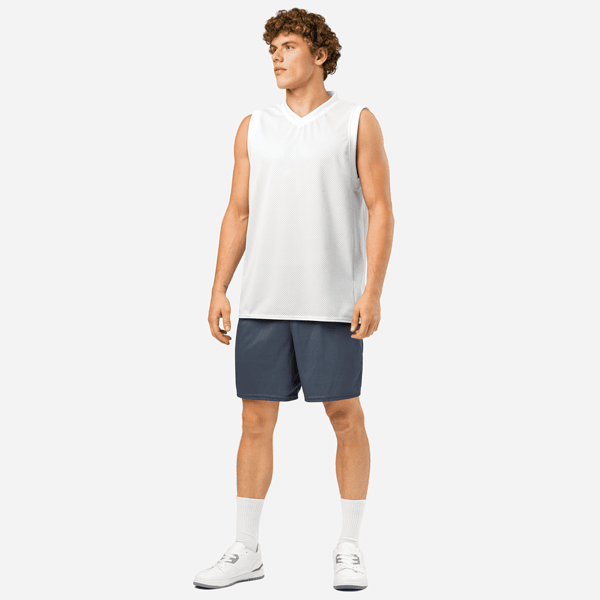
Basketball Jersey
From $40.56
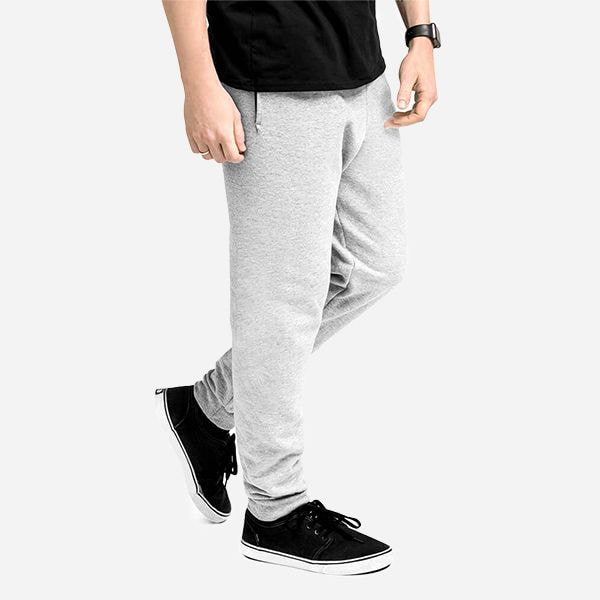
Jogger Sweatpants
From $29.90
Cycling Water Bottle
From $35.58

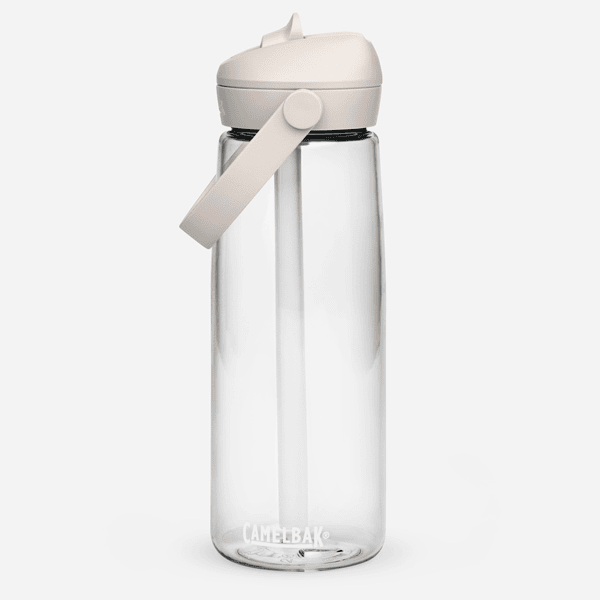
Water Bottle
From $31.71
Baseball Jersey
From $47.27
Athletic Shorts
From $38.97
Soccer Jersey
From $40.51
Varsity Jacket
From $75.01
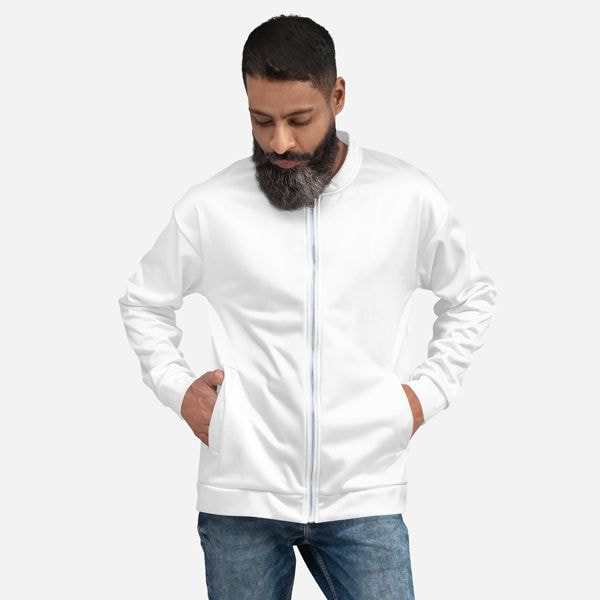
Bomber Jacket
From $64.92
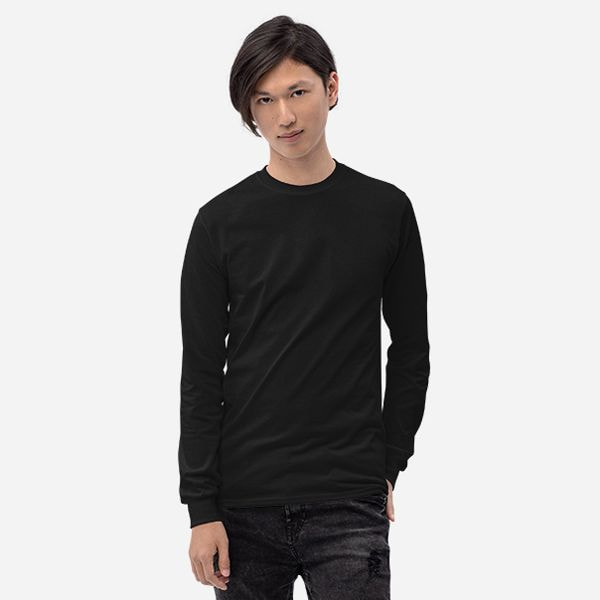
Long Sleeve T-Shirt
From $19.62
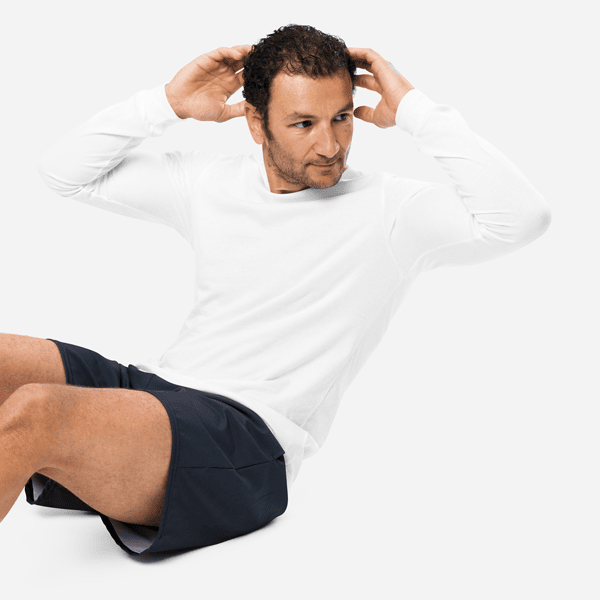
Premium Long Sleeve Tee
From $24.26
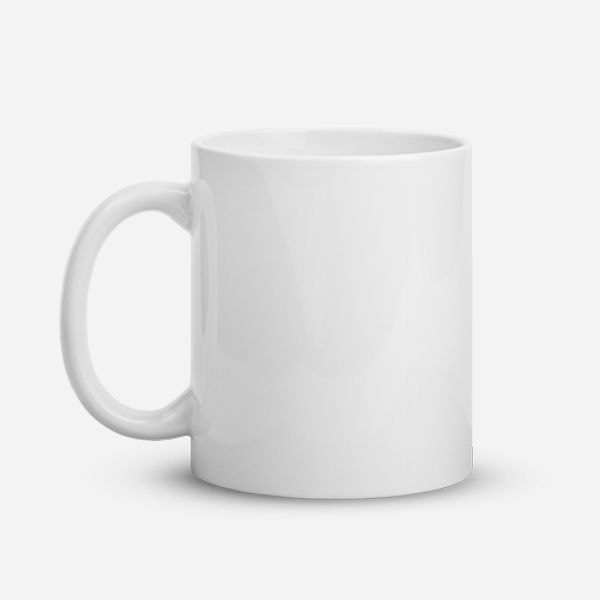
Mug
From $7.89
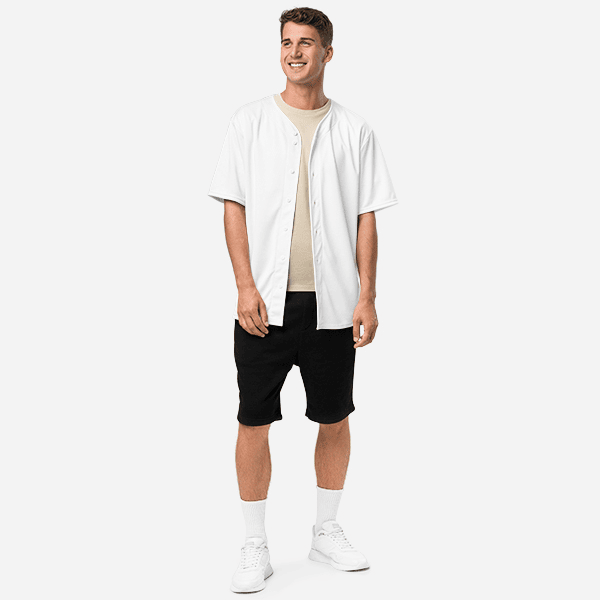
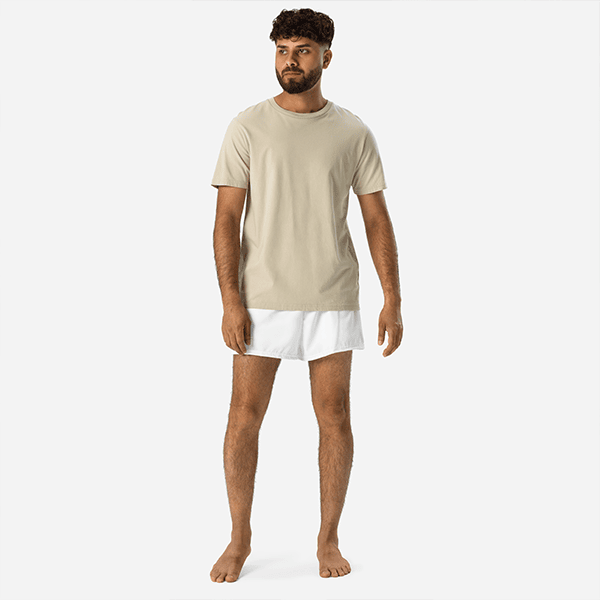
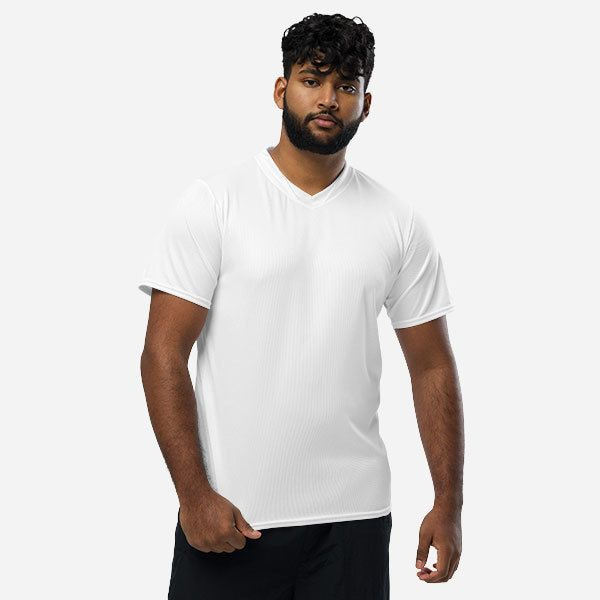
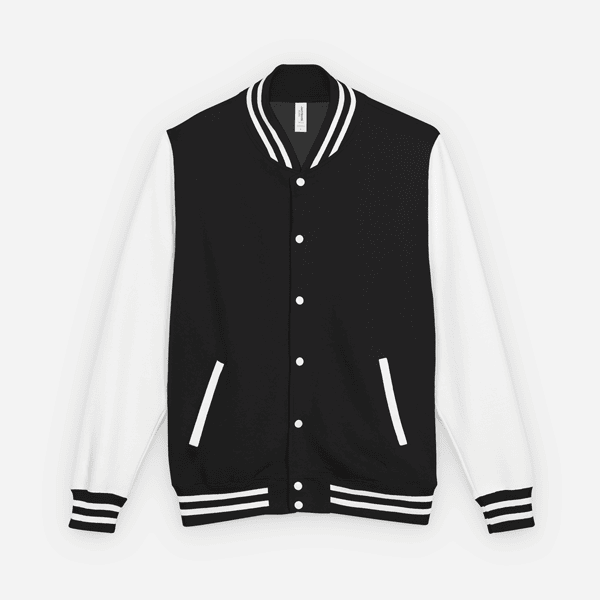
How to design your own t‑shirt
Three steps from an idea to a printed piece at your door.
- 01
Pick a product
T-shirts, hoodies, sweatshirts, jerseys and more, in every colour and size we stock. Prices include printing.
- 02
Make it yours
Upload your logo or artwork, or type your text. Drag it, size it and rotate it, on the front and on the back.
- 03
We print and ship it
Your piece is printed on demand by our print studio and shipped straight to your door.
See what StokX can do
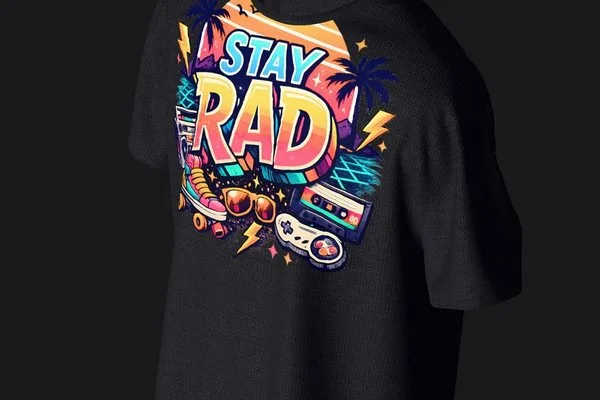
AI Photoshoot
Your design on a model, in four photos
AI Photoshoot turns a design into four photos of a model wearing it. Pick the scene, the garment and the model — square, portrait or story size.
Learn more3D Mockups
Real 3D garments, not flat templates
Your print on the fabric, with real light and cloth physics. Turn it to any angle, animate it, or share it as a 3D link anyone can open.
Learn more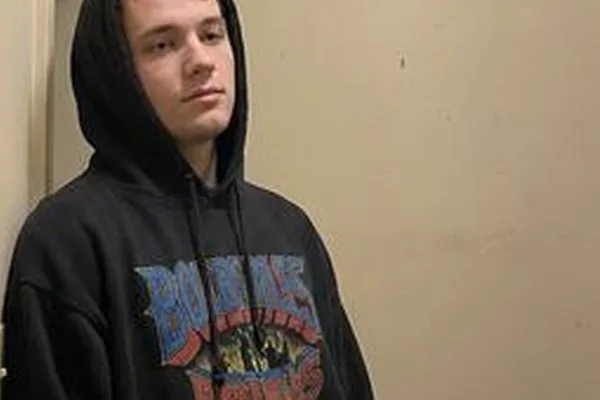
Outfit Changer
Any garment, on any person
Outfit Changer puts the garment from one photo onto the person in another. Same pose, new look.
Learn more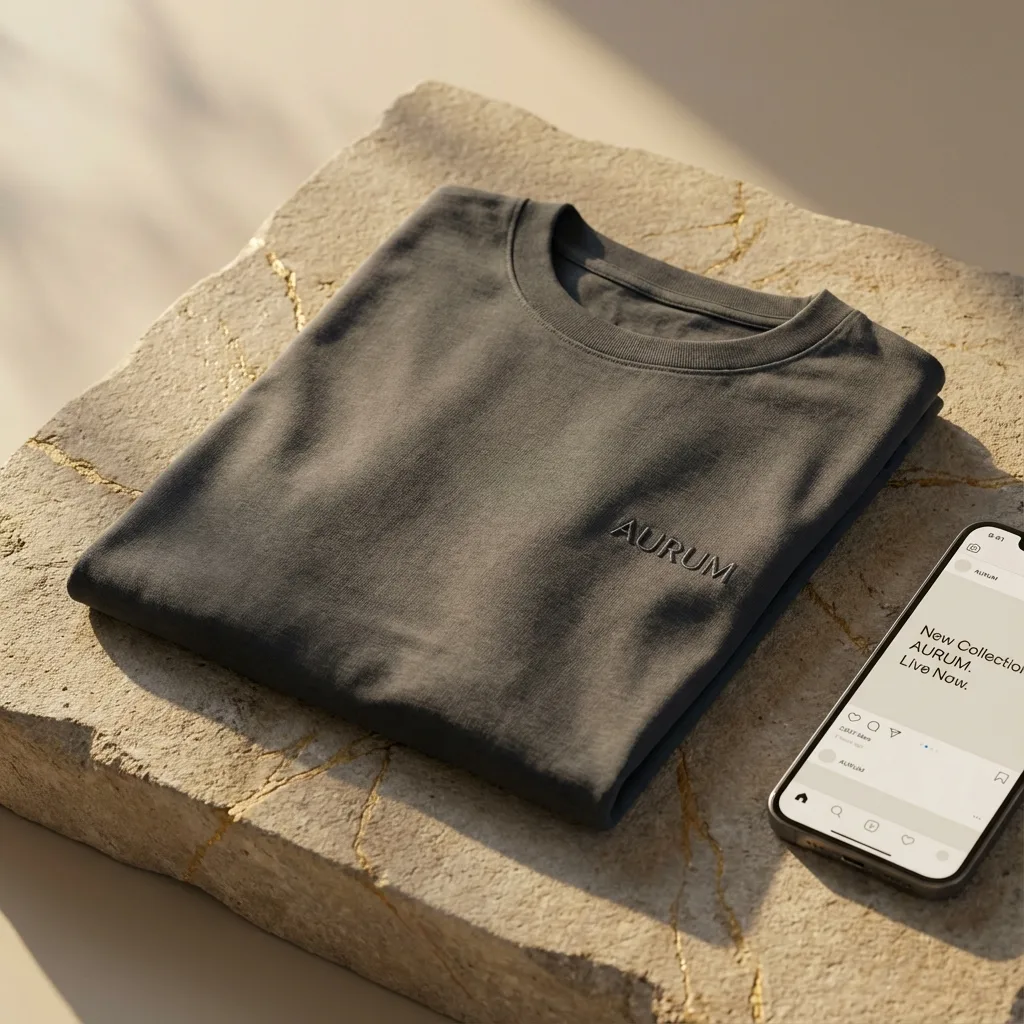
Print on Demand
From your screen to your door
Order any design printed on a tee, hoodie, jersey or cap. No minimum, shipped to 22 countries.
Learn moreBuilt for people who sell what they design
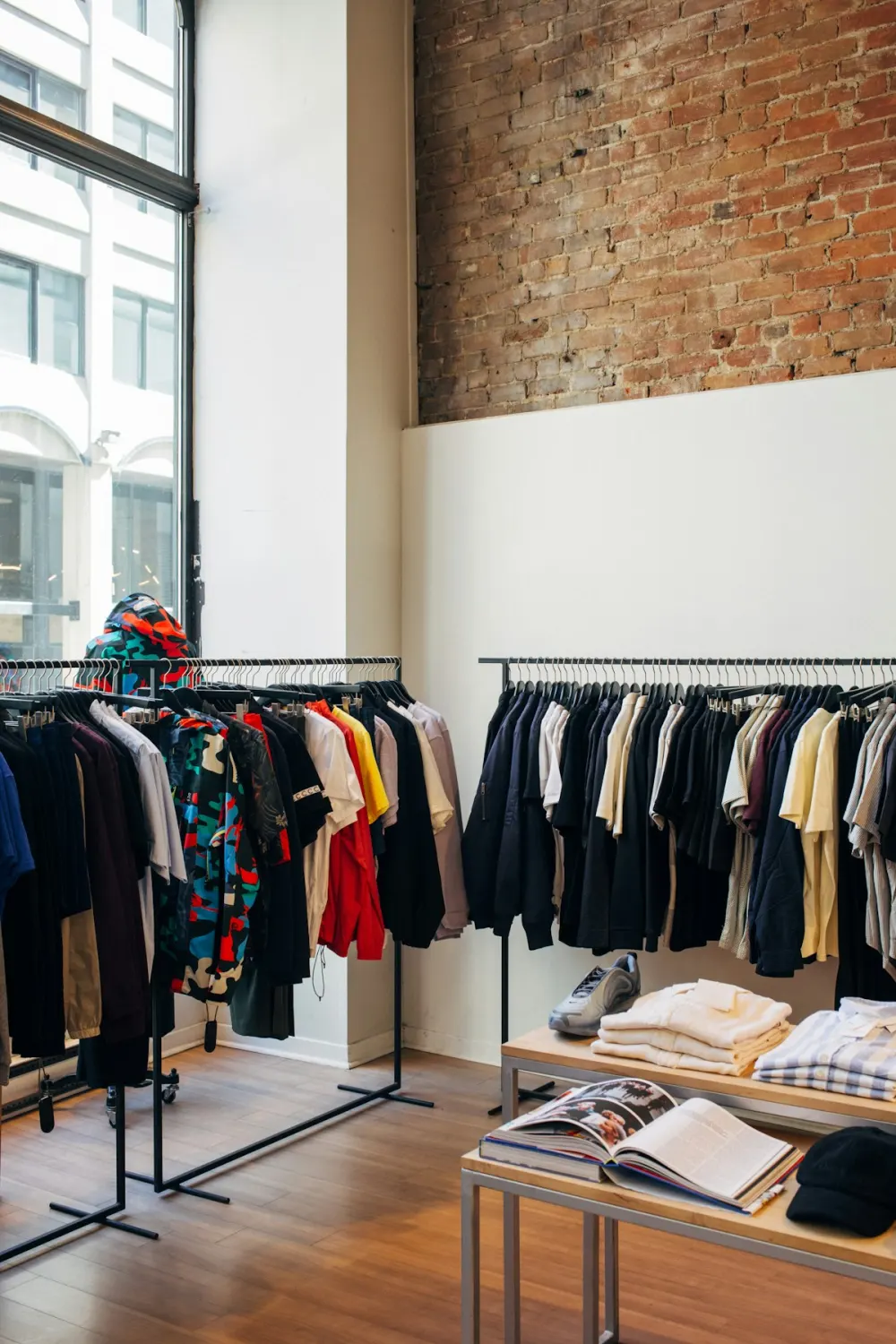
Clothing brands
Studio shots, model photos and video ads for every new piece — without a photographer, a studio or samples.
See AI Photoshoot →
Creators and side hustles
Launch a merch drop with no stock: mockups and photos from your phone, and every piece printed only when it sells.
How print on demand works →
Teams, clubs and events
Jerseys, hoodies and caps with your crest, names and numbers. See the set in 3D, then order one or a hundred.
See jersey mockups →
Start free. Go Pro when you're ready.
The photo editor on stokx.online is free, with no sign-up. Pro adds the AI tools on the web, billed by Whop.
See pricingFree
$0
- Remove background and studio photos
- Backgrounds, resize and text
- 1 free download, no watermark
Pro
From $5.99
- Unlimited downloads
- AI Backgrounds: 11 scenes or your own
- Up to 40 AI pictures a day
Questions, answered
Ordering custom clothes, shipping, files — and the StokX app.
How do I design my own t-shirt online?
Pick a t-shirt in the shop, upload your logo or artwork (or add text) and place it on the front or the back. Choose the colour, size and quantity, then check out. We print your shirt on demand and ship it to you.
Is there a minimum order?
No. Every piece is printed when you order it, so you can order a single t-shirt or a hundred.
Which countries do you ship to?
We ship to 22 countries, including the United States, Canada, the United Kingdom, much of the European Union, Australia, New Zealand, Japan, Mexico and Brazil. Shipping options and prices are shown at checkout, before you pay.
How much does a custom t-shirt cost?
Every product shows its price with printing included, starting from the price on its card. Shipping is added at checkout once you enter your address, and you see the full total before you pay.
What files can I upload for printing?
PNG, JPG or WebP. For the sharpest print, use a large image (about 3000 pixels wide or more) and a PNG with a transparent background, so only your design is printed.
Can I see my design in 3D before I order?
Yes. Tap “View it in 3D in the StokX app” on any product: your design opens on a 3D garment in the free app for iPhone and Android, where you can turn it, light it and put it on an AI model.
How do I track my order?
Go to stokx.online/orders and enter the email you ordered with and your order number (it starts with “pod_” and is shown on the page you see after paying). You’ll see where your order is and, once it ships, the tracking number.
How do I pay?
You pay by card on a secure checkout page. Your order goes to print once the payment is confirmed.
About the StokX app · 22
Where do I find a free t-shirt mockup PSD to download?
Free t-shirt mockup PSD files are available on sites like Freepik, MockupWorld, and Behance, but they all require Photoshop to edit. If you want a completely free option that works without Photoshop, StokX is the best alternative — it is a free iPhone app that renders your design onto a high-quality 3D t-shirt in seconds, no PSD file needed.
What is the best free t-shirt mockup template?
The best free t-shirt mockup template depends on how you want to work. PSD templates from Freepik and Placeit look great but require Photoshop. For a fully free, no-Photoshop option on your phone, StokX provides free 3D t-shirt mockup templates on iPhone — upload your graphic, adjust placement, and export a high-res image in under 2 minutes.
Can I use a free t-shirt mockup PSD without Photoshop?
Traditional t-shirt mockup PSD files require Adobe Photoshop to edit smart objects and layer your design correctly. If you do not have Photoshop, StokX is the best free alternative — it is a mobile mockup generator for iPhone and iPad that applies your design to a 3D t-shirt automatically, no PSD file or Photoshop licence needed.
What is the best free t-shirt mockup generator?
The best free t-shirt mockup generator for iPhone is StokX. Unlike browser-based generators, StokX renders your design in real-time 3D on your phone, lets you rotate the garment, change colours, record animated videos, and export product photos — all for free. Web alternatives like Canva or Placeit offer basic mockups but charge for full access.
How does a free online mockup generator work?
A free online mockup generator lets you upload a graphic and automatically places it onto a garment template. Browser-based generators use 2D image warping. StokX goes further by using a live 3D engine directly on your iPhone — meaning you can interact with the model, spin it 360°, tweak placement in real time, and record a video, all without leaving the app.
Is StokX a free mockup generator for iPhone?
Yes. StokX is a free mockup generator for iPhone and iPad available on the App Store. The free tier lets you apply your designs to 3D t-shirt and hoodie templates and export product images. A Pro upgrade ($6.99/month) adds the AI art generator, animated exports, HDR backgrounds, and advanced garment types.
How do I make a free 3D t-shirt mockup?
To make a free 3D t-shirt mockup: Download StokX free on iPhone, select a 3D t-shirt model, upload your graphic or generate one with the AI tool, then rotate the model to any angle and export your image or video. StokX is currently the only free mobile app that offers real-time interactive 3D t-shirt previews on iPhone.
How do I make a free front and back t-shirt mockup?
To make a front and back t-shirt mockup for free: Use StokX on iPhone to place your design on the front of a 3D t-shirt, then rotate the model 180° to see and export the back view. Because StokX uses a full 3D garment, you can export screenshots of any angle — front, back, side, or three-quarter — from a single session.
Where can I find a free black t-shirt mockup?
Free black t-shirt mockup PSD files are available on Freepik and MockupWorld, but require Photoshop. For a free no-Photoshop option, StokX lets you change any garment color — including jet black — directly in the app on your iPhone. Upload your design, set the garment to black, and export a high-resolution product photo instantly.
Where can I find a free white t-shirt mockup?
White t-shirt mockup PSD files are the most common free mockup download on design sites like Freepik and Behance. If you prefer a no-Photoshop workflow, StokX on iPhone provides a free white 3D t-shirt template — upload your design, adjust scale and placement, and export a clean white-garment product photo in seconds.
Where can I get a free polo shirt mockup?
Free polo shirt mockup PSD files can be found on Freepik and Mockup World for Photoshop users. In StokX, the garment library includes polo shirt templates alongside t-shirts and hoodies — all free to use on iPhone. Apply your logo or embroidery design, change the polo colour, and export a professional product image without any design software.
How do I share a 3D t-shirt mockup as a link?
In StokX, open the Export menu in the editor and choose Share 3D Link. The app publishes your design as an interactive 3D page at stokx.online/3d/your-design-id, and you can send that link to anyone. They can rotate the garment, zoom in on the print, and see the fabric move right in their browser — no app install and no account needed.
Can I embed a 3D clothing mockup on my website or Shopify store?
Yes. Every 3D mockup you share from StokX has its own URL, so you can embed it in any page that accepts an iframe — Shopify, WooCommerce, Etsy listing pages that allow embeds, Squarespace, Webflow, WordPress, or Notion. Paste the link into an iframe tag and your product page gets a real interactive 3D viewer instead of a flat image. Add ?rotate=0 to stop the auto-spin or ?physics=0 to freeze the cloth animation.
What file formats can I export a 3D mockup in?
StokX exports your 3D mockup as a high-resolution PNG or JPEG product photo, as an animated 360-degree video for Reels and TikTok, and as a shareable interactive 3D link that runs in any browser. Pro users can also export PNGs with a transparent background for compositing onto custom scenes.
Why use an interactive 3D mockup instead of a mockup image?
A mockup image shows a single fixed angle, so shoppers cannot check how a print sits on the back, the sleeve, or a different garment colour. An interactive 3D mockup lets them turn the product themselves and inspect it from every side, which answers the questions that usually cause hesitation before checkout. It also makes a product page more engaging than a static photo, which helps both conversion and time on page.
What is the best free t-shirt mockup for print on demand sellers?
For print-on-demand sellers on Printful, Printify, Redbubble, and Merch by Amazon, StokX is one of the best free t-shirt mockup tools available. It produces realistic 3D product images that outperform flat PSD mockups in listing click-through rates, and it is free to download on iPhone — no monthly mockup subscription fee required.
How do I make free t-shirt mockups for Etsy?
To make free t-shirt mockups for Etsy: Download StokX on iPhone, upload your t-shirt graphic, place it on a 3D model with a clean background, and export high-resolution product images. Etsy's algorithm and shoppers both respond better to photo-realistic mockups than flat lay or illustrated images, and StokX delivers that quality for free.
How do I create a free t-shirt design to sell online?
To create a free t-shirt design to sell online: Use StokX's built-in AI art generator on iPhone — type a description of your design idea and the AI produces original artwork in seconds. Place it on a 3D t-shirt, export your mockup product photos, and upload to Redbubble, Printify, Etsy, or Shopify. No designer or software subscription required.
Do I need Photoshop to use free t-shirt mockup PSD files?
Yes — traditional free t-shirt mockup PSD files require Adobe Photoshop (or a compatible app like GIMP or Affinity Photo) to open the smart object layers and apply your design. If you want a fully free, no-software option, StokX is the alternative: it is a free iPhone app that applies your graphic to a 3D t-shirt with no PSD file or Photoshop needed.
Can I make free t-shirt mockups on my iPhone?
Yes. StokX is a free iPhone app specifically built for making t-shirt mockups on your phone. Upload your graphic from your camera roll or generate a design with AI, place it on a 3D t-shirt, and export a product photo — all on iPhone in under 2 minutes. No computer, no Photoshop, and no web browser required.
Free PSD mockup download vs mockup generator app — which is better?
Free PSD mockup downloads give you high-resolution templates but require Photoshop and a desktop computer. A mockup generator app like StokX works directly on your iPhone with no software installation — upload your design, get an interactive 3D preview, and export in seconds. For speed and mobile workflow, a generator app wins. For maximum resolution control, PSD files are better if you already own Photoshop.
Is StokX free to download on iPhone?
Yes. StokX is free to download on the Apple App Store (iOS 16+). The free tier includes 3D t-shirt and hoodie templates, custom graphic uploads, and standard image export. The optional Pro subscription ($6.99/month or $39.99/year) adds the AI design generator, animated video export, HDR backgrounds, and Sketch-to-Photo AI conversion.
Your design, on real clothes.
Start with a blank tee, hoodie or jersey and make it yours in a couple of minutes.