3D mockupsFree
Put your design on a 3D hoodie mockup
Drop your logo on a 3D hoodie and get a hoodie mockup with folds at the hood, cuffs and hem that catch the light like heavy fleece. Choose the regular Hoodie or the boxy Oversized Hoodie, set any color, and export a chest print, a back print or a video.
Free app · Pro for every garment and no watermark
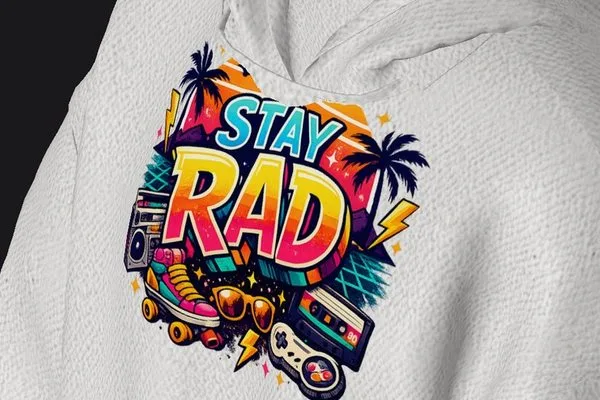
How to make a hoodie mockup
- 01
Choose the hoodie
Pick the Hoodie for a classic pullover fit, the Oversized Hoodie for a boxy streetwear cut, or the Sleeveless Hoodie. Each one opens as a 3D model you can spin with a finger.
- 02
Add your artwork
Tap Logo and choose your design. A plain background is removed automatically, so a logo saved on white sits cleanly on the fabric. Place it on the chest or across the back and size it.
- 03
Style, save or order
Pick the hoodie color, a background and the light, then export a photo or a video. When it looks right, tap Print to order the hoodie printed, even just one.
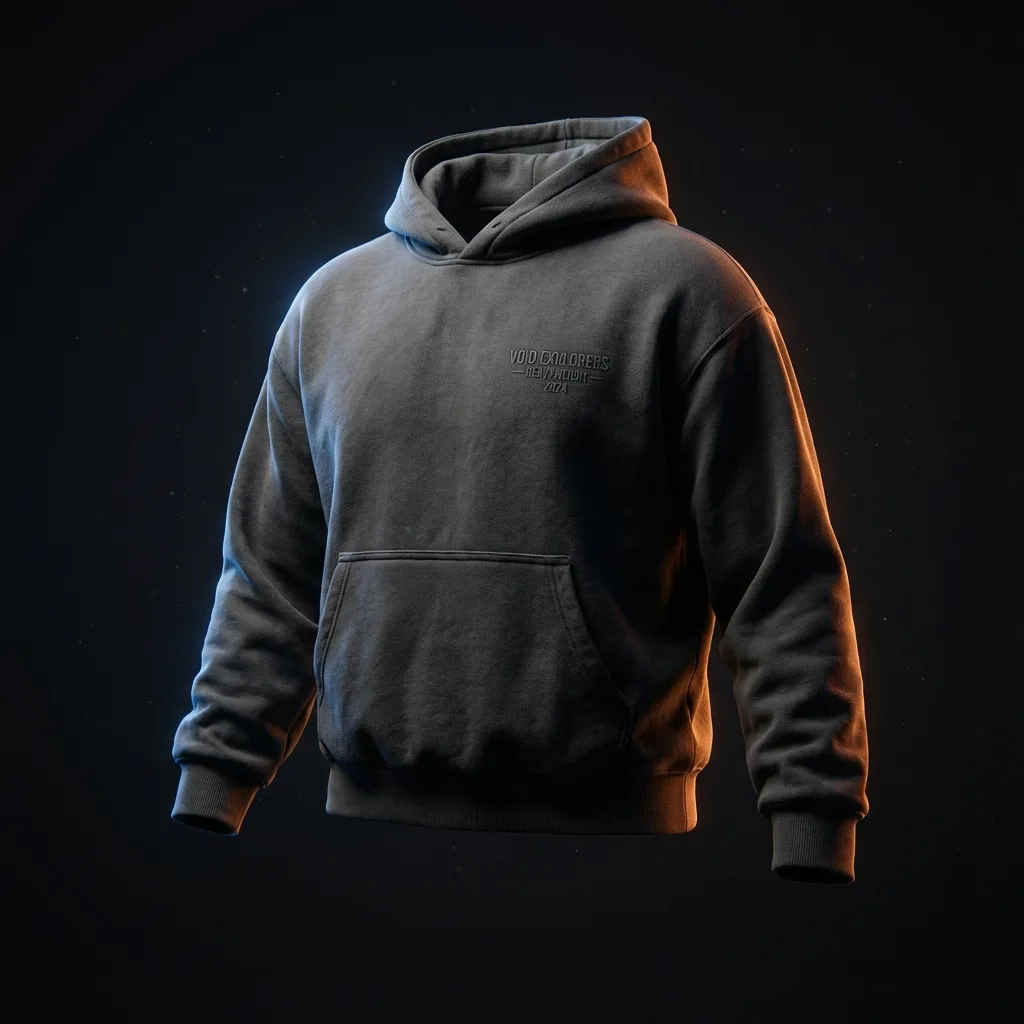
A black hoodie mockup, or any other color
Fleece that looks like fleece
The hoodie is rendered with real light and cloth physics, so the hood, the cuffs and the waistband fold and catch light the way thick fleece does, and your print bends with the fabric instead of floating on top.
Black hoodies that still show
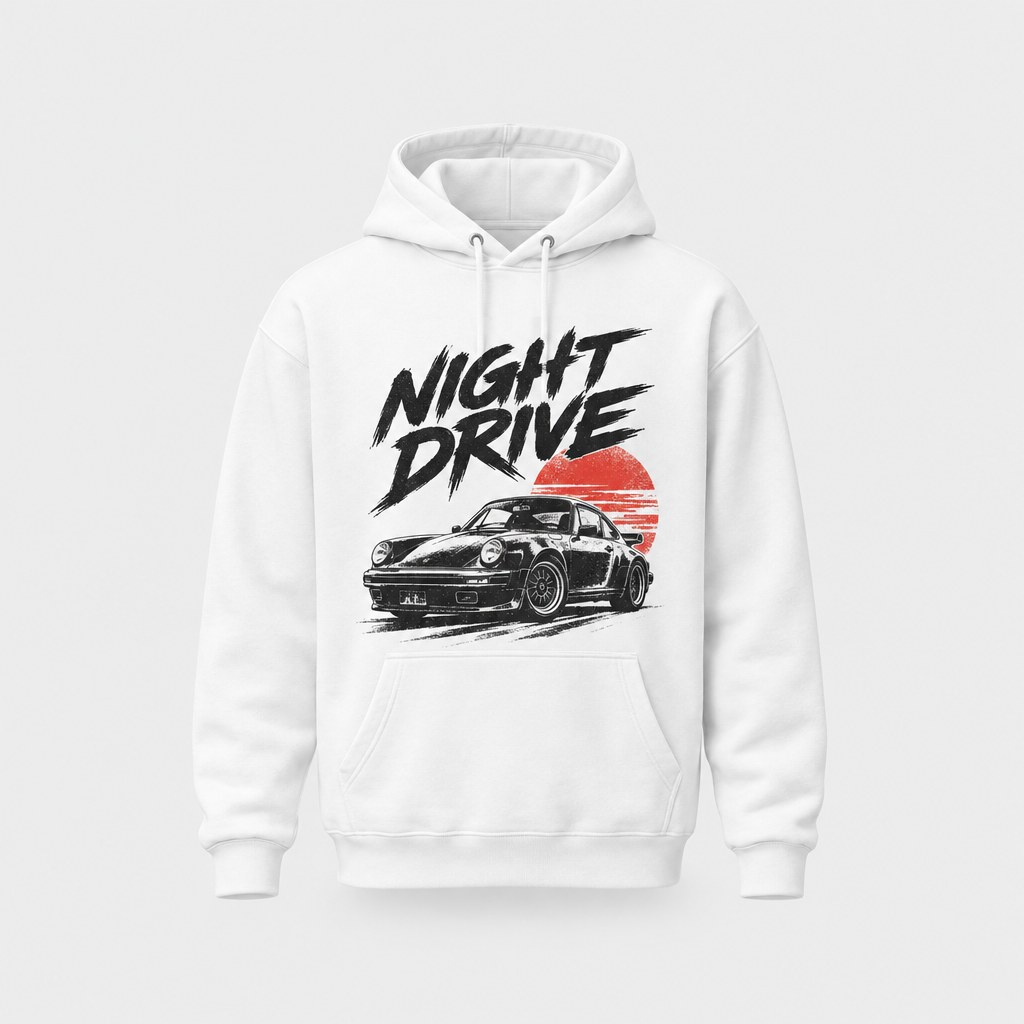
A black hoodie mockup can turn into a flat dark shape. Move the light to the side and the hood, seams and folds come back, and a bright logo stays readable. White, gray, navy or any other color works the same way.
Regular or oversized fit
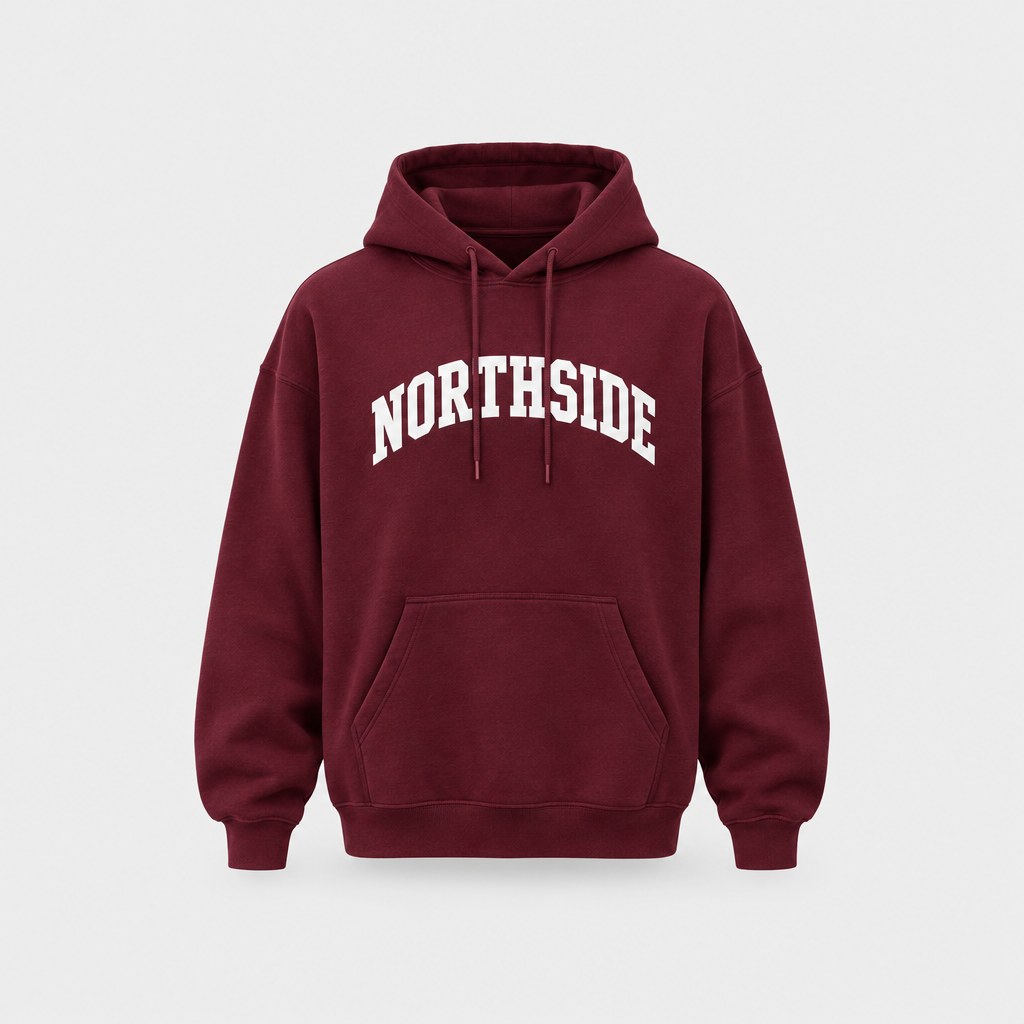
The Hoodie is the classic pullover: 8 oz cotton-poly fleece, a lined hood with a drawcord, a front pouch pocket and sizes up to 5XL. The Oversized Hoodie is heavier 10 oz fleece, cut boxy with dropped shoulders and a double-layered hood.
Chest, back or both
Put a small logo on the chest, a big graphic across the back, or both on the same hoodie. Turn the model to check how each print sits, then export the front and back views as separate photos.
Hoodie videos for your feed
Record the hoodie turning, with physics on so the fabric moves. Three animations are free and Pro adds seven more. A short clip shows the weight of the fleece and the back print better than a single still.
Made for
- Streetwear drops
- Team and club hoodies
- School and college merch
- Creator merch
- Winter collection previews
Then put it on real clothes
Every design you make can be printed on demand and shipped to your door — no minimum order.
Frequently asked questions
What is a hoodie mockup?
A hoodie mockup is a picture of your design on a hoodie, made before the hoodie exists, for a store, a pitch or a social post. StokX makes it on a 3D hoodie rather than a photo template, so you can turn it, change its color and light it before you save the image.
Is there a free hoodie mockup?
The StokX app is free, and in its 3D catalogue some garments are free while others are marked Pro. Without Pro, photo exports show a small watermark. StokX Pro takes it off, adds 4K exports and every garment, and costs $5.99 a week, $6.99 a month or $39.99 a year on the US App Store. Prices vary by country.
Which hoodies can I mock up?
The 3D catalogue has the Hoodie, a regular-fit pullover; the Oversized Hoodie, boxy with dropped shoulders; and the Sleeveless Hoodie, for gym and summer lines. The Hoodie and the Oversized Hoodie are also sold printed in the StokX shop, so a regular or oversized hoodie mockup can match the piece your customer receives.
What's the difference between the Hoodie and the Oversized Hoodie?
The Oversized Hoodie is heavier, 10 oz fleece against 8 oz, and cut boxy with dropped shoulders and a double-layered hood. The Hoodie has a regular fit, a front pouch pocket and a drawcord, and comes in sizes up to 5XL. Mock up the one you plan to sell, so buyers see the fit they'll get.
How do I make a black hoodie mockup look good?
Light it from the side. In the 3D editor, open Light and drag it until the hood and folds show, then pick a background a few shades lighter than the hoodie. Bright or outlined artwork reads best on dark fabric, so check the print at a distance before you export.
Can I put a print on the back of the hoodie?
Yes. Place one design on the front and another on the back, then turn the model to check both. The Oversized Hoodie is made for a large print on the front or back, which suits big streetwear graphics. Save each view as its own photo, or record the hoodie turning.
Where does the hoodie mockup generator work?
In the StokX app on iPhone, iPad and Android. There's no web version of the 3D editor: the website shows the 3D links you share and sells the printed hoodies. So you design on your phone, and anyone you send the link to can turn the hoodie in a browser.
Can I order the hoodie from my mockup?
Yes. Tap Print in the editor and the hoodie is printed when you order it, with no minimum, so one is fine. Prices include printing, shipping to 22 countries is shown before you pay, and you can follow the order at stokx.online/orders.
Your brand, ready to sell
Hoodie Mockup and every other StokX tool, free to download on iPhone and Android.