Create with AIPay with coins
Change clothes in a photo with the AI clothes changer
The AI clothes changer in StokX dresses a person in a garment you choose. Add a photo of the person and a photo of the clothing, and you get a new picture of them wearing it, in the same pose. It works online, right on this page with web Pro, and in the StokX app at 15 coins a result.
Here with web Pro · in the app: 15 coins per result
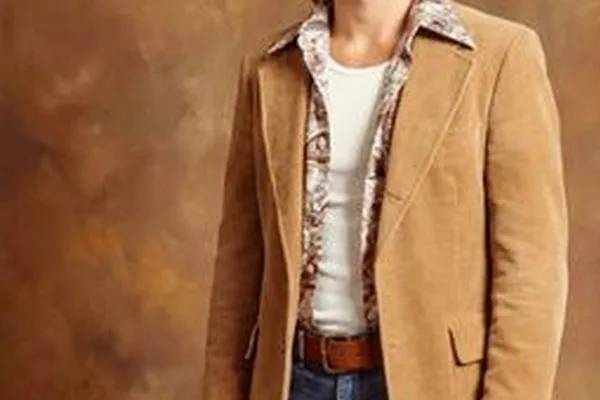

Try Outfit Changer here
Add a photo of a person and a photo of an outfit, and see them wearing it.
The person
The outfit
One picture per click. We don't store your photos — they go to the AI model only to make these pictures.
How to use the AI clothes changer
- 01
Add the person
Open Outfit Changer in the StokX app and add a photo of the person. A clear, well-lit shot where you can see their body and current outfit gives the AI the most to work with.
- 02
Add the garment
Add a photo of the clothing you want them in: a piece you're thinking of buying, a sample from a supplier, or a picture of a shirt you designed yourself.
- 03
See it worn
Generate the result. For 15 coins you get the same person in the same pose, now wearing that garment. If the generation fails, the coins are refunded automatically.
A clothes swap AI that keeps the pose
The pose stays put
Only the outfit is swapped. The person keeps their pose, so the result reads as them wearing the new piece, not as a stranger in a different stance. That makes two looks easy to compare.
Your own design, on a person
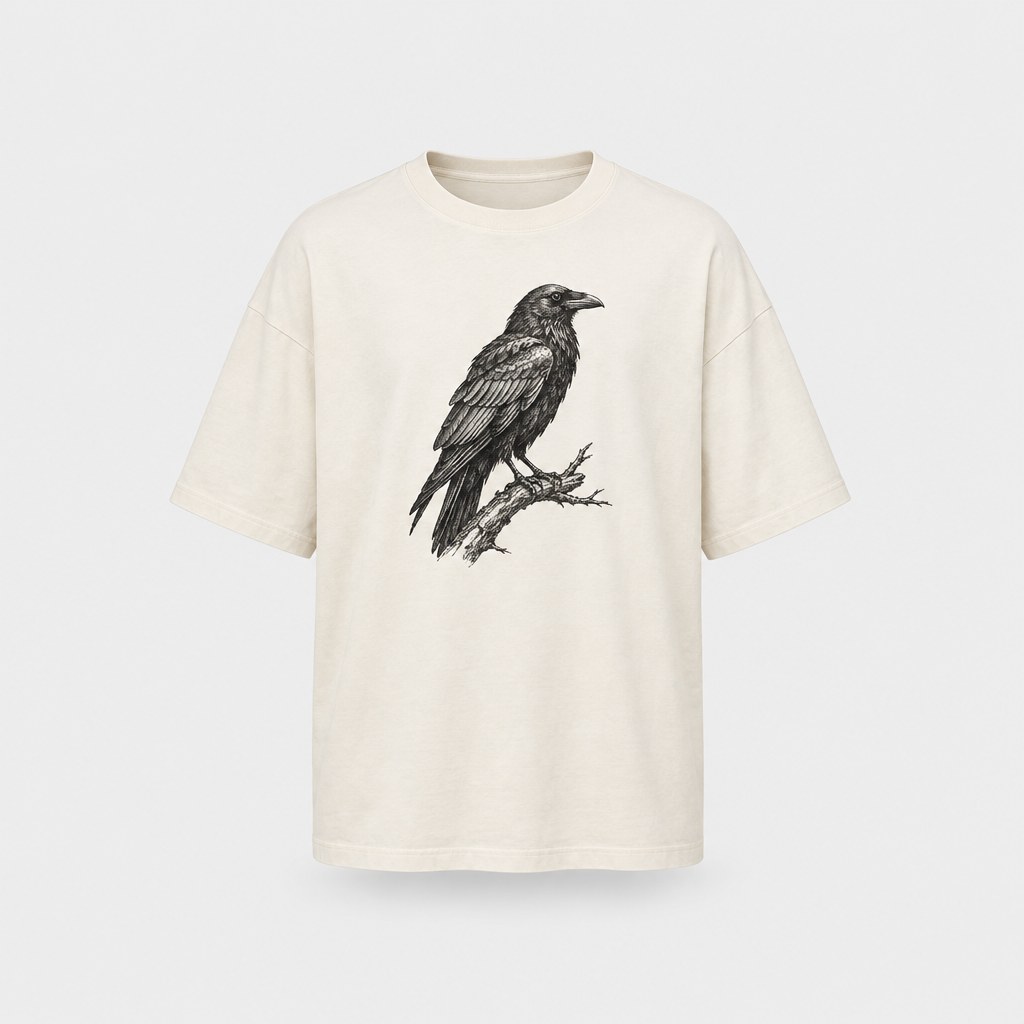
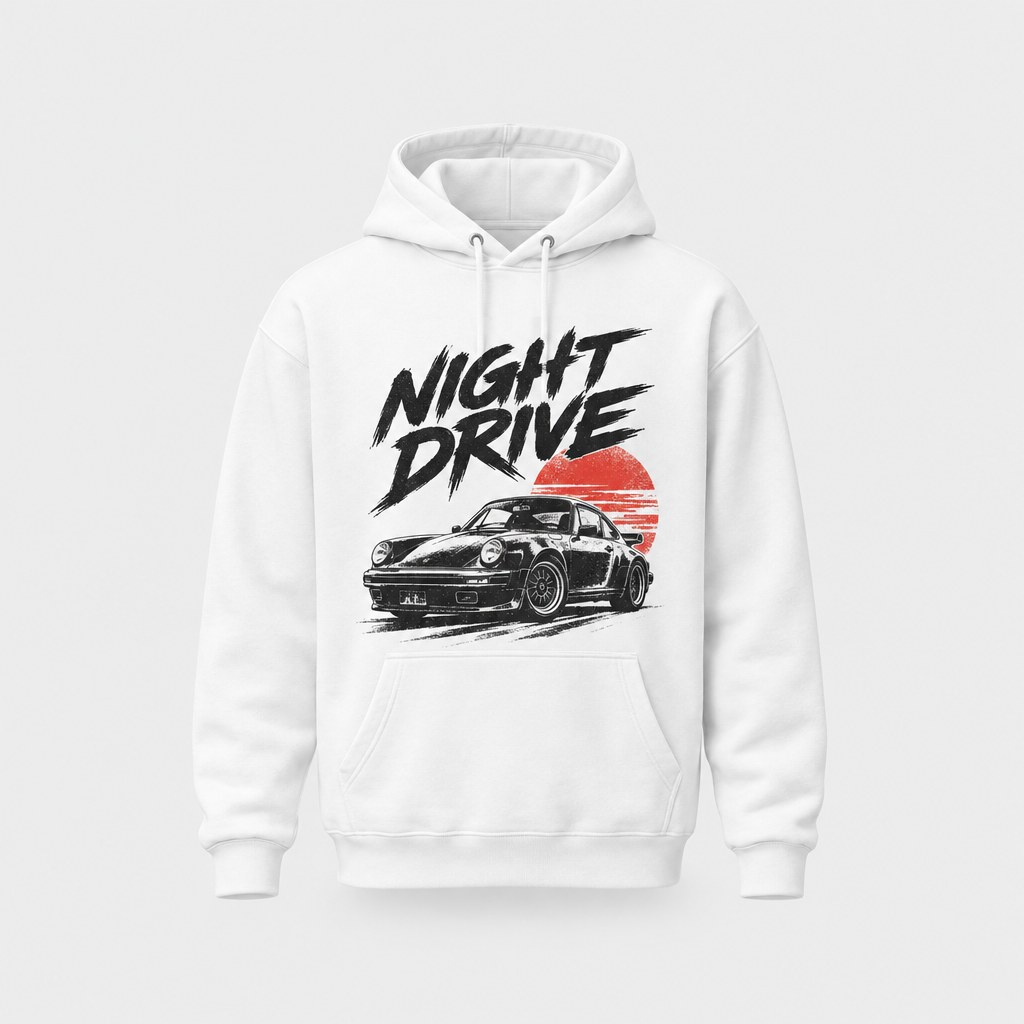
Made a shirt or hoodie in StokX? Use a picture of it as the garment and see it on a real person, before you order a print, post it or show it to a client.
Try looks before you order
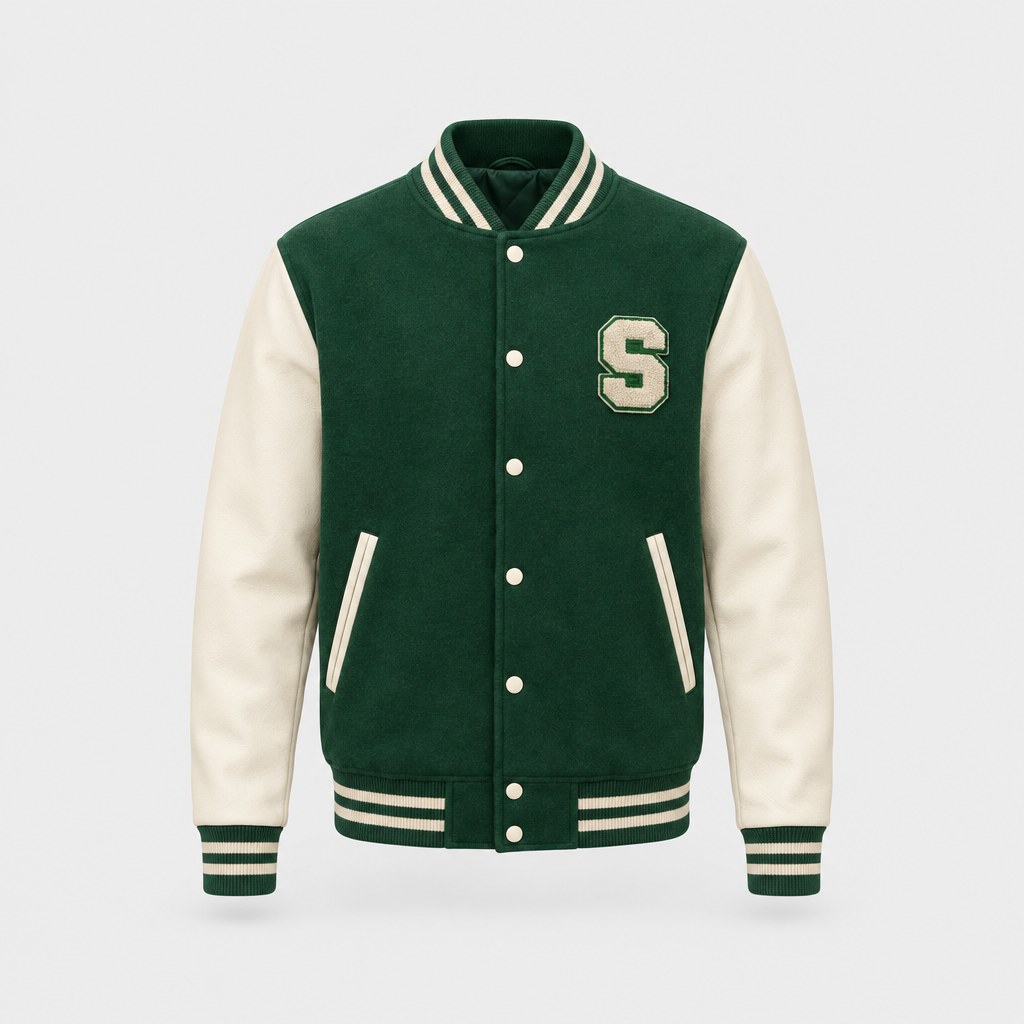
Wondering whether a varsity jacket suits you? Put it on your own photo first. It's a quick way to compare a few pieces before you spend money on any of them.
Show customers the style
Selling clothes? Put a piece on a photo that matches your audience to show the look it creates. It answers the question a flat product shot can't: what does this look like on someone?
Pay per result, refunded on failure
Each result costs 15 coins. New users get 15 free coins, enough for a first try. If a generation fails, the coins go back to your balance without you having to ask.
Made for
- Seeing your design on a real person
- Trying looks before ordering
- Showing customers how a piece fits a style
- Posts for a new drop
- Outfit ideas for a shoot
Then put it on real clothes
Every design you make can be printed on demand and shipped to your door — no minimum order.
Frequently asked questions
What is an AI clothes changer?
An AI clothes changer, or AI outfit changer, swaps the outfit in a photo for a garment you choose. In StokX the tool is called Outfit Changer: you add a photo of a person and a photo of the clothing, and the AI shows that person wearing it while keeping their original pose. It's a fast way to preview a look without a fitting room.
Is the AI clothes changer free?
Your first result can be. Each one costs 15 coins, and new users get 15 free coins. After that, coin packs in the US App Store start at 50 coins for $1.99, which covers three results, and StokX Pro includes a monthly allowance of coins. Prices vary by country, and any result that fails is refunded.
Can I use it in a web browser?
Yes. With web Pro, add a photo of the person and a photo of the outfit on this page and the result appears in your browser. Web Pro is billed by Whop and you can cancel any time. Outfit Changer is also in the StokX app for iPhone, iPad and Android, at 15 coins a result.
How does virtual try-on work in StokX?
You give the AI two photos, one of the person and one of the garment. It redraws the person wearing the new piece, matched to the pose they're already in. You get a new image to keep or compare with other looks. It's virtual try-on for clothes, one garment at a time.
Can I try on my own designs?
Yes, and it's one of the best uses for it. Take a picture of a shirt or hoodie you designed in StokX, use it as the garment, and see it on a real person. If you like what you see, order the design printed: there's no minimum, and it ships to 22 countries.
Will it show how the clothes fit my size?
No. It shows the look: the garment on that person, in their pose. It doesn't measure the body or the garment, so it can't tell you whether a medium or a large will fit. Use it to judge style and color, and treat it as a style preview rather than a size guide.
Is it like a virtual dressing room?
Close to one. A virtual dressing room lets you see clothes on yourself before you buy, and Outfit Changer does that with one photo and one garment per result. Add your own photo, try on clothes with AI one piece at a time, and keep the results to compare.

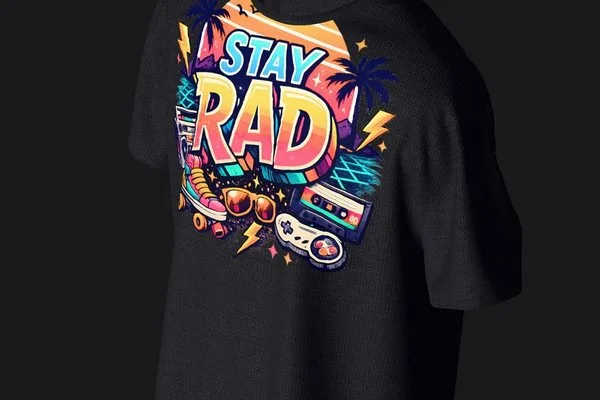
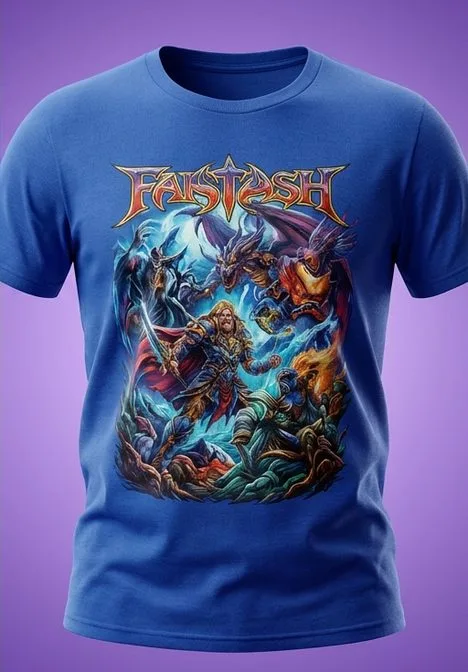
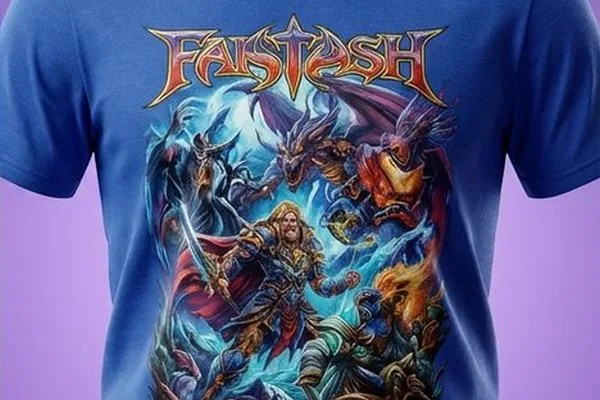
Your brand, ready to sell
Outfit Changer and every other StokX tool, free to download on iPhone and Android.