Create with AIPay with coins
Create a clothing brand logo and see it on a shirt
Make a clothing brand logo with StokX by typing what you want, with an optional sketch or reference image. You get a logo with its background already removed, ready for a shirt. Make it online with web Pro, then style it in the free Logo Editor and order it printed, or do it all in the StokX app.
Here with web Pro · in the app: 25 coins per logo

Try AI Logo here
Describe your logo, or add a sketch or reference, and download it with a transparent background.
Sketch or reference · optional
One picture per click. We don't store your photos — they go to the AI model only to make these pictures.
How to make a clothing brand logo
- 01
Describe your logo
Open AI Logo in the StokX app and type what you want: the brand name, the style, a few details. Add a rough sketch or a reference image if you have one.
- 02
Style it in the editor
The logo opens in the Logo Editor with its background removed. Set your brand name in a text look like Varsity, Stitched or Retro, try a filter, or stack more layers.
- 03
Put it on a shirt
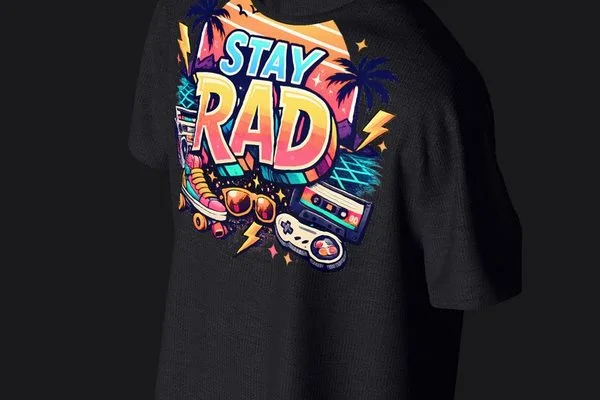
Tap Put on a shirt to see the logo on a 3D garment and turn it to any angle. When it looks right, order it printed, even if it's just one piece.
Streetwear logos made for clothing, not business cards
Prompt, sketch or reference
Start from words alone, or give the AI more to go on: a quick sketch of your mark, or a reference image with the feel you're after. Each logo costs 25 coins, whichever way you start.
Background removed automatically
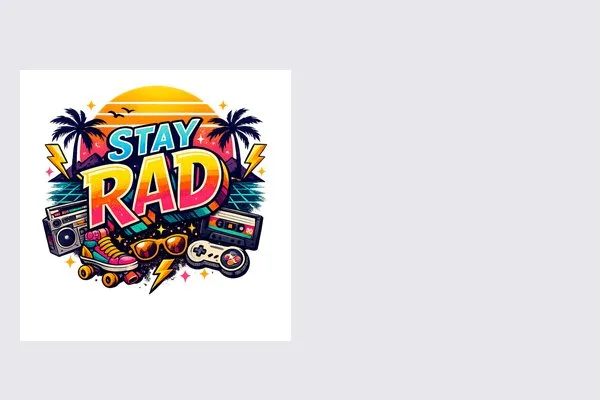
Every logo comes back without its background, so it's ready to place on a garment of any color. There's no cutting out to do before you see it on a tee, a hoodie or a hat.
Text looks for clothing
Add your brand name in Clean, Heavy, Outline, Retro, Stitched, Badge, Varsity or Minimal. Varsity, Badge and Stitched take their cue from team jackets, patches and embroidered caps, the places clothing logos usually end up.
Layers, filters and shadows
It's a full editor, not a one-shot generator. Stack the logo with text and images on layers, try filters like Vintage, Mono or Punch, add a soft or hard shadow, and resize for a post.
See it on a 3D garment
Tap Put on a shirt and the logo goes to the 3D editor, on a garment rendered with real light and cloth physics. Turn it to any angle to check its size and placement.
Order one, or a whole run
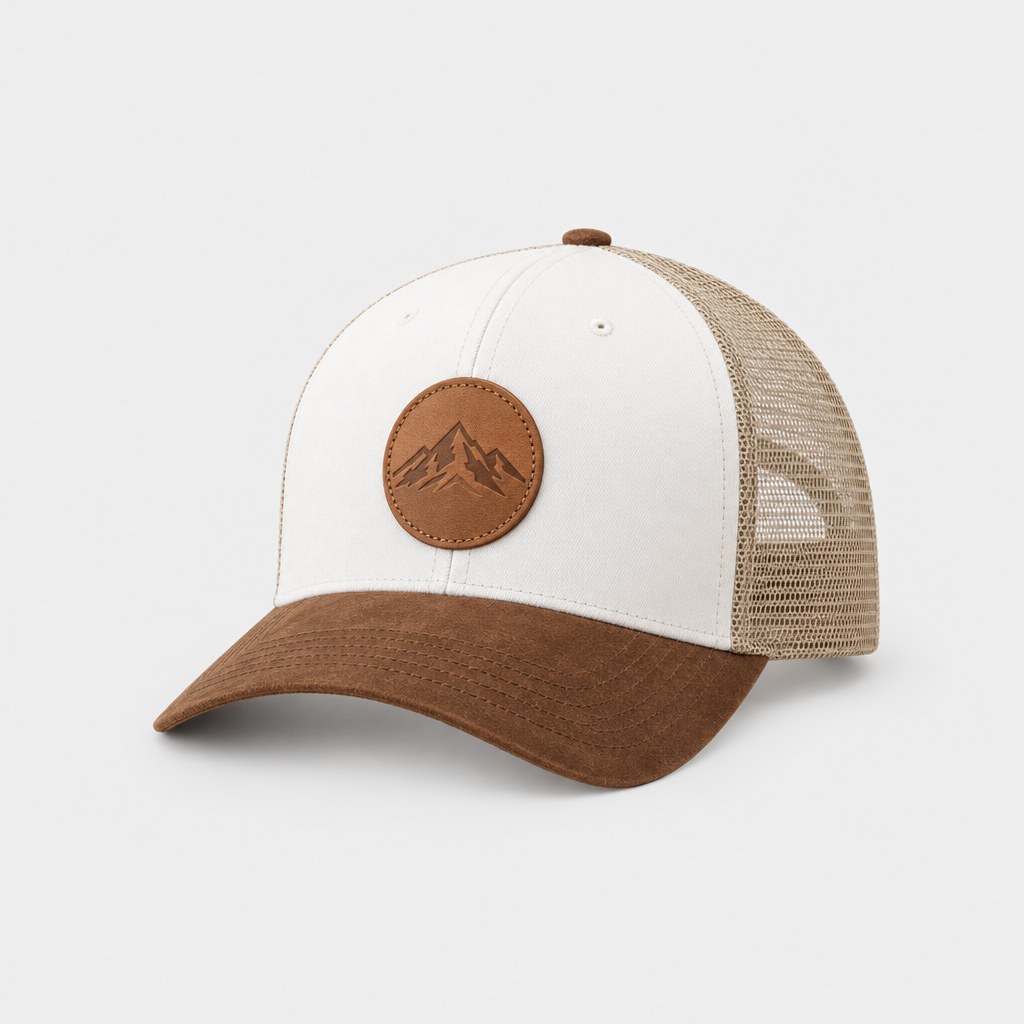
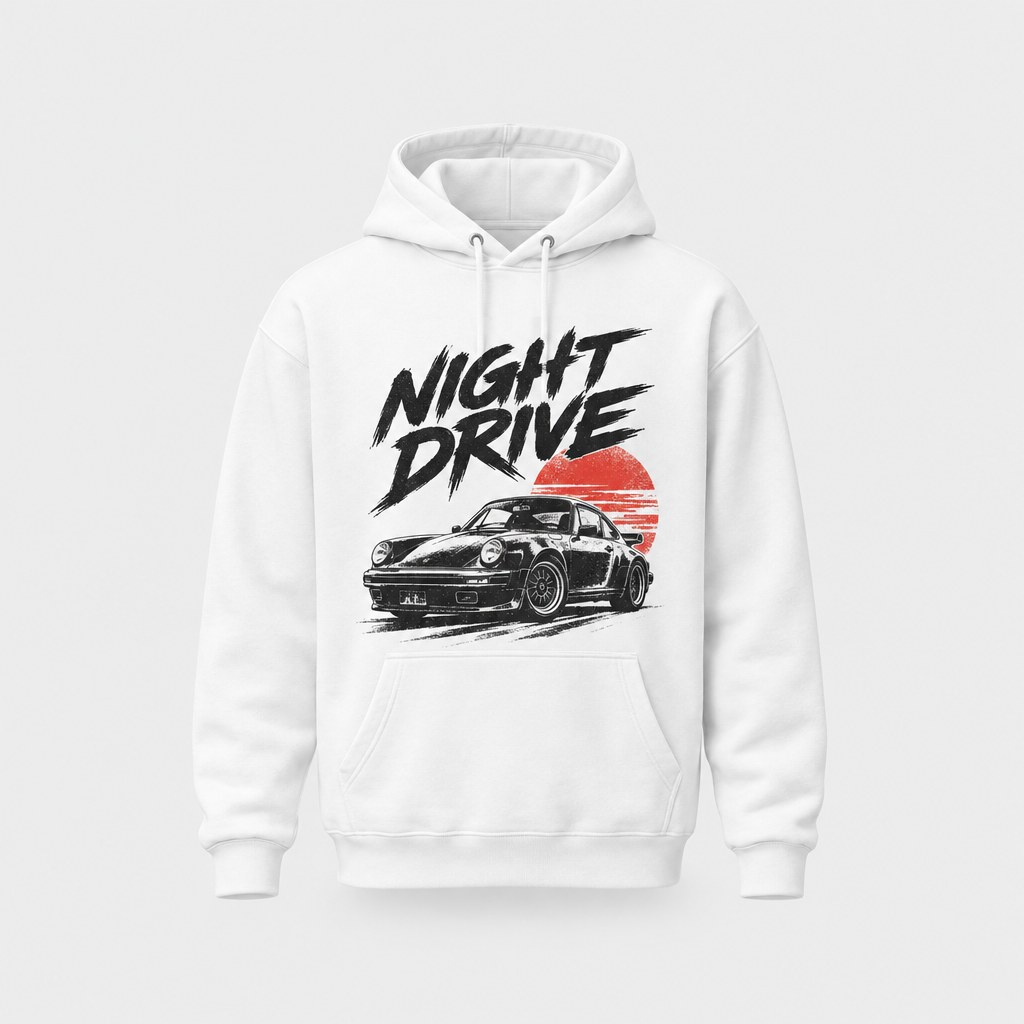
Any design can be printed and shipped to 22 countries with no minimum. Test a new logo on a single hoodie or trucker hat before you commit to a full drop.
Made for
- New clothing and streetwear brands
- Band and event merch
- Etsy and print-on-demand shops
- Team, club and crew logos
- Refreshing a small brand's mark
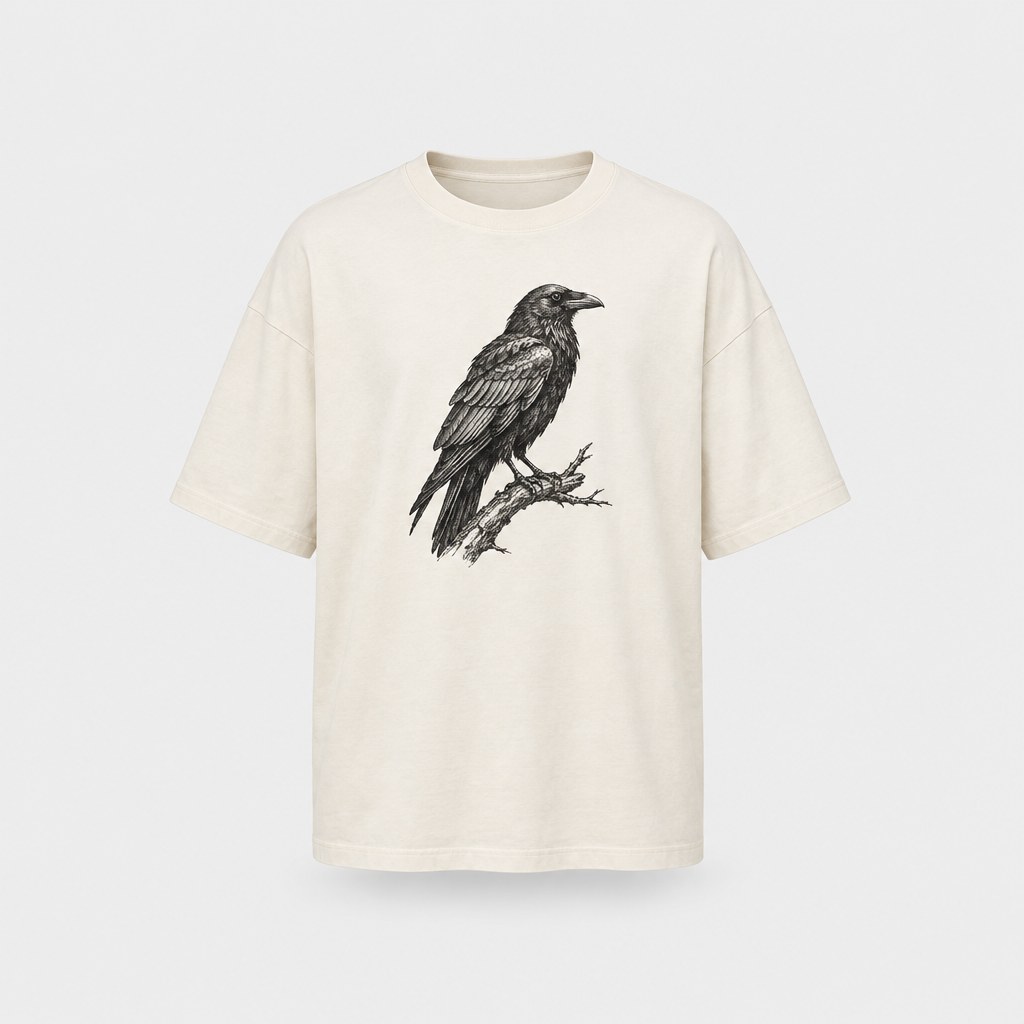
Then put it on real clothes
Every design you make can be printed on demand and shipped to your door — no minimum order.
Frequently asked questions
How do I make a clothing brand logo?
Describe it in the StokX app and let the AI draw it. Type the brand name and the style you want, add a sketch or reference image if you have one, and you get a logo with the background removed for 25 coins. Then refine it in the Logo Editor and preview it on a 3D shirt before you print.
What makes a good clothing brand logo?
One that stays readable when it's small and still works in a single color. A logo on clothing has to hold up on a chest pocket, a hat panel and a large back print. Keep the shapes bold, limit the colors, and check it on a 3D garment before you order anything.
Is StokX an AI logo generator?
Yes, one built for clothing. Like any AI logo generator, it turns a prompt into a logo. The difference is what happens next: the logo opens without its background in an editor with clothing-style text looks, and one tap puts it on a 3D garment you can turn, share and order printed.
How much does the AI logo maker cost?
Each logo costs 25 coins. New users get 15 free coins, so a first logo needs a coin pack or the monthly coins that come with StokX Pro. In the US App Store, 50 coins cost $1.99, which covers two logos, and the 165-coin pack is $3.99. Prices vary by country.
Can I make a streetwear logo with it?
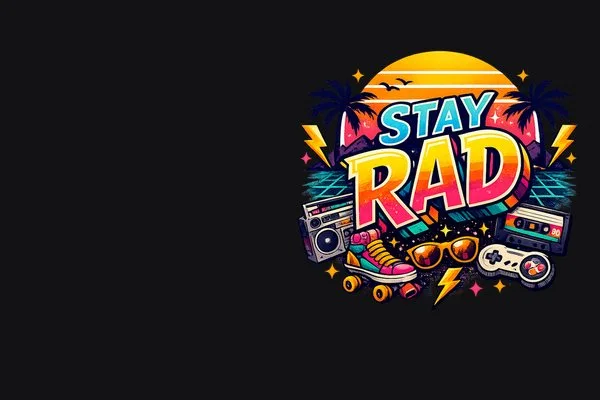
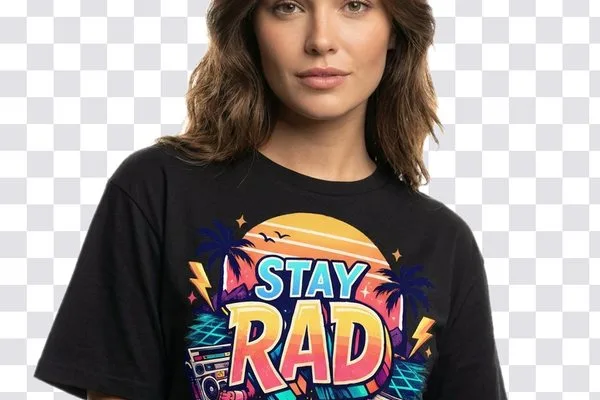
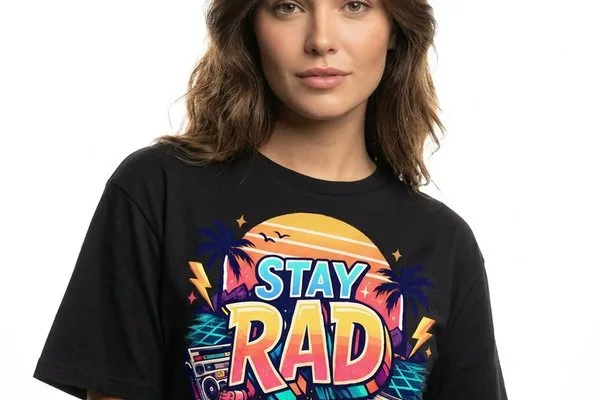
Yes. Describe the look you want, like bold graffiti lettering, a retro sunset badge or a gothic wordmark, and add a reference image if you have one. Then set the name in Heavy, Outline or Varsity in the Logo Editor. The Stay Rad logo on this page started from a typed prompt.
Where does the AI logo tool work?
On this page with web Pro, and in the StokX app on iPhone, iPad and Android. In the browser, describe the logo or add a sketch or reference, and download it with a transparent background. To add text or put it on a shirt, open it in the free Logo Editor at stokx.online/logo-editor or in the app.
Can I print my logo on clothes?
Yes. Tap Put on a shirt to see it on a 3D garment, then order it printed. There's no minimum, so one tee is fine. Orders ship to 22 countries, the shipping price is shown at checkout before you pay, and you can track your order at stokx.online/orders.
Your brand, ready to sell
AI Logo and every other StokX tool, free to download on iPhone and Android.