3D mockupsFree
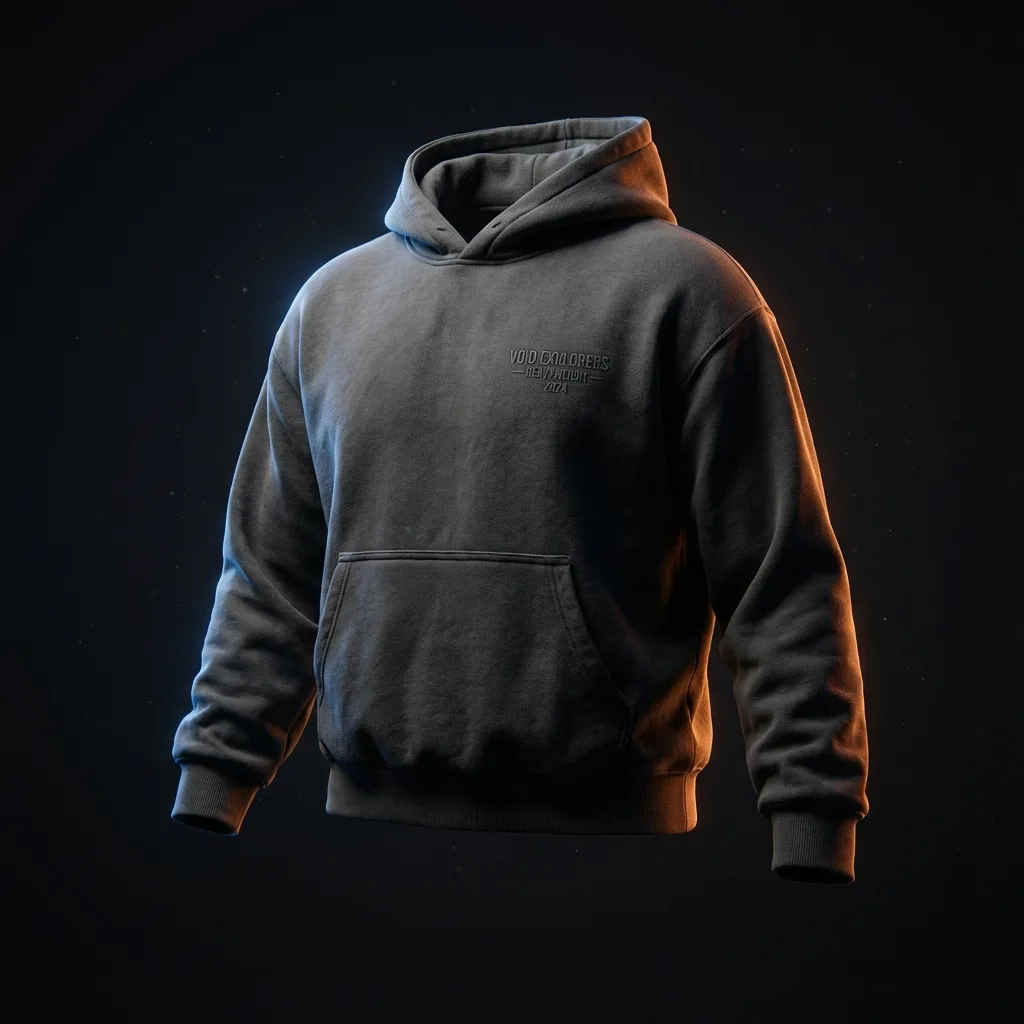
Clothing mockups on real 3D garments, from every angle
Put your logo or artwork on a 3D garment and you get a clothing mockup you can turn to any angle, with real light and cloth that moves. Pick from 25+ garments, from oversized tees to varsity jackets, then export a photo, a video or a 3D link anyone can open.
Free app · Pro for every garment and no watermark
How to make a 3D clothing mockup
- 01
Choose a garment
Open the 3D catalogue and pick a piece: an oversized tee, a hoodie, a varsity jacket, a cap, a jersey, joggers and more. Free garments open right away; the ones marked Pro need StokX Pro.
- 02
Add your design
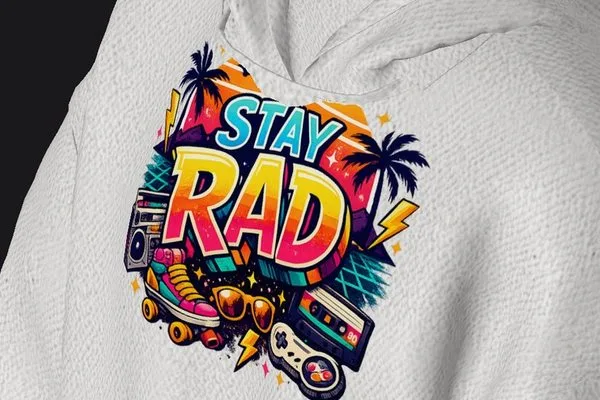
Tap Logo and add a photo or PNG; the Logo Editor removes a flat background on your phone. No logo yet? AI Logo makes one for 25 coins. Place it on the front or back and size it.
- 03
Light it and export
Set the garment color, a background and the light, switch on cloth physics if you like, then save a photo or a video, or share the design as a 3D link.
A 3D mockup generator, not a flat template
One model, every angle
A flat apparel mockup shows one side per file. Here the garment is a 3D model: turn it to the front, the back, the sides or a three-quarter view, and export each shot from the same design.
Light, color and cloth physics
Change the garment color, pick a background and drag the light around the model to set the mood. Switch on Physics and the fabric sways like real cloth, then fine-tune the render in Adjustments.
Animated mockups in a tap
Choose an animation, such as a 360° orbit, and record a video of the garment in motion for Reels, TikTok or a product page. Three animations are free; Pro adds seven more, ten in all.
Text, drawing and Magic Edit
With Pro you can type text straight onto the 3D garment, draw on it with a pen, marker or brush, and turn your own photos into custom fabrics. Magic Edit takes a request like a new color or light and applies it to the model.
3D product viewer, embedded anywhere
Share any design as a link (stokx.online/3d/…) that opens in any browser, no app needed. Embed it on Shopify, WordPress or any site with an iframe; add ?rotate=0 to stop the spin or ?physics=0 to freeze the cloth.
Exports for every channel
Save a photo or a video from any garment. Pro removes the small watermark from photos, exports in 4K and adds a transparent PNG. The Social Pack, folded and styled shots ready for a store, costs 15 coins.
Made for
- Merch drops and preorders
- Shopify and Etsy product pages
- Clothing brand lookbooks
- Reels and TikTok product videos
- Pitching designs to clients
- Testing colorways before printing
Then put it on real clothes
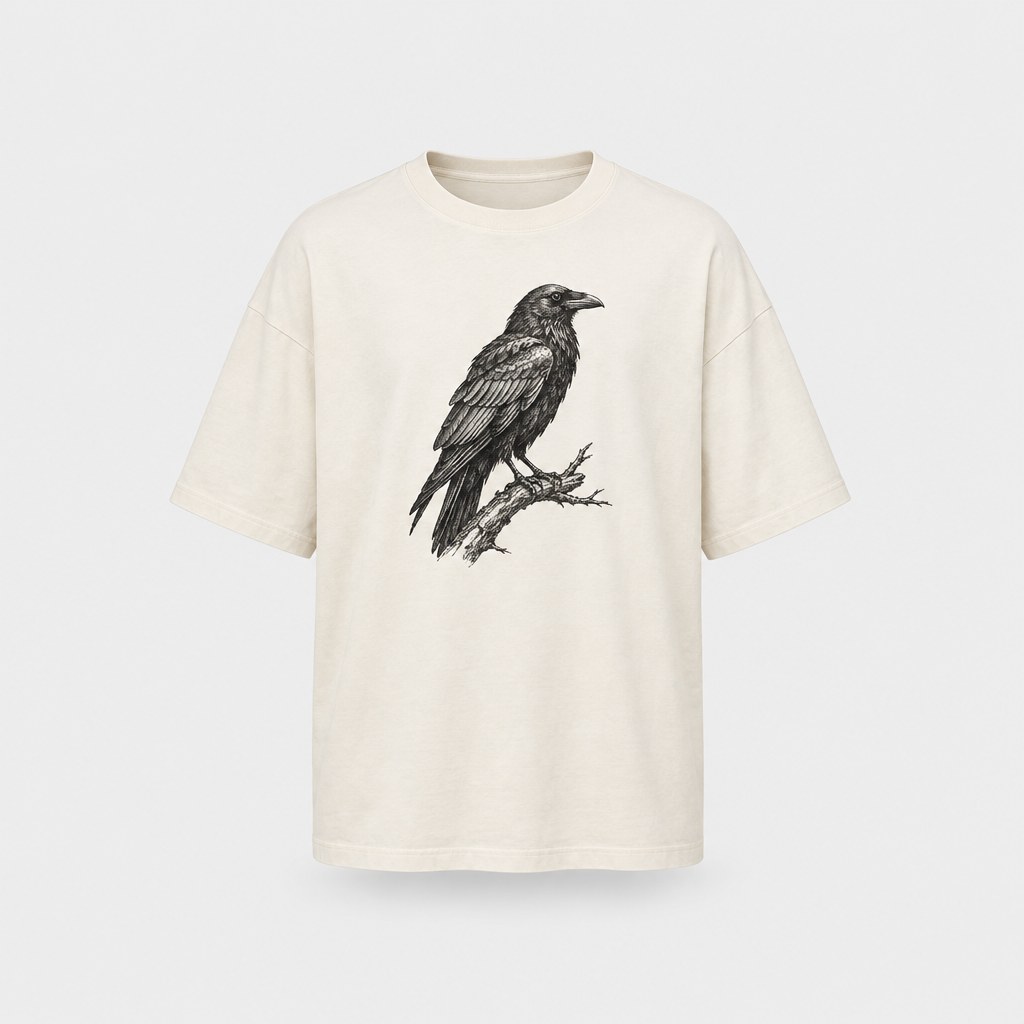
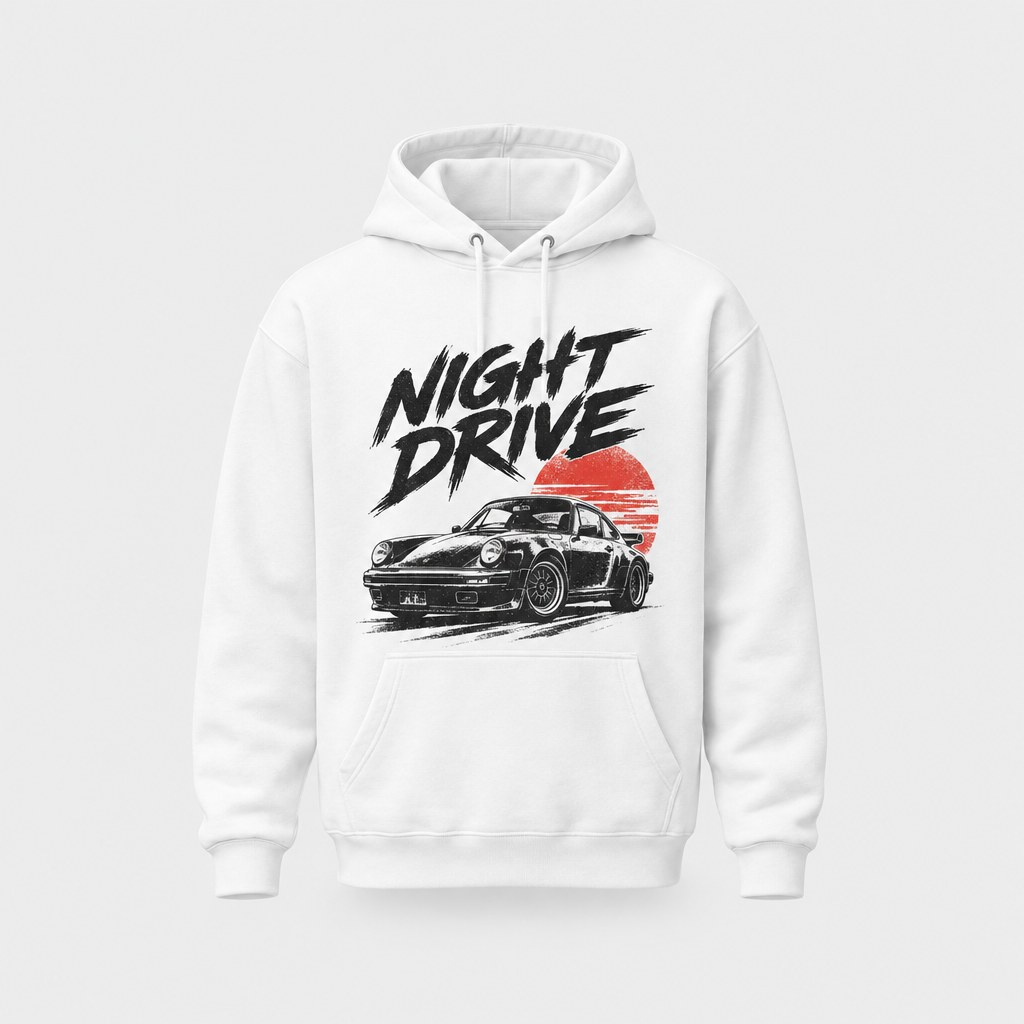
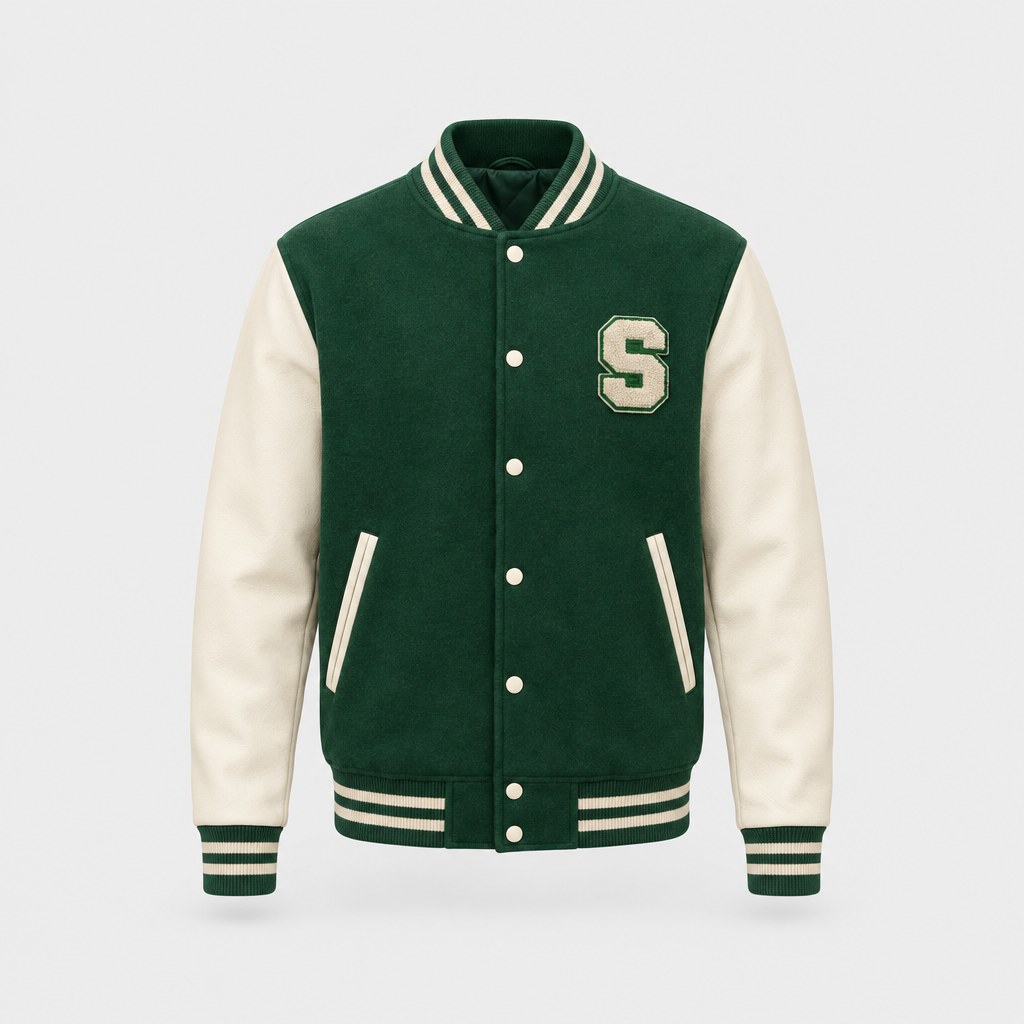
Every design you make can be printed on demand and shipped to your door — no minimum order.
Frequently asked questions
What is a 3D clothing mockup?
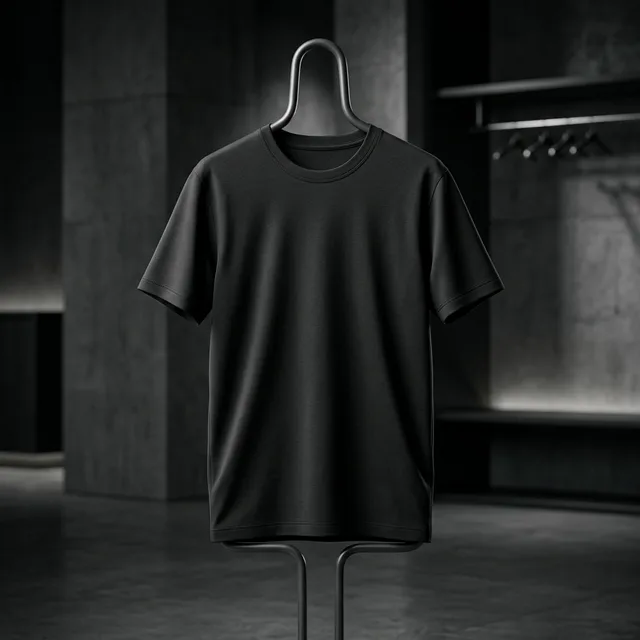
A 3D clothing mockup is your design printed on a 3D model of a garment instead of pasted into a flat photo. In StokX the fabric reacts to light and cloth physics, so a print follows the folds and seams. You can turn the model to any angle, change its color and record it moving, all from one design. A 3D t-shirt mockup, for example, shows the back print and the drape of the sleeves as well as the front.
Is the StokX 3D mockup generator free?
Yes, the app is free, and some garments are free to use while the rest are marked Pro. Photos exported on the free plan carry a small watermark. StokX Pro removes it, exports in 4K and unlocks every garment, Text, Draw, Magic Edit and all 10 animations. On the US App Store Pro is $5.99 a week, $6.99 a month or $39.99 a year; prices vary by country.
Which products can I make a mockup of?
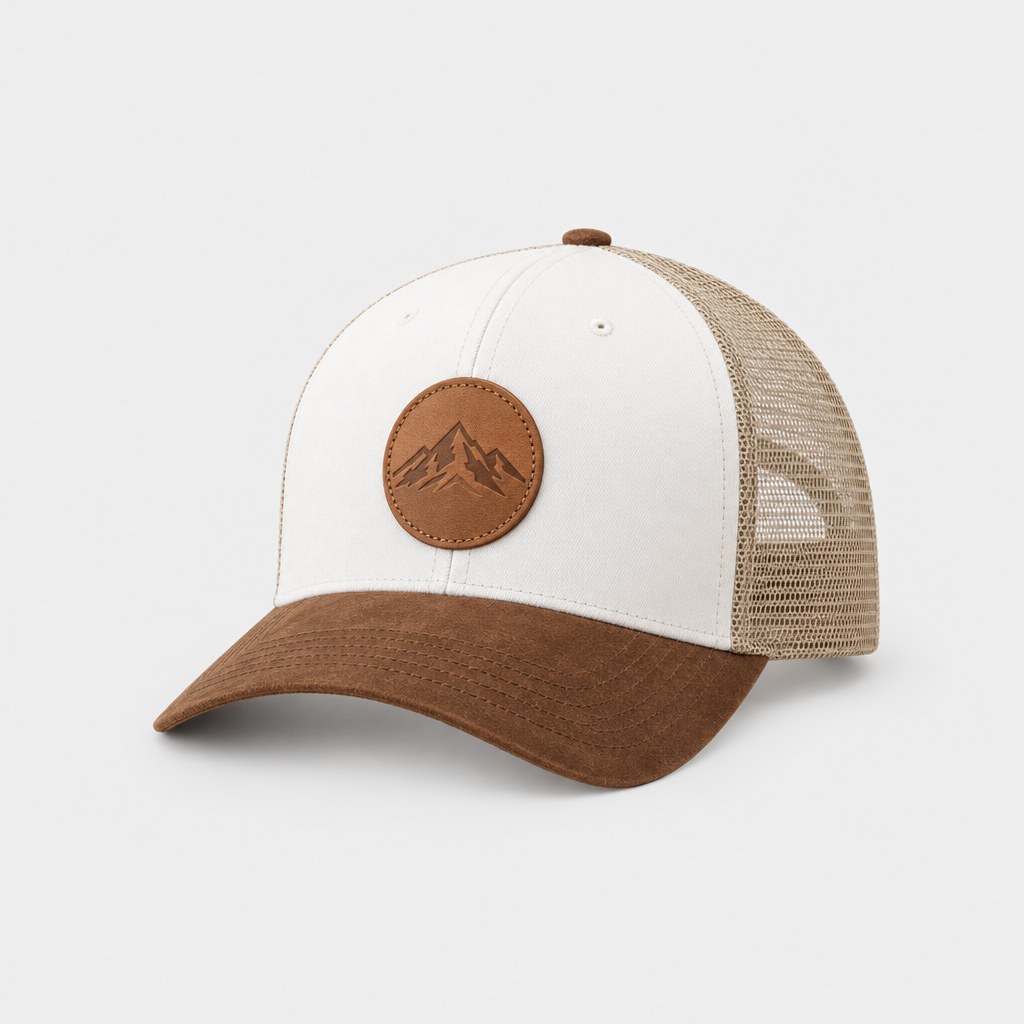
The 3D catalogue has 25+ garments and products: oversized and women's tees, long sleeves, regular, oversized and sleeveless hoodies, varsity and bomber jackets, a trucker hat, basketball, baseball and soccer jerseys, joggers, athletic shorts and a sports bra, plus a tote bag, a mug and water bottles.
Can I make an animated mockup?
Yes. Open Animation in the 3D editor, pick a preset and export a video of the garment moving, with cloth physics on if you want the fabric to sway. Three presets are free and Pro unlocks seven more. A short clip suits Reels, TikTok and product pages, where a still photo can't show the back or the drape.
How do I embed a 3D mockup on my website?
Share the design from the app to get a stokx.online/3d/… link, then put it in an iframe on Shopify, WordPress or any site. Visitors turn the garment themselves, with no app to install. Add ?rotate=0 to the link to stop the automatic spin, or ?physics=0 to freeze the cloth for a still, catalogue look.
Do I need Photoshop or 3D skills?
No. There are no PSD files, smart objects or 3D software involved. You add an image, drag it into place on the garment and adjust it with your fingers. The render, the light and the cloth movement are handled by the app, so an apparel mockup takes a few taps rather than a design session.
Where does StokX work?
StokX runs in its app on iPhone and iPad (iOS 16 or later) and on Android. The mockups are made in the app, not on this website. The site opens the 3D links you share and sells the printed products, so anyone can view your design in a browser without installing anything.
Can I order the garment I mocked up?
Yes. Tap Print in the 3D editor to order the design printed on the real piece. There's no minimum, so you can order just one. It ships to 22 countries, prices include printing, and shipping is shown at checkout before you pay. You can track the order at stokx.online/orders.
Your brand, ready to sell
3D Mockups and every other StokX tool, free to download on iPhone and Android.