Edit photosFree
Put your logo on a t-shirt, free and online
See your logo on a t-shirt before a single one is printed. Add a photo or PNG of the logo to the free online Logo Editor and its flat background is removed for you. Add text, filters and layers, then put it on a shirt and order it printed with no minimum, or view it on a 3D shirt in the StokX app.
Free · pay only if you order a print


How to put a logo on a t-shirt
- 01
Add your logo
Open the Logo Editor in StokX and add a photo or PNG of your logo. If it sits on a flat background, like white paper or a solid color, that background is removed on your phone.
- 02
Style it
Add a tagline in a text look like Varsity or Stitched, try a filter, crop, adjust and stack layers. The eraser takes care of any specks the cleanup missed.
- 03
Put it on a shirt
Tap Put on a shirt to see the logo on a 3D garment. Turn it, change the shirt color, share it as a 3D link, or order it printed with no minimum.
From logo cleanup to a 3D logo mockup
Background gone on upload
Logos tend to arrive as a screenshot, a JPG on white or a photo of a sticker. If there's a flat background behind yours, StokX removes it on your phone as soon as you add it, so only the artwork goes on the shirt.
Text in eight looks
Add a brand name, a tagline or a year under the mark. Text comes in eight looks, from quiet to loud: Clean, Heavy, Outline, Retro, Stitched, Badge, Varsity and Minimal.
Filters, crop and layers
Crop stray edges, adjust the tones or try a filter like Mono, Vintage or Punch. Layers keep the logo, text and any extra images separate, so you can move and rearrange each one.
A 3D shirt, not a template
Put on a shirt places your logo on a 3D garment rendered with real light and cloth physics. Turn it to any angle and see how the print sits on the fabric, from the chest to the folds at the side.
Straight from the home screen
In a hurry? Tap Upload your logo on the StokX home screen and it goes straight onto the oversized tee in 3D, with no editing step in between.
Order it printed
When it looks right, order the shirt printed with no minimum, even just one. Prices include printing, shipping is shown at checkout before you pay, and orders ship to 22 countries.
Made for
- Clothing brand launches
- Team and club shirts
- Staff and business uniforms
- Band and event merch
- Client logo mockups
- Small merch drops
Then put it on real clothes
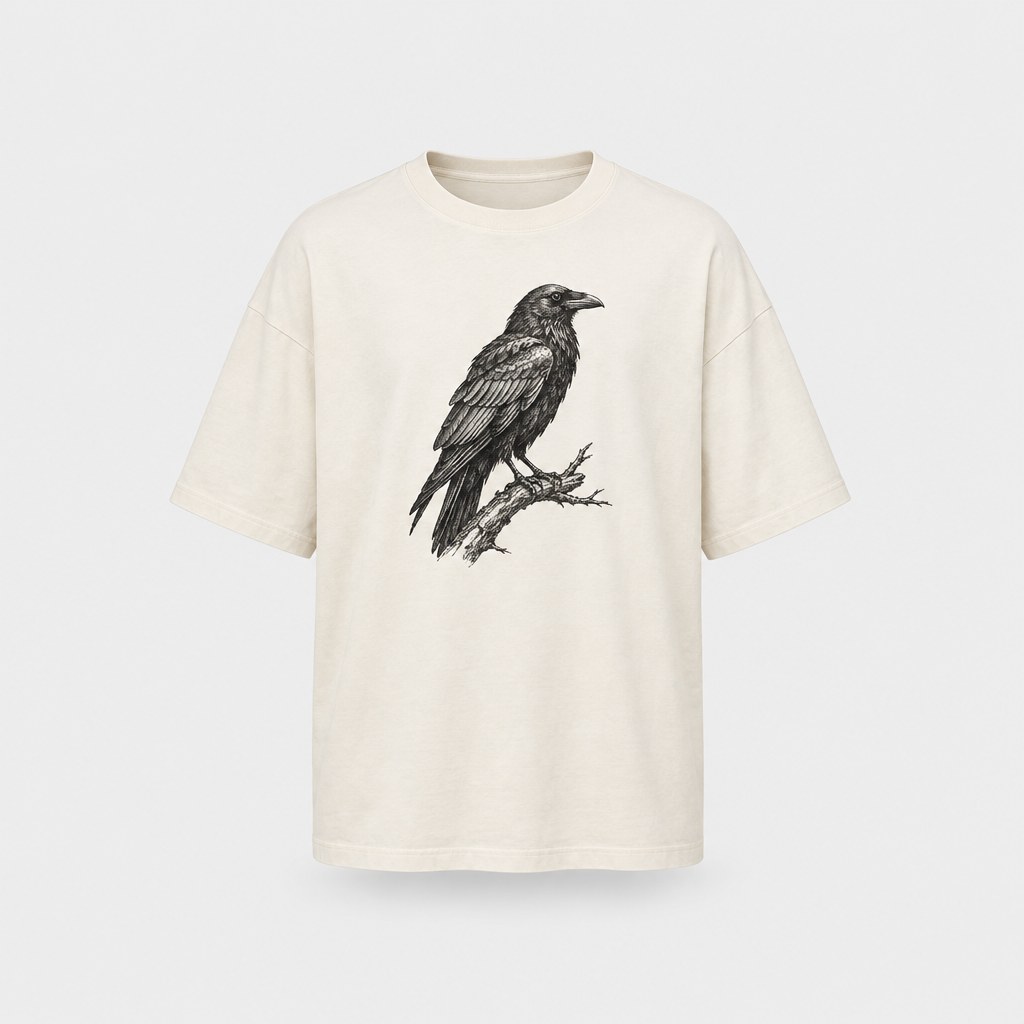
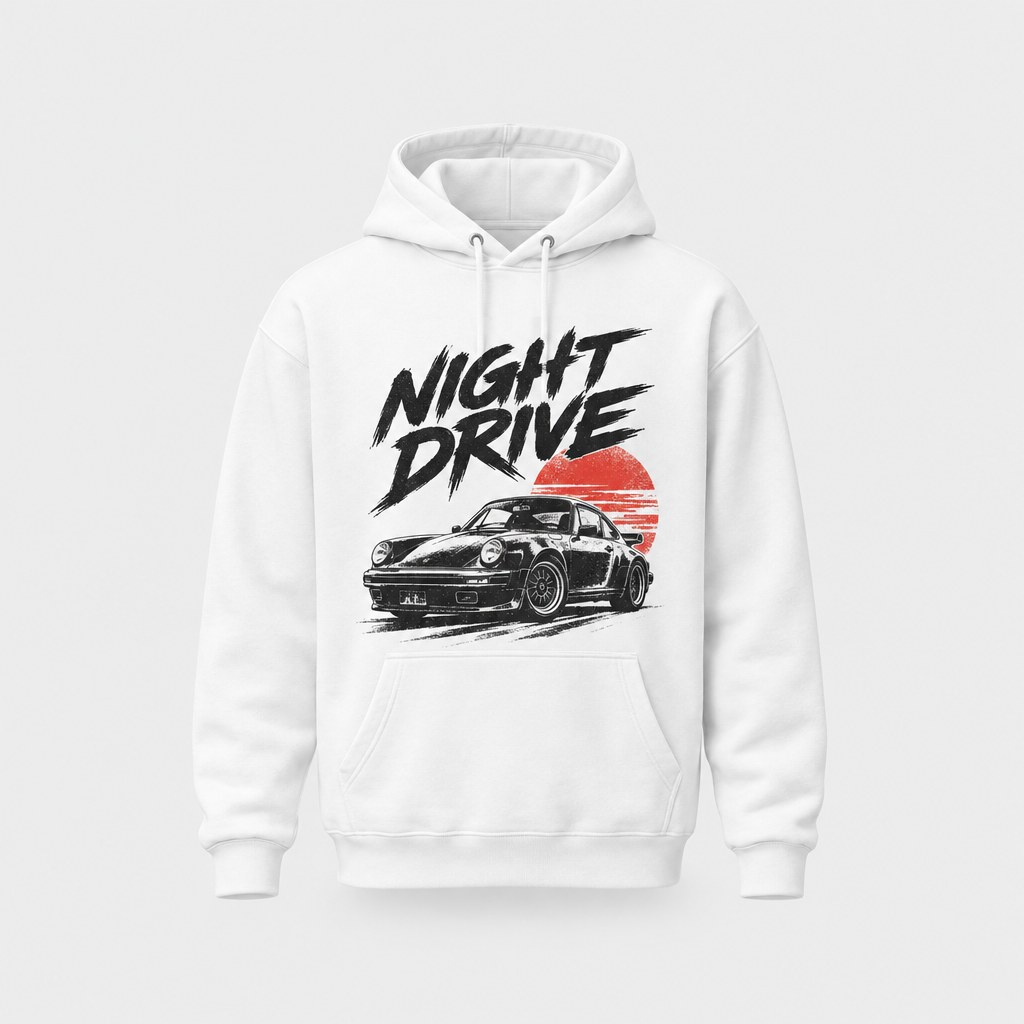
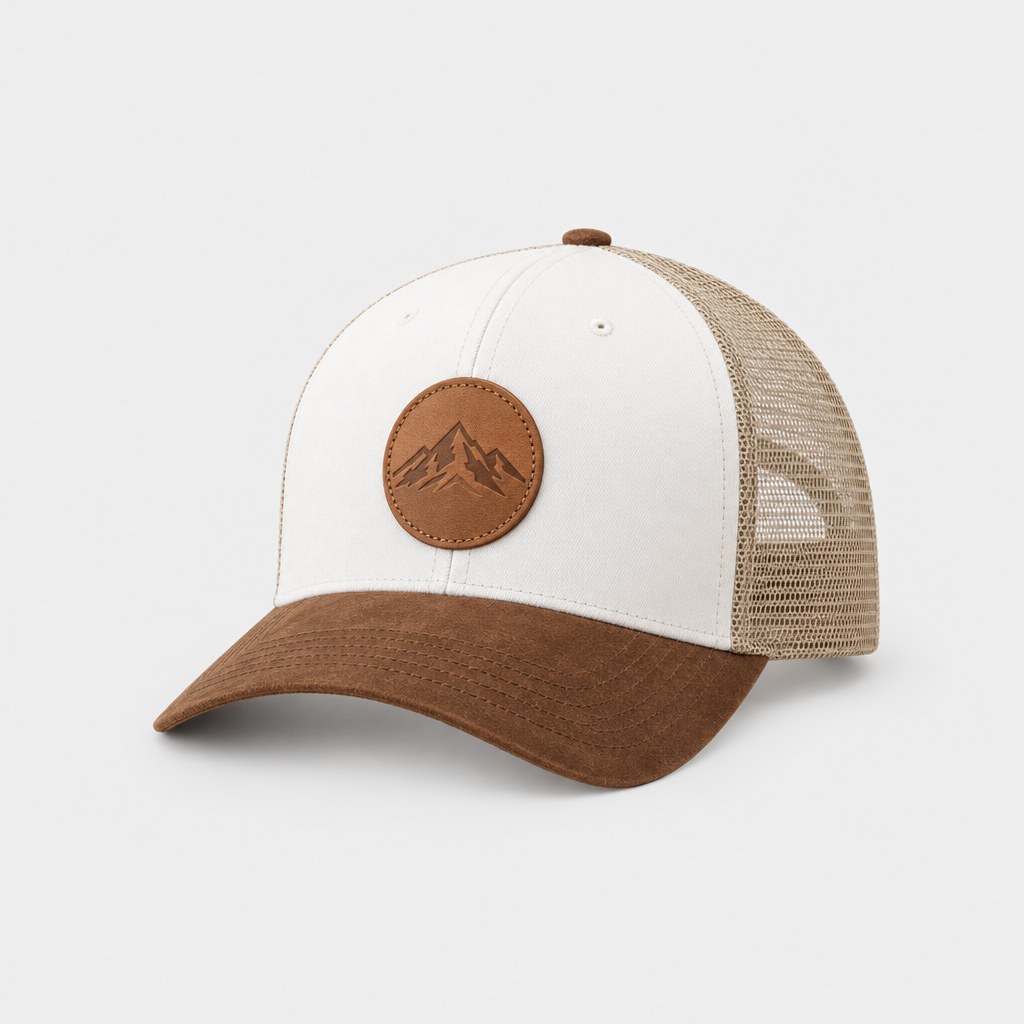
Every design you make can be printed on demand and shipped to your door — no minimum order.
Frequently asked questions
How do I put my logo on a t-shirt?
Open StokX and tap Upload your logo on the home screen; the logo goes straight onto an oversized tee in 3D. For more control, add it in the Logo Editor first, style it, then tap Put on a shirt. Either way, you can turn the shirt, share it and order it printed from the app.
Is the Logo Editor free?
Yes. The Logo Editor, the automatic background cleanup and Put on a shirt are all free. Some 3D garments are free and the rest are marked Pro, and photo exports from the 3D editor carry a small watermark unless you have StokX Pro, from $5.99 a week or $39.99 a year on the US App Store. Prints are paid per order.
What is a logo mockup?
A logo mockup shows your logo on a real product, so you can judge size, placement and color before anything is made. StokX works as a free logo mockup generator that builds it on a 3D garment with real light and cloth physics rather than a flat photo, so you can turn the shirt and check every side.
Can I use a JPG logo with a white background?
Yes. Add the JPG as it is. A flat background behind the logo, such as white or one solid color, is removed automatically on your phone, which saves you the usual logo cleanup. If a few specks are left inside letters or between shapes, the eraser takes them out.
Can I put my logo on a hoodie or a hat?
Yes. The 3D catalog includes hoodies, hats and other garments, with some free and the rest marked Pro. For a printed piece, the shop puts your logo on hoodies, trucker hats, tote bags, mugs and more, with no minimum order. You can also upload the logo in the web shop at stokx.online/shop.
Can I share the mockup with a client?
Yes. Share it as an interactive 3D link (stokx.online/3d/…) that opens in any browser with no app, so a client or co-founder can spin the shirt themselves. You can also export a photo or a short video from the 3D editor, or embed the 3D view on a website with an iframe.
Where can I use the Logo Editor?
In your browser at stokx.online/logo-editor, and in the StokX app on iPhone, iPad and Android. On the web, add your logo (a flat background is removed for you), add text, filters and layers, then download a transparent PNG or tap Put on a shirt to order it printed. The 3D shirt view is in the app.



Your brand, ready to sell
Logo Editor and every other StokX tool, free to download on iPhone and Android.