3D mockupsFree
T-shirt mockups in 3D, front and back from one model
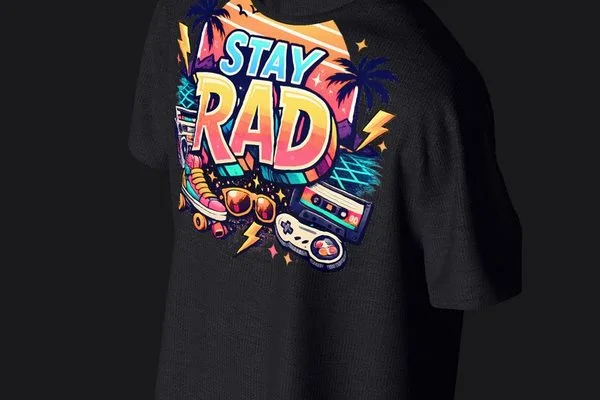
Add your design and the t-shirt mockup generator prints it on a 3D tee you can turn, recolor and light. One model gives you the front, the back and every angle between, in black, white or any color. No Photoshop, no PSD files, and the app is free.
Free app · Pro for every garment and no watermark
How to make a t-shirt mockup
- 01
Pick your tee
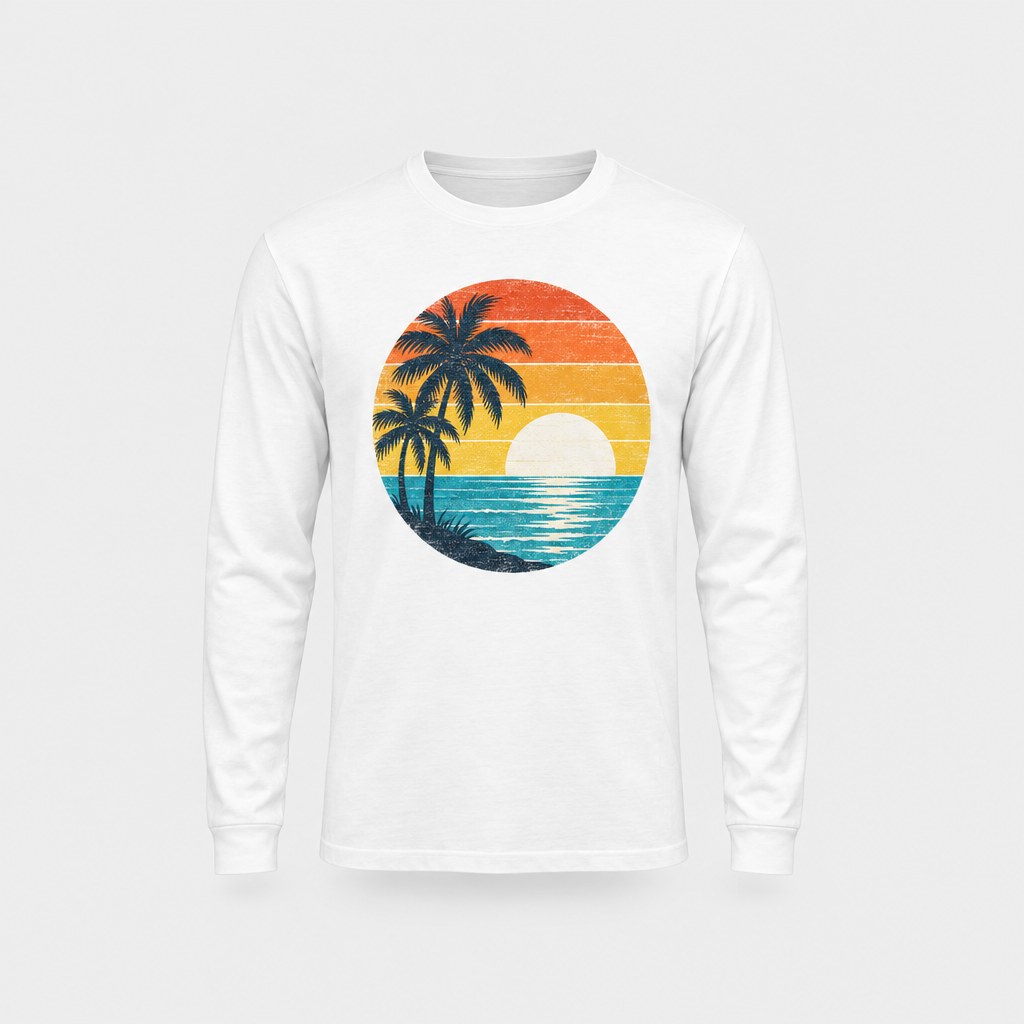
Choose the Oversized T-Shirt, the Women's T-Shirt or the Long Sleeve T-Shirt, or a hanger scene for a tee shown hanging. Or tap Upload your logo on the home screen to start on the oversized tee.
- 02
Place your design
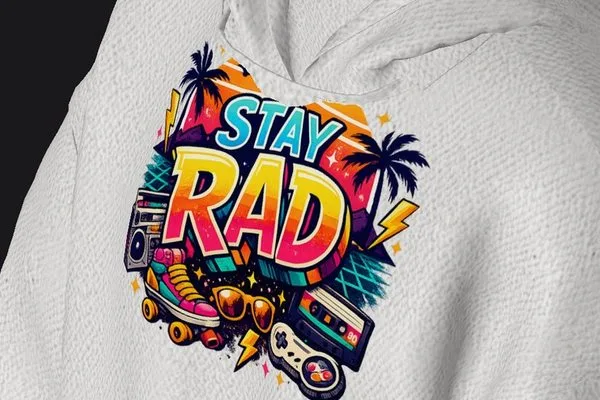
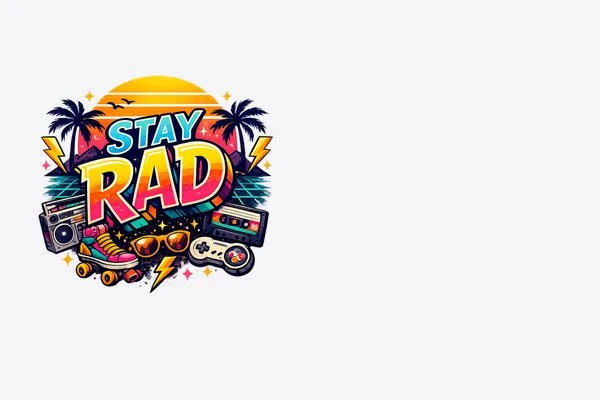
Add a photo or PNG of your artwork; the Logo Editor removes a plain background for you. Drag it onto the chest or the back, then pinch to size it and twist to rotate.
- 03
Turn it and save
Set the tee color, the background and the light, then turn the shirt to the front, the back or a side and save a photo of each. Record a video or share a 3D link too.
A t-shirt mockup generator built on 3D, not PSDs
Front and back from one model
A PSD gives you one view per file. The 3D tee turns all the way around, so a front print, a back print and a three-quarter shot all come from the same design, with the print following the fabric.
Black, white or any color
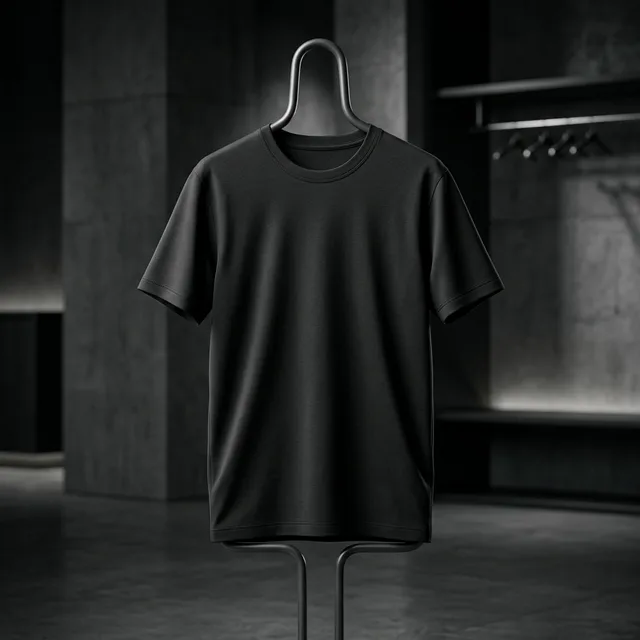
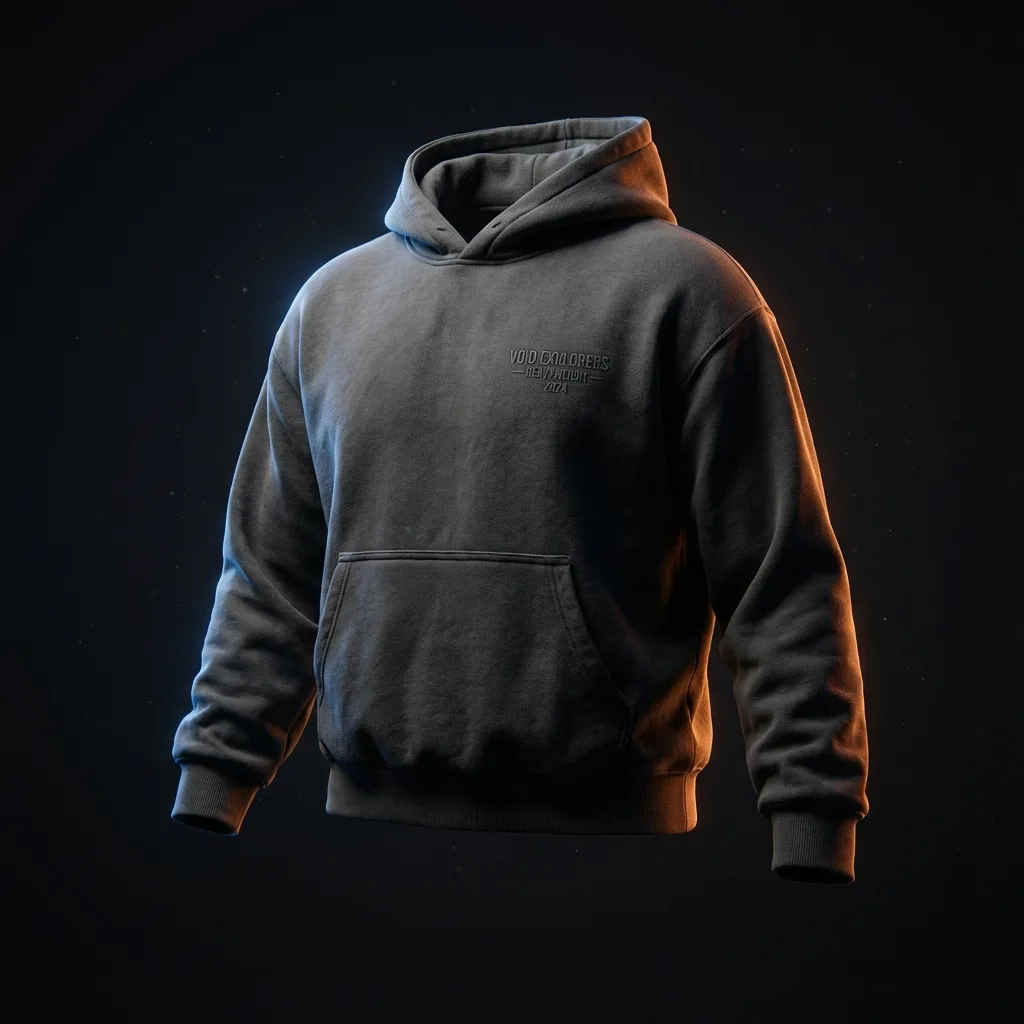
Black and white t-shirt mockups are a tap apart. Change the tee color, then light it to match: a white tee on a dark backdrop, a black tee under a soft side light, or any shade your line comes in.
Oversized, women's and long sleeve
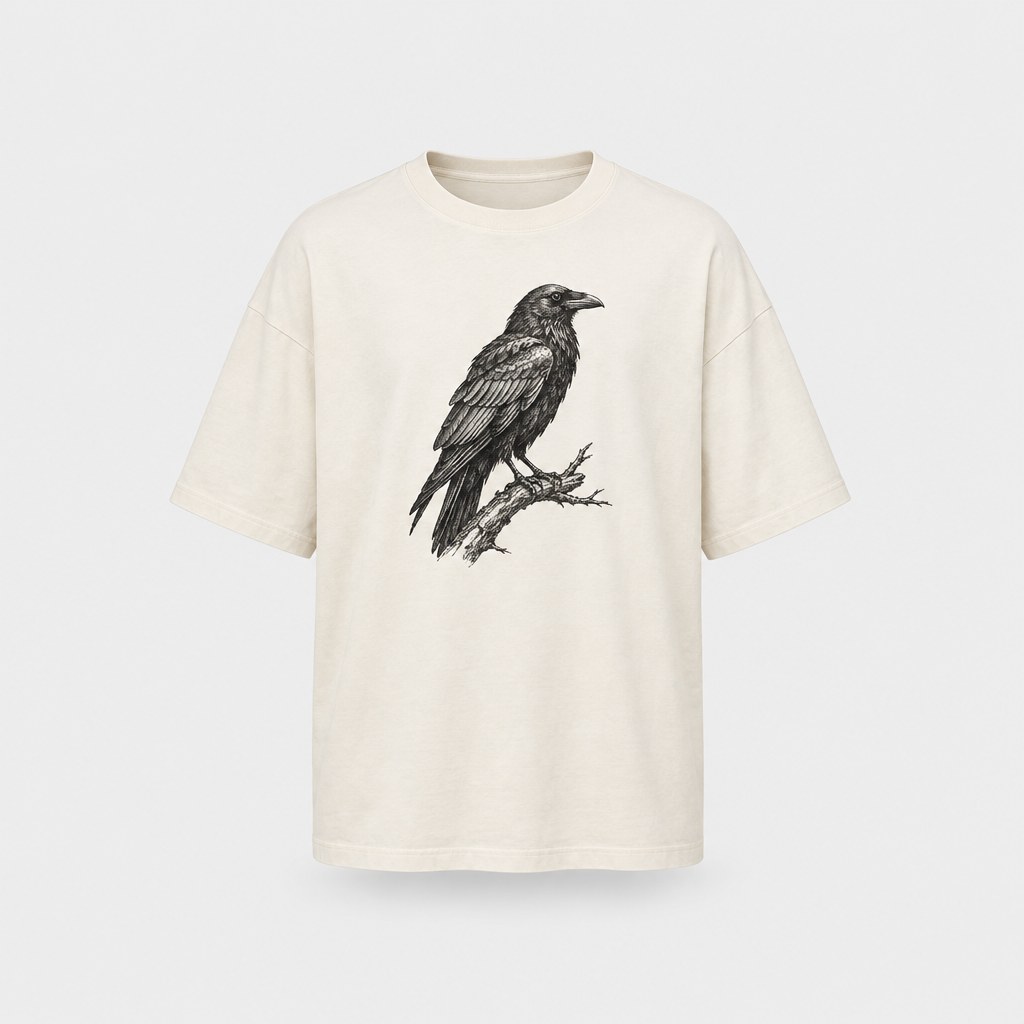
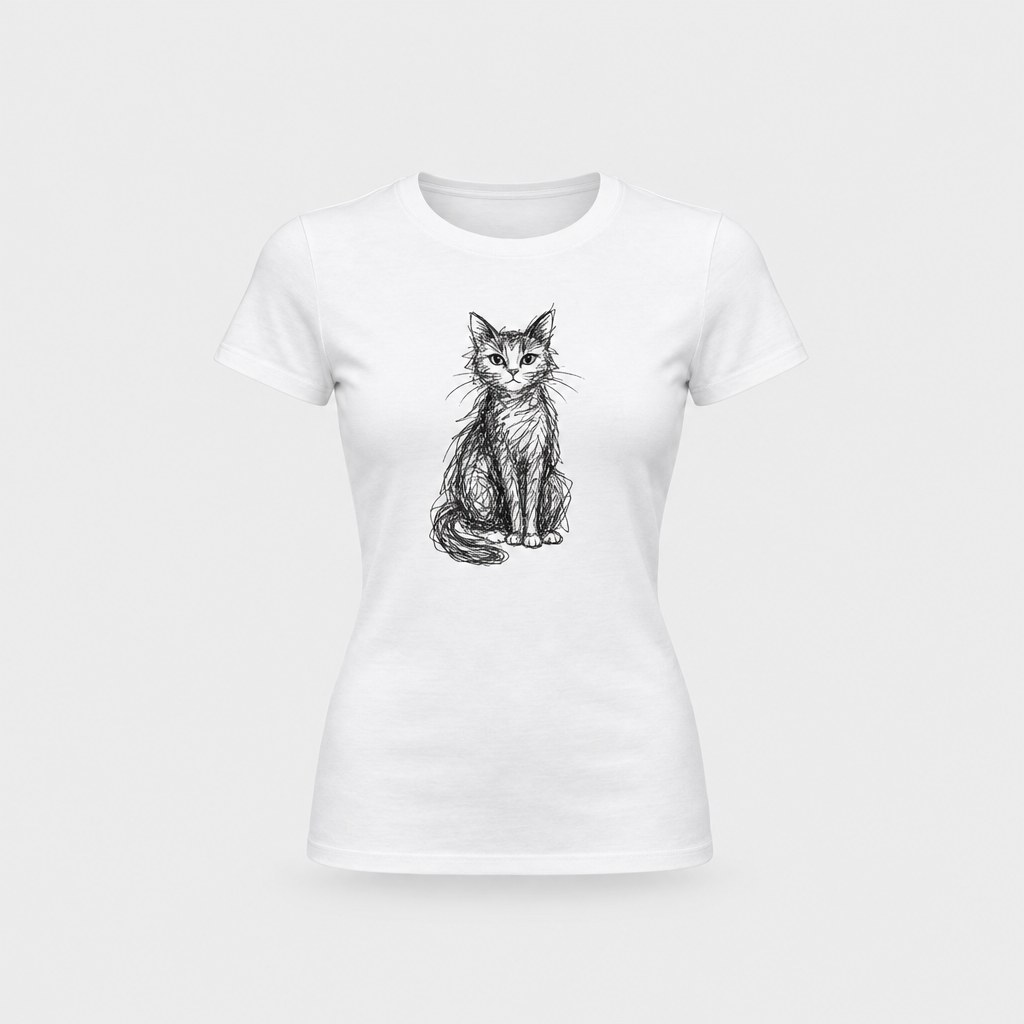
The Oversized T-Shirt is boxy with dropped shoulders, in 6 oz cotton, for big streetwear prints. The Women's T-Shirt is a lighter 4.2 oz crew neck with a relaxed fit. The Long Sleeve T-Shirt is classic 100% cotton with rib cuffs.
Hanging t-shirt mockups
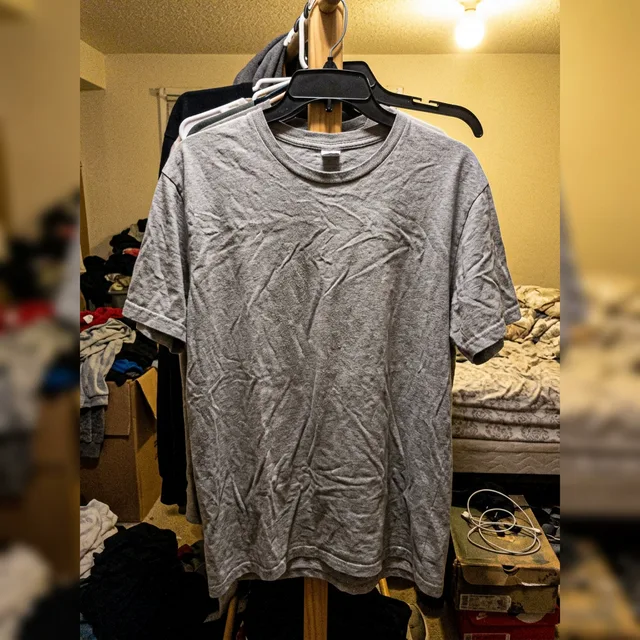
For a clean shop look, use the T-Shirt Hanger or Shirt on Hanger scene. The tee hangs on a hanger the way a store shows it, and your design, color and light work the same way as on any other tee.
StokX vs PSDs and web generators
PSD templates need Photoshop and a file per angle. Browser generators run in a tab but usually warp a flat photo, one view at a time. StokX runs in an app, not a browser, and turns one 3D tee to any angle. Its free exports carry a small watermark too.
Print the real shirt
When the mockup looks right, tap Print to order the tee itself. Order one, with no minimum. Printing is included in the price, and shipping to 22 countries is shown at checkout before you pay.
Made for
- Etsy and Shopify listings
- Band and event merch
- Streetwear drops
- Merch by Amazon and Redbubble uploads
- Checking a print before you order
Then put it on real clothes
Every design you make can be printed on demand and shipped to your door — no minimum order.
Frequently asked questions
Is this t-shirt mockup generator free?
Yes, the StokX app is free to download, and some garments are free to use; the rest are marked Pro. Free photo exports carry a small watermark. Pro removes it, exports in 4K and opens every garment in the catalogue. On the US App Store Pro costs $5.99 a week, $6.99 a month or $39.99 a year, and prices vary by country.
How do I make a free t-shirt mockup without Photoshop?
Install StokX, pick a tee in the 3D catalogue and add your design from your photos. Place it on the chest or the back, set the color and the light, and save. There are no PSD files or smart objects to edit, and nothing to install on a computer, because the whole mockup is made on your phone.
Can I make front and back t-shirt mockups?
Yes. The tee is a 3D model, so you place one design on the front and another on the back, then turn the shirt and save each view. Flat templates need a separate file for each side; here one design gives you the front, the back, the sides and three-quarter angles.
Can I make black and white t-shirt mockups?
Yes, and any other color. Open Colors and pick the shade, then choose a background and a light that suit it. A black tee usually needs a lighter backdrop or a strong side light so the fabric still shows; a white tee looks clean on a dark one.
Is there an oversized or women's t-shirt mockup?
Yes, both. For an oversized t-shirt mockup, use the Oversized T-Shirt: boxy with dropped shoulders, in 6 oz combed ring-spun cotton, with room for a big print on the front or back. For a women's t-shirt mockup, the Women's T-Shirt is a relaxed crew neck in lighter 4.2 oz cotton, roomier than a fitted tee but not oversized. Both are sold printed in the StokX shop.
Can I show the t-shirt on a hanger?
Yes. Pick the T-Shirt Hanger or Shirt on Hanger scene for a hanging t-shirt mockup: the tee hangs on a hanger, the way it would on a shop rail. Your design goes on the same way, and you can still change the color, the background and the light before you save.
Where does the t-shirt mockup generator work?
In the StokX app on iPhone, iPad (iOS 16 or later) and Android. It isn't a web tool, and this website doesn't make mockups. The site does open the 3D links you share, so a client or a customer can turn your t-shirt in any browser without installing the app.
Can I use these mockups for print-on-demand listings?
Yes. Export photos for Etsy, Shopify, Redbubble or Merch by Amazon, or a video for social. With Pro the photos have no watermark and export in 4K. You can also order the tee printed by StokX, one at a time with no minimum, and shipped to you or your customer in 22 countries.
Your brand, ready to sell
T-Shirt Mockup and every other StokX tool, free to download on iPhone and Android.