Create with AIPay with coins
Image to video AI that shows your clothes in motion
Image to video in StokX turns one picture into a short clip with sound. Add a photo of your design or product, write a line about how it should move, and get a 5- or 10-second video for ads, listings and posts. Make it online on this page with web Pro, or in the StokX app.
Here with web Pro · in the app: 150 coins for 5 s, 280 for 10 s
Try AI Video here
Add one photo, say how it should move, and get a 5 or 10 second clip with sound.
Your photo
Length
Up to 3 videos a day with web Pro. Videos take 1–3 minutes; you can stay on this page while it works.
How to turn an image to video
- 01
Pick a picture
Open AI Video in the StokX app and add one image: a product photo, a shot from an AI photoshoot or a render of your 3D design. One picture is all it needs.
- 02
Describe the motion
Write one line about what should happen, like 'the model turns to the camera and the hoodie sways', or start from a ready-made motion template. Then choose 5 or 10 seconds.
- 03
Get your MP4
Generate the clip. Five seconds cost 150 coins and ten seconds cost 280, and the coins are refunded if it fails. You get an MP4 ready for ads, Stories and product pages.
AI product video from a single photo
One picture in, video out
No filming, no camera moves to plan, no editing timeline. AI image to video needs one picture and a short description to make a clip, so the product photos you already have can become video.
Motion templates to start from
Not sure what to write? Pick one of the ready-made motion templates instead of writing a prompt from scratch. It's the quickest way to get a first video of a new piece.
5 or 10 seconds, as MP4
Choose 5 seconds for a short, punchy clip, or 10 when the motion needs room to play out. Both come out as MP4, a format social apps, ad platforms and online stores accept.
Built for designs and products
Turn designs into video ads and show your products in motion. Run an AI photoshoot first, then turn one of its four photos into a clip of the model moving in your design.
Failed videos are refunded
A 5-second video is 150 coins and a 10-second one is 280. If a generation fails, the coins go straight back to your balance, so a run that doesn't finish costs you nothing.
Made for
- Video ads for a new drop
- Product pages that move
- Instagram Reels and TikTok
- Etsy and Shopify listing videos
- Teasers before a launch
Then put it on real clothes
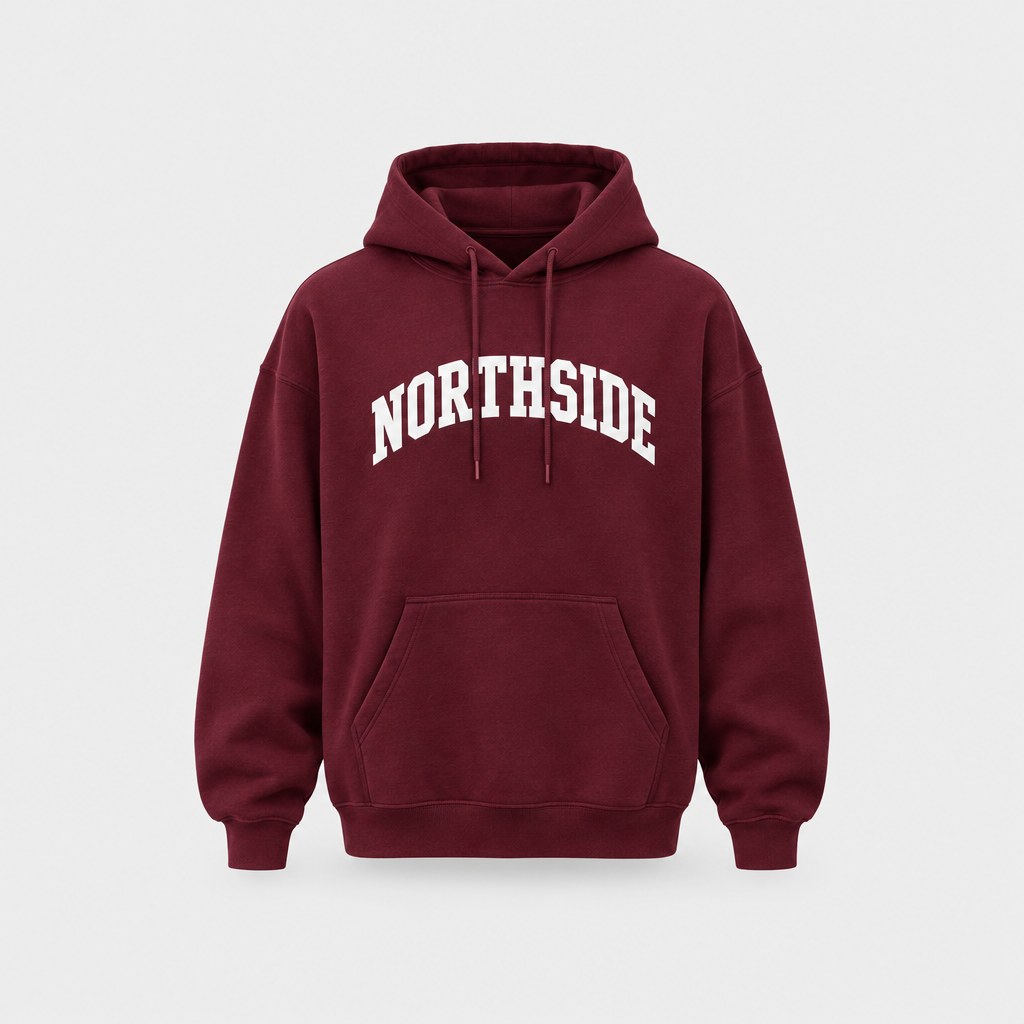
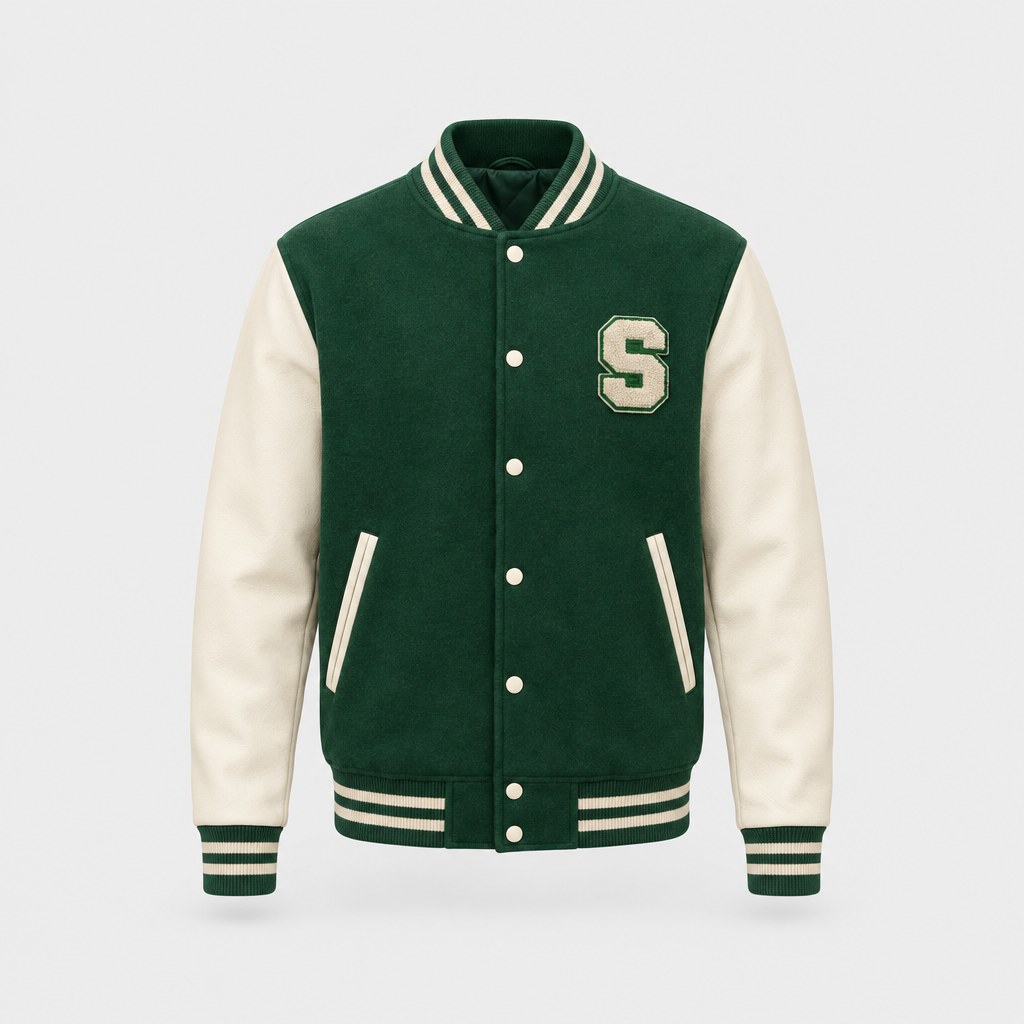
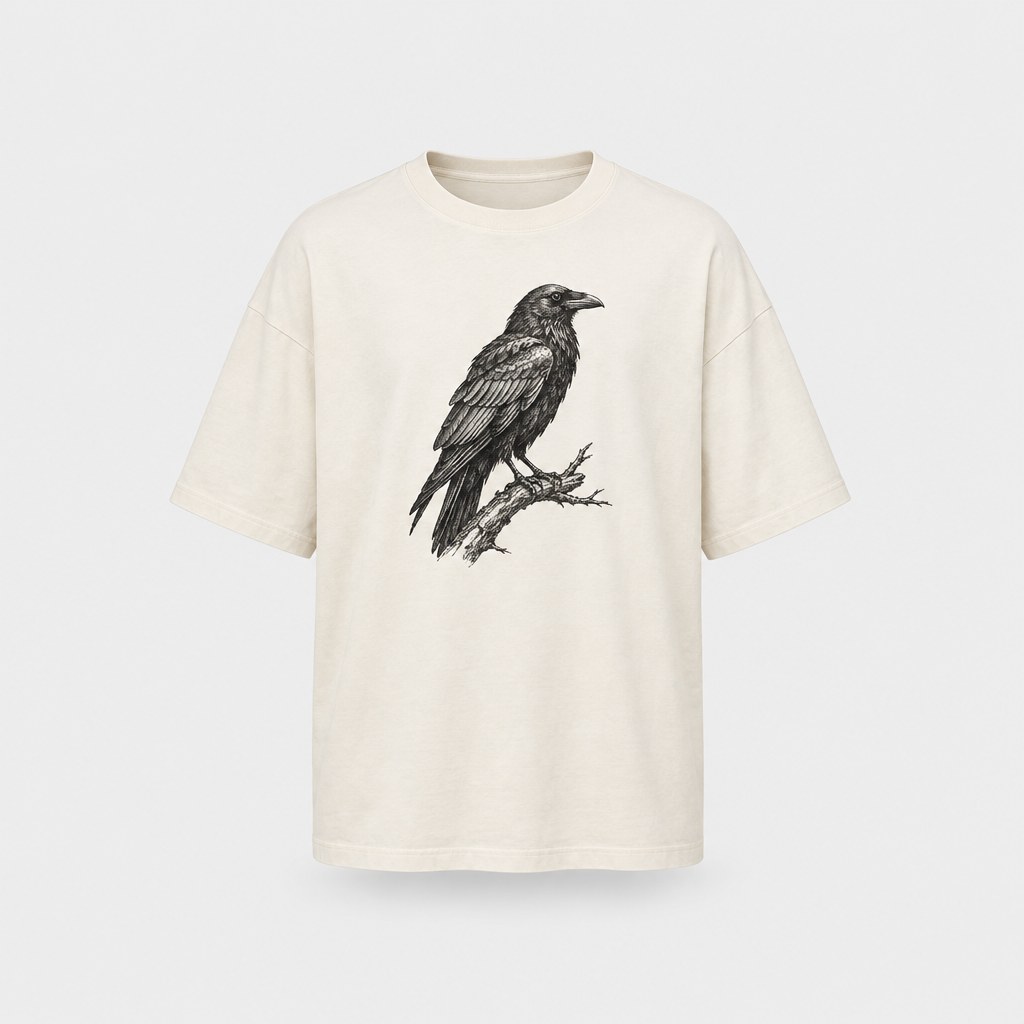
Every design you make can be printed on demand and shipped to your door — no minimum order.
Frequently asked questions
What is image to video?
Image to video is AI that turns a still picture into a short moving clip. In StokX you add one picture and a line describing the motion, or pick a template, and get back a 5- or 10-second MP4. It's made for clothing and products: video ads from photos you already have.
How does image to video AI work in StokX?
You give it one picture and a short description of the movement, or a motion template. The clip is generated by Seedance 2.5, through Higgsfield, and follows what you described: a model turning, fabric moving, the camera drifting. The finished video comes back in the app as an MP4, 5 or 10 seconds long.
How much does an AI video cost?
150 coins for a 5-second video and 280 coins for a 10-second one, refunded if the generation fails. In the US App Store, the 165-coin pack costs $3.99 and covers one 5-second video, and the 940-coin pack costs $8.99 and covers six. Prices vary by country, and StokX Pro subscribers also get coins every month.
Why don't I see AI Video in the app?
If you don't see AI Video yet, update the app; it's rolling out gradually. It's the newest tool in StokX, so some people get it before others. Once it's available to you, it shows up with the other AI tools and uses the same coin balance.
Can I turn a photo to video on the StokX website?
Yes, with web Pro: add one photo on this page, describe the motion and pick 5 or 10 seconds, and the clip is made in a minute or two, with sound. Web Pro includes up to 3 videos a day. AI Video is also in the StokX app for iPhone, iPad and Android, at 150 coins for 5 seconds.
What should I write for the motion?
One plain sentence about what moves and how. For example: the model turns toward the camera, the jacket swings as she walks, or the camera slowly circles the shirt. Stick to one main action per clip. If you'd rather not write anything, start from one of the motion templates.
Can I use it as a product video generator?
Yes, that's what it's built for. Feed it a product photo, a 3D render of your design or a shot from an AI photoshoot, and it works as a picture to video AI for ads, product pages, Reels, TikToks and Stories. The MP4 uploads anywhere video does.

Your brand, ready to sell
AI Video and every other StokX tool, free to download on iPhone and Android.