Create with AIPro
Turn an idea into a shirt with the AI t-shirt design generator
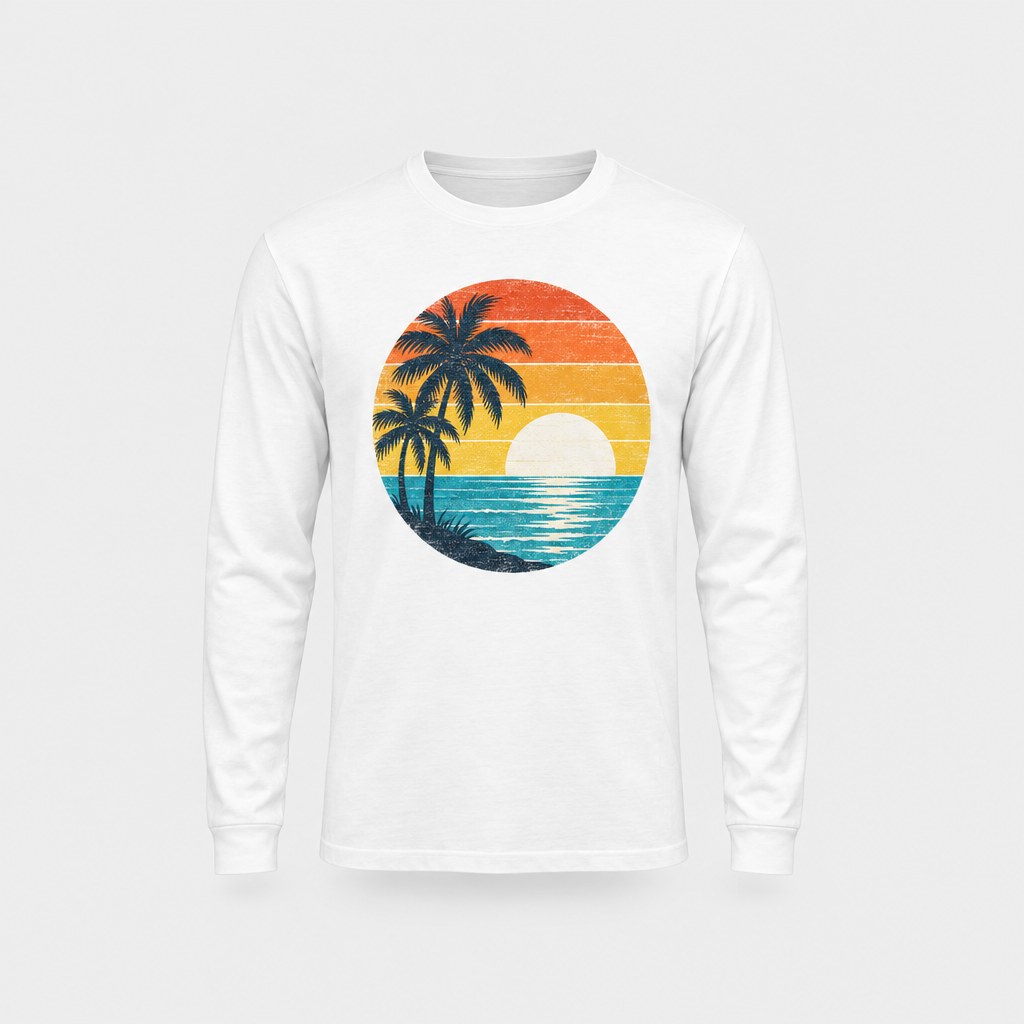
The AI t-shirt design generator in StokX turns a description into print-ready artwork. Describe the print you want, add your brand name if it needs one, and get a clean design on a flat background. Use it online with web Pro and put it on a shirt in the shop, or in the StokX app, where it opens on a 3D garment.
Here with web Pro · in the app: 1 free design, then Pro
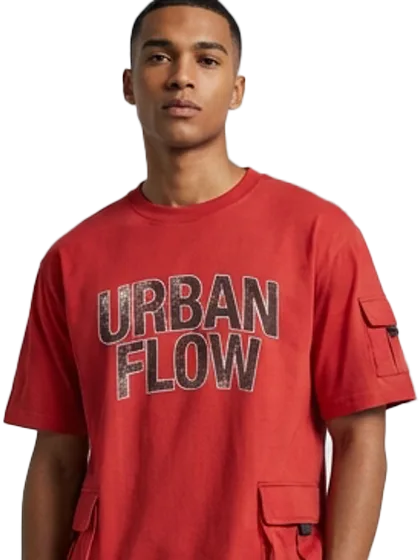
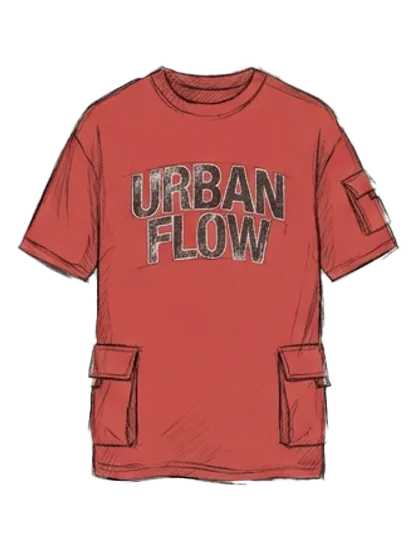
Try AI Design Generator here
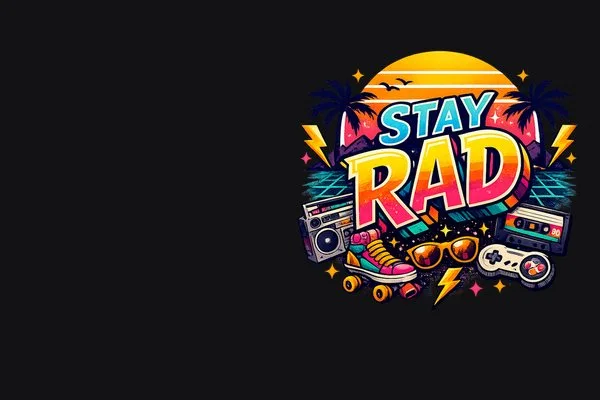
Describe a t-shirt design and get print-ready artwork.
One picture per click.
How to use the t-shirt design generator
- 01
Choose the garment
Open AI Design Generator in the StokX app and pick what you're designing for, such as a t-shirt or a hoodie. Choose it first: the design is made for that garment.
- 02
Describe the design
Write what you want on it in plain words: the text, the style, the colors, the mood. For example, 'distressed URBAN FLOW lettering in black on a red tee'.
- 03
See it in 3D
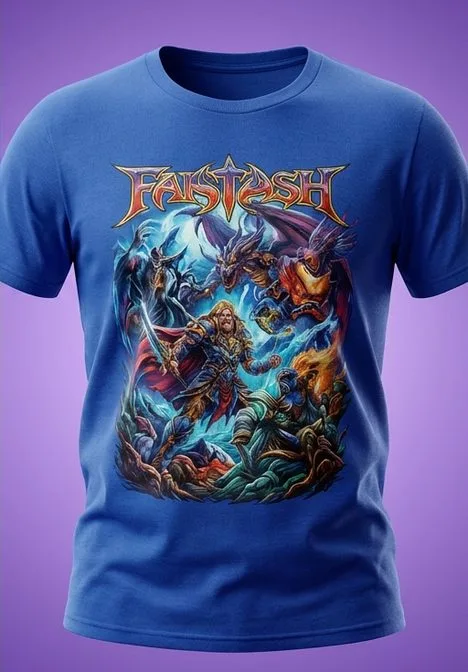
The AI makes the design and opens it on your garment in the 3D editor. Turn it to any angle, change the colors or the light, then export it or order it printed.
AI t-shirt design, straight onto a 3D garment
Garment first, design second
You pick the garment before you describe anything, so the result opens on the piece you'll actually make. You see it on the shirt right away, not as a flat image you still have to place.
From a sentence to a print
Describe the design the way you'd brief a designer: the words, the style, the colors. The AI turns that into artwork and puts it on the garment, ready to judge in 3D.
Fabric textures, too
Want camo, a knit or a washed denim look? Describe the fabric, or photograph a real one, and the generator makes a fabric texture for the garment. Custom fabrics from your photos are part of Pro.
Keep editing in 3D
The result is a regular StokX design. Recolor the garment, change the light, add an animation or refine it with Magic Edit, then share it as a 3D link that opens in any browser.
Try one design free
Every install gets one free design, so you can see what the AI t-shirt generator does with your idea before deciding on StokX Pro. After that, the generator is part of Pro.
Print what you make
Order the design printed on a real garment, with no minimum and shipping to 22 countries. Prices include printing, and the shipping cost is shown at checkout before you pay.
Made for
- First designs for a new brand
- Merch for events and teams
- Print-on-demand shops
- Testing ideas before a drop
- Custom fabric looks
Then put it on real clothes
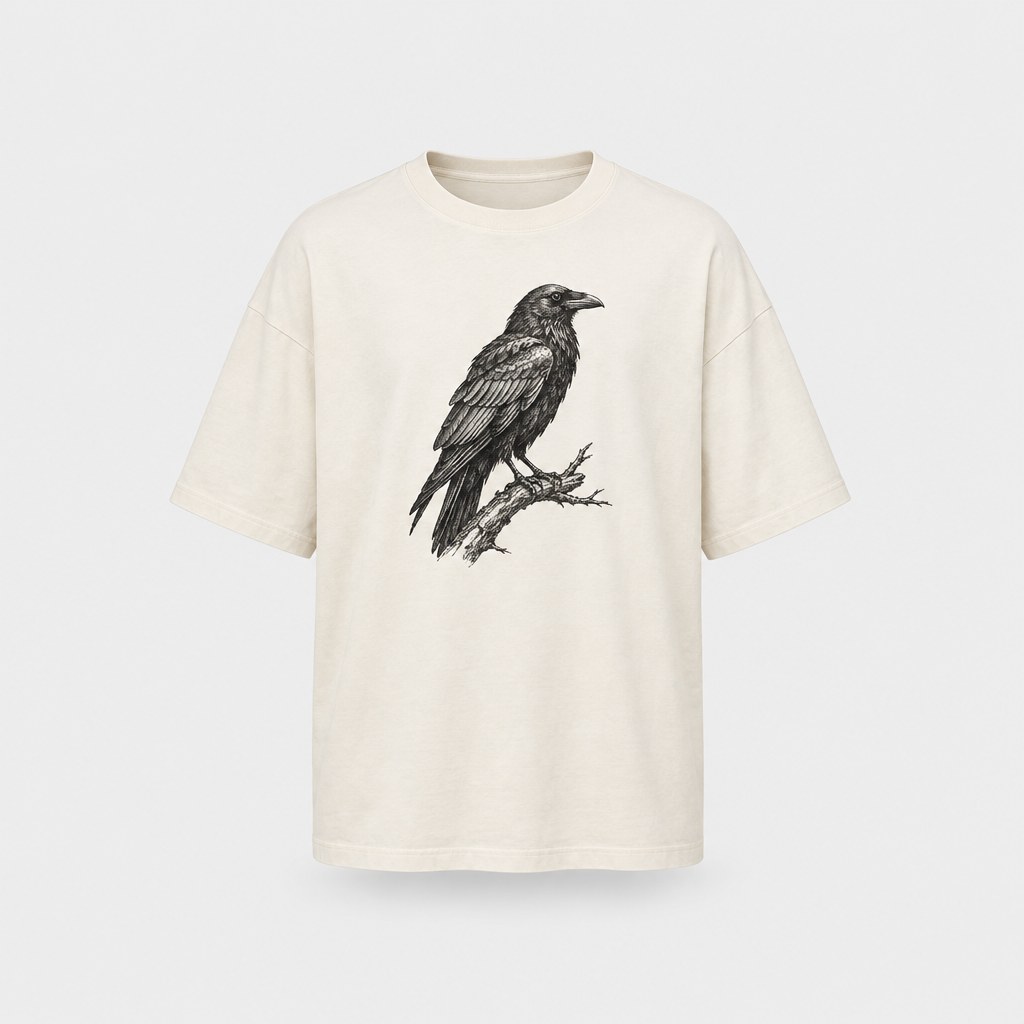
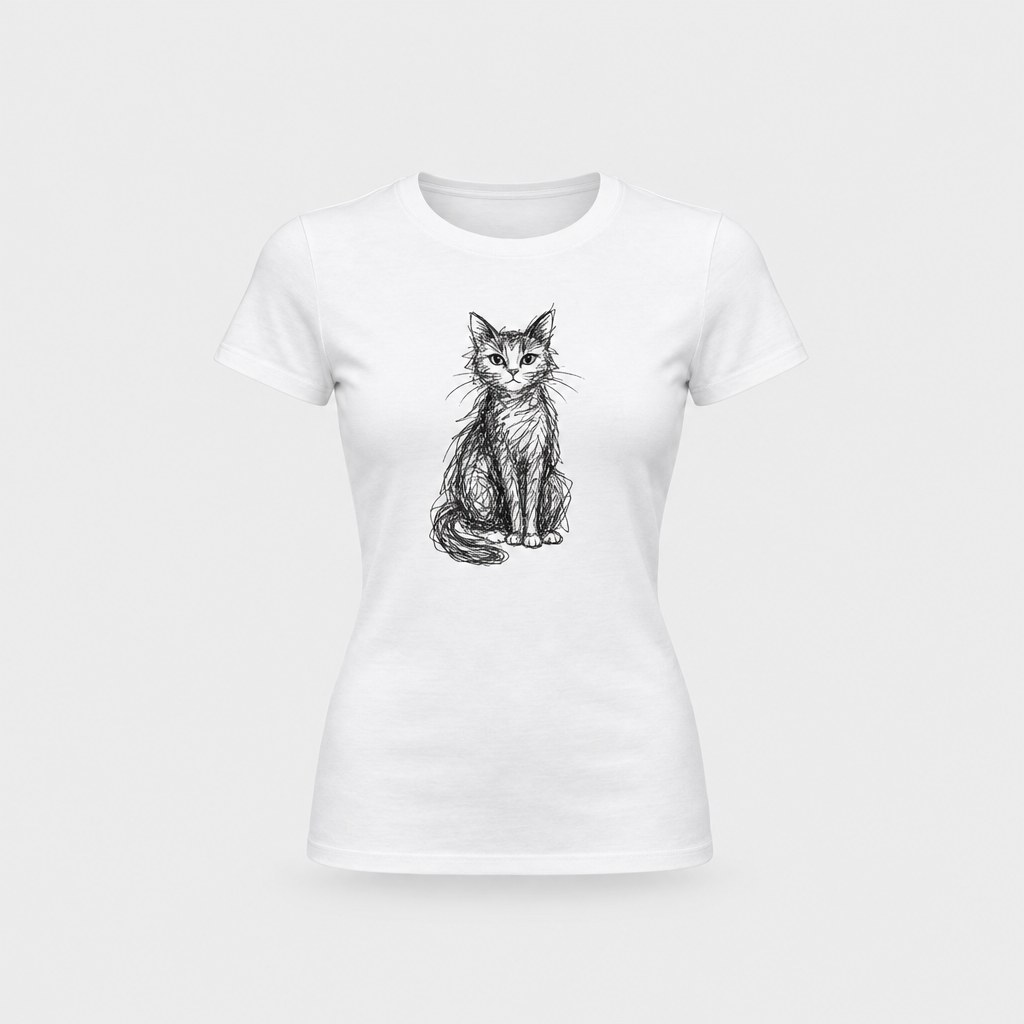
Every design you make can be printed on demand and shipped to your door — no minimum order.
Frequently asked questions
What is a t-shirt design generator?
A t-shirt design generator is an AI tool that turns a written description into artwork for a shirt. The one in StokX goes a step further: you pick the garment first, and the design opens on it in 3D, so you see the finished piece instead of a flat image you'd still have to mock up.
Is the AI t-shirt design generator free?
Your first design is free: every install gets one. After that, the generator is part of StokX Pro, which costs $5.99 a week, $6.99 a month or $39.99 a year in the US App Store. Prices vary by country. Pro also removes the export watermark and adds 4K exports.
How does the AI shirt design generator work?
You choose a garment, write what you want on it, and the AI creates the design and places it on that garment in the 3D editor. From there it's an ordinary StokX design. You can turn it, recolor it, change the light, export it as a photo or video, or order it printed.
Can it make fabric patterns?
Yes. Besides prints, the generator can make a fabric texture from a description, like 'faded olive camo', or from a photo of a real fabric. You then see the garment in that material in 3D. It's a quick way to try a pattern on a full piece before you commit to it.
What should I type for the best results?
Be specific about the words, the style, the colors and the mood. 'Distressed black URBAN FLOW lettering in a heavy font' gives the AI far more to work with than 'a cool streetwear shirt'. If the first result is close but not right, change one detail in the description and try again.
Where can I use the shirt design generator?
On this page with web Pro: describe the design and get print-ready artwork in your browser, then put it on a shirt in the shop. In the StokX app on iPhone, iPad (iOS 16 or later) and Android, the design also opens on a 3D garment; there it's 1 free design, then Pro.
Can I get my design printed?
Yes. Any design can be printed and shipped, with no minimum order, to 22 countries. You pay by card at a secure checkout, see the shipping price before you pay, and can follow the order at stokx.online/orders. Prices include printing, so the total is clear up front.
Your brand, ready to sell
AI Design Generator and every other StokX tool, free to download on iPhone and Android.